
Perfect CV Kit: U.S. Resume, Cover Letter & Interview Prep
2,00 $
Preview two résumé pages in a free Word file with partial screenshots. Get the complete editable U.S. résumé, matching cover letter, job-match worksheet, interview prep and checklists in Pro for $2.
- AI-friendly. Give a file-capable AI agent a copy and your source material. Ask it to fill the labeled inputs and check the result before using it.
Free downloads vary by product. See the description below for exactly what is included, or get the complete Pro version.
Get the complete, ready-to-use version with all features — for the price of a cup of coffee
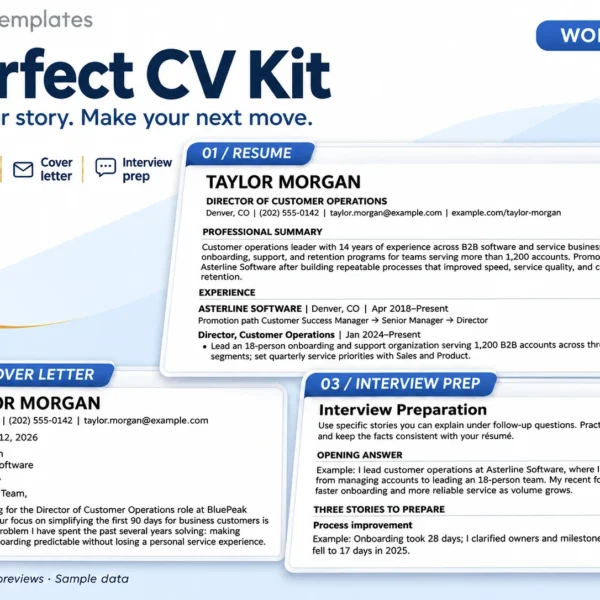
A complete U.S. résumé example you can make your own
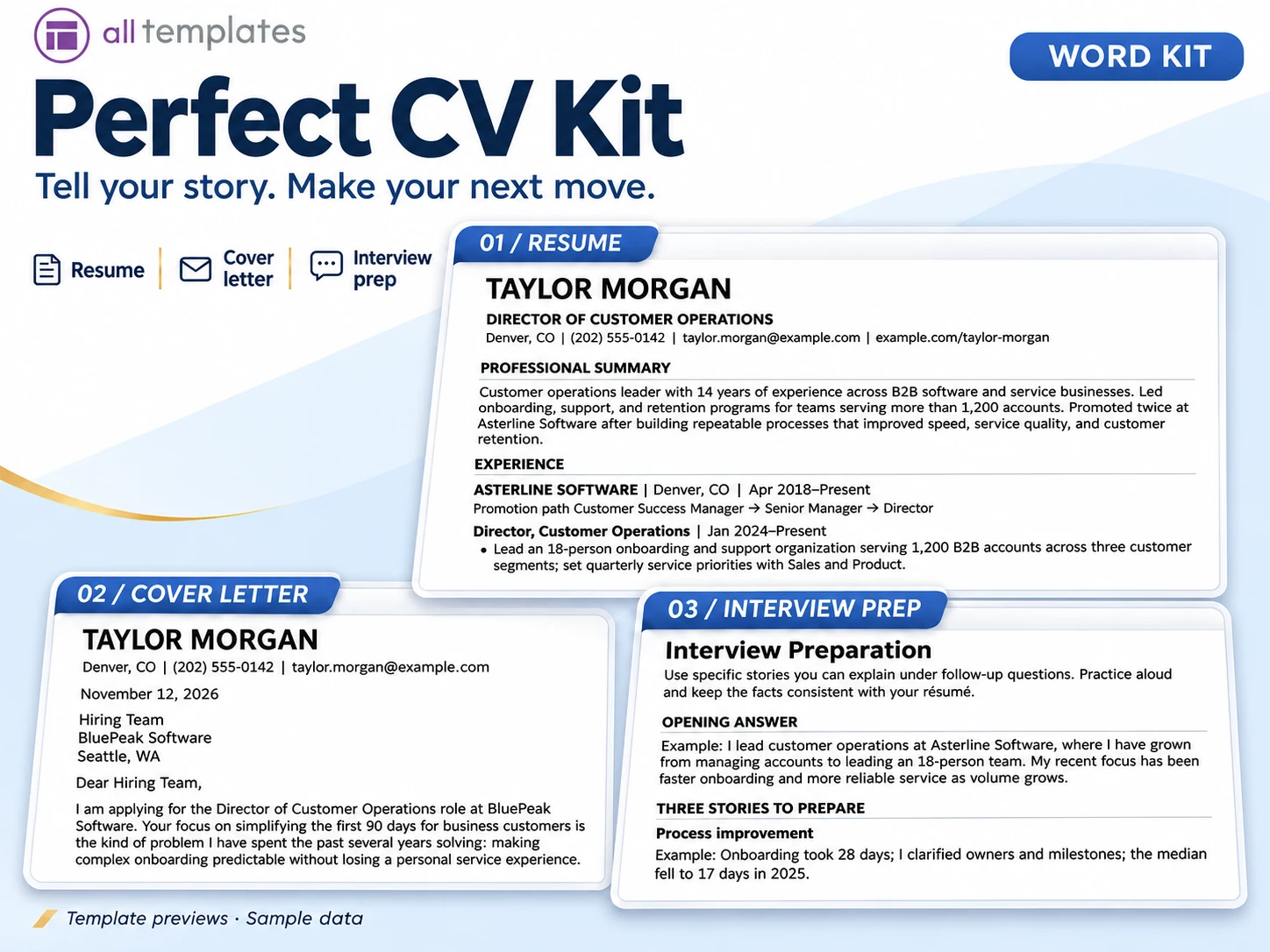
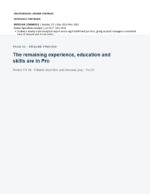
See how a focused two-page résumé can present 14 years of relevant experience. The fictional applicant, Taylor Morgan, progresses through three roles at one employer, with separate dates and results for each promotion. The design uses one column, clear headings, restrained dividers, concise bullets, and no photograph.
Try the free preview
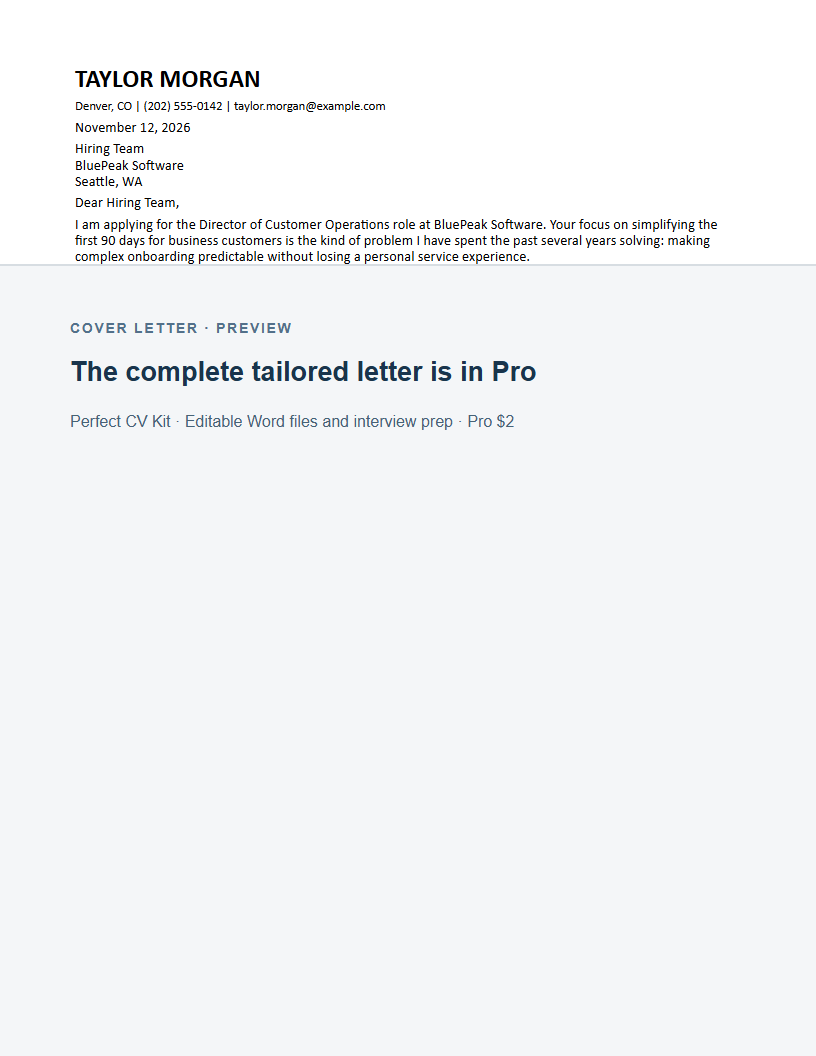
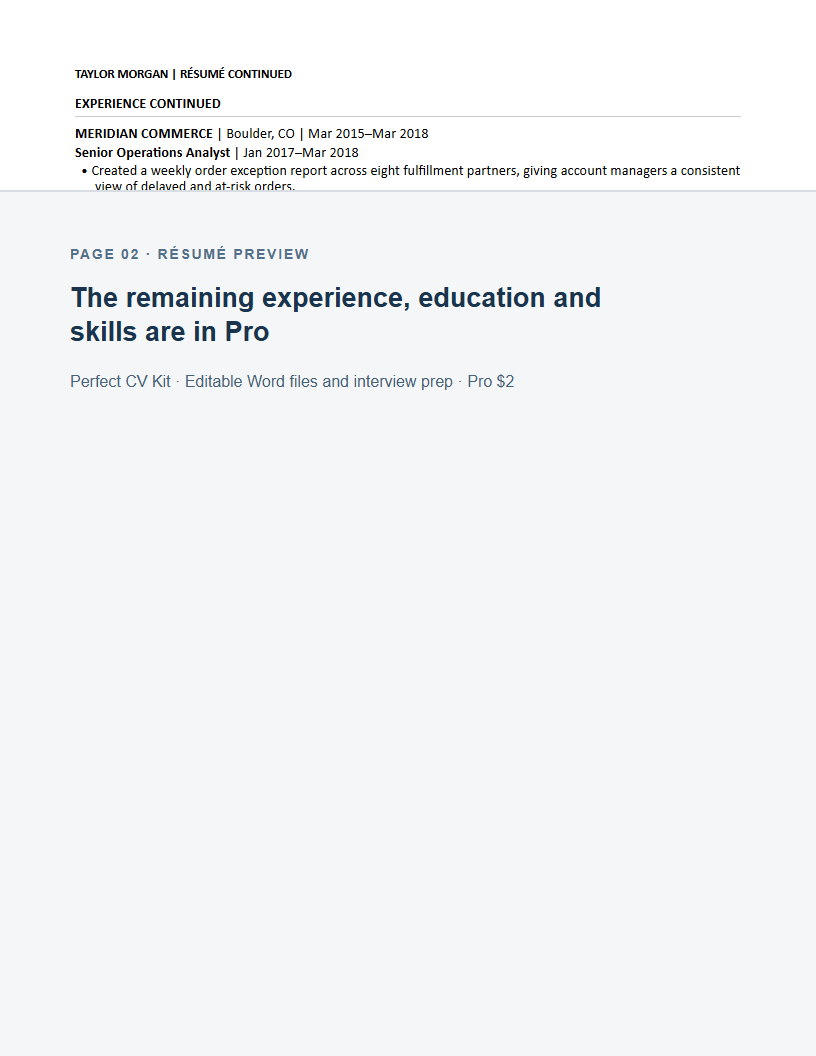
The free two-page Word file shows partial image excerpts from both résumé pages. It lists everything in Pro and links back to this page. The screenshots are not editable and do not reveal the complete résumé.
Get the Pro kit for $2
- Two-page editable résumé (.docx): complete fictional experience, promotions, quantified achievements, education, skills, and languages.
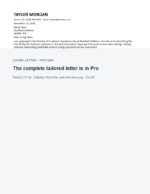
- Matching cover letter (.docx): a tailored sample that explains fit and connects evidence to a role.
- All-in-one Word workbook (.docx): the résumé and letter plus a job-match worksheet, interview stories and questions, application checklists, and a thank-you email example.
- Separate résumé and letter files: edit and export only the documents an employer requests.
- Quick-start guide: what to replace and how to use the files.
How to use it
- Replace every fictional name, employer, date, qualification, tool, language, and result with your own verified information.
- Keep the most relevant work near the top and shorten the résumé to one page if your history does not justify two.
- Use the job-match worksheet to tailor the résumé and letter to a specific vacancy.
- Prepare interview examples, check your export, and send only the finished résumé and requested letter.
Use cases
The free file is a partial layout preview. The editable résumé, cover letter and preparation worksheets described below are in the Pro kit.
- Experienced professional résumé: use the two-page Word example to organize a substantial work history, selected achievements and relevant skills. Replace the fictional career with your own evidence and shorten the document when two pages are unnecessary.
- Promotions at one company: show several roles under the same employer with separate dates, responsibilities and results, so career progression is clear to a recruiter.
- Job-specific résumé and cover letter: use the job-match worksheet to compare a vacancy with your actual experience, then edit both documents to emphasize the strongest relevant examples.
- Simple résumé layout for online applications: start from a single-column Word design with clear headings and no photograph, then check the exported file against the employer’s instructions. No layout can guarantee an applicant-tracking result.
- Interview preparation: turn verified achievements into concise interview stories, prepare questions for the employer and use the application checklist before submitting.
- Post-interview follow-up: adapt the included thank-you email example to the conversation and role instead of sending a generic message.
Format and fit
Microsoft Word (.docx) files in a ZIP. The example is for an experienced non-academic U.S. job applicant; it is not an academic CV. Pro is a one-time $2 purchase. No template can guarantee an applicant-tracking result, so follow each employer’s file and formatting instructions.
All names, employers, roles, and figures in the example are fictional. Public images are partial layout previews.
Try it with a worked example
Pick one job posting and rewrite a responsibility as an evidenced result. If your records show a report fell from five hours to three, name the change you made and the time saved. Check the exported résumé for line breaks and readable contact details.
All you need to know about writing a U.S. résumé
Read the job posting first. Identify the skills, responsibilities and evidence the role calls for.
Build the foundation
- Read the job posting first. Identify the skills, responsibilities and evidence the role calls for.
- Tailor the top third. Make relevant experience and target role easy to spot.
- Write evidence-based bullets. Describe the action, the situation and a measurable or observable result.
- Provide honest attribution. Say what you did personally and identify team outcomes clearly.
- Choose length by relevance. Use a second page when it adds experience the reader needs to evaluate.
Put it into practice
- Keep section names recognizable. Use clear headers for experience, skills, education and certifications.
- Use consistent dates. Include enough detail to explain sequence and distinguish simultaneous roles.
- Keep private details off the résumé. Use professional contact details and omit unnecessary personal identifiers.
- Check the employer’s file instructions. Use the required format and inspect how the file parses or displays when possible.
- Use the cover letter for context. Explain how an accomplishment or career move relates to the role.
Frequently asked questions
When is a two-page U.S. résumé appropriate?
Use two pages when the extra space adds relevant evidence that helps the reader evaluate your fit.
What should go on page two?
Include useful earlier roles, selected projects or qualifications that support the application.
What if I cannot quantify an achievement?
Describe the scope, outcome or observed change using verifiable details.
Should I list every job?
Prioritize relevant experience and give enough context to make your timeline clear.
How do I explain a career gap?
Keep dates accurate and give brief context where it helps. Focus on current readiness for the role.
Should the résumé include a photograph?
For a typical U.S. private-sector application, follow employer instructions and generally omit a photo.
What is the difference between a résumé and a CV?
A U.S. résumé is often a targeted summary. An academic CV typically covers a fuller record of research, teaching and publications.
What should an applicant tracking system be able to read?
Use selectable text, clear headings and standard reading order. Follow the portal’s format requirements.
When should I add a cover letter?
Add it when requested or when it can explain your fit with concrete context.
How do I tailor a résumé without inventing anything?
Choose real experiences that match the posting and describe them in terms the employer recognizes.
Chiara Lombardi –
I like that the resume, cover letter and interview prep come together. Job applications already give me enough little decisions to make, and picking three unrelated formats just adds one more. The example has enough structure that I can imagine where my own experience would go, which is usually the hard part for me.
Keiko Arai –
The resume example is clear and the cover letter fits the same style. Would love a closer look at a second-page layout.
Ángela Pardo –
Simple and readable. It’s nice that the cover letter and interview prep are included too.
Hanna Lindqvist –
Clean layout. The example makes it easy to picture my own CV in it.
Minseo Jang –
Clear CV layout and a cover letter in the same kit. Saves me hunting for a matching one.
Diane N’Diaye –
I like seeing the resume and matching cover letter together. The worked example is the reason this one stood out.