
How to Write a Two-Page U.S. Resume: Experience, Promotions and Results

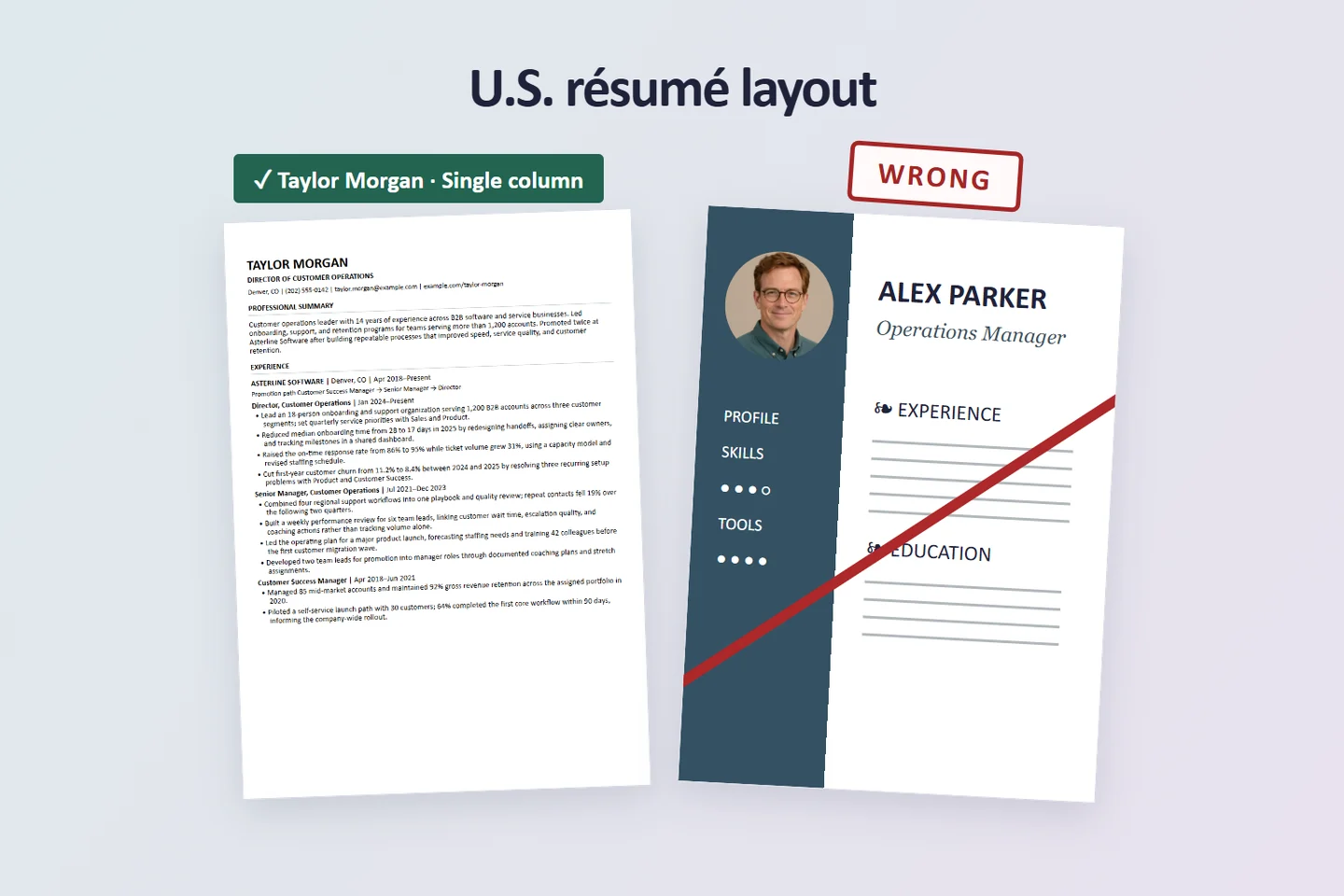
A strong résumé helps a hiring team find the evidence that matters to a role: what you owned, what changed, and how your experience grew. For an experienced applicant, two pages can be useful when both pages carry relevant facts. The Perfect CV Kit uses a fictional U.S. customer-operations leader to show one complete approach. Its free Word preview reveals only short image excerpts; the $2 Pro kit contains the editable résumé, cover letter, job-match worksheet, interview preparation, and checklists.
When two pages make sense
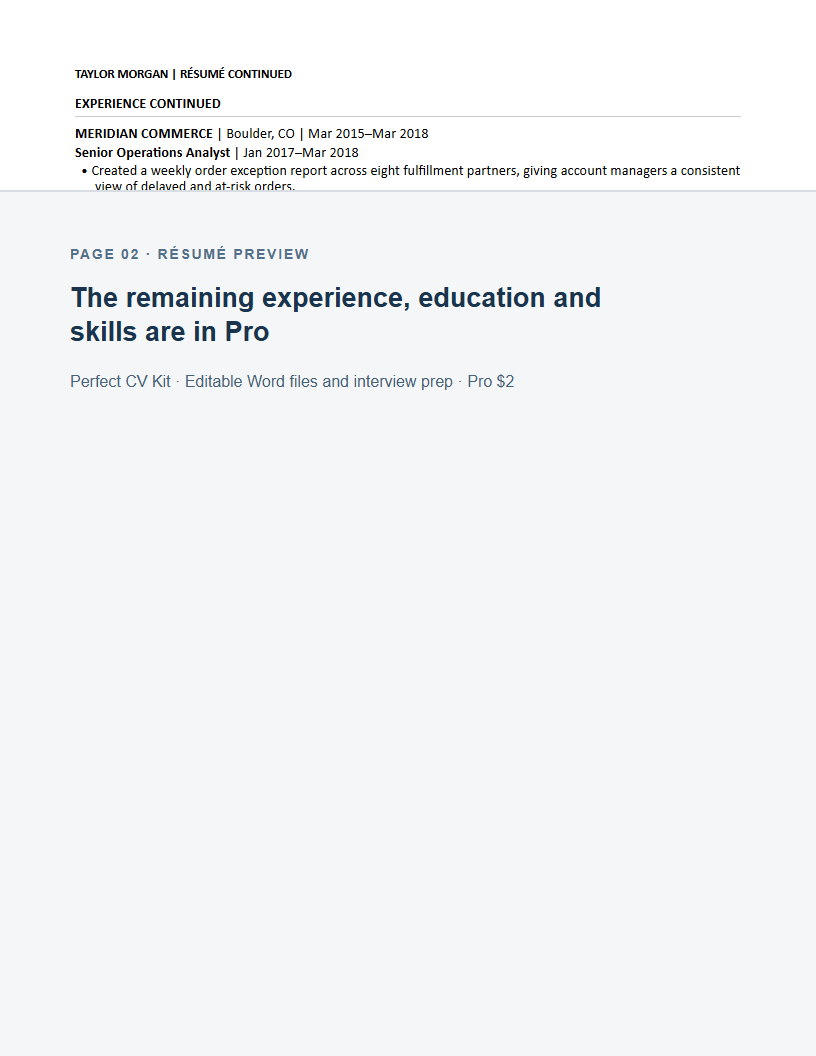
Penn Career Services gives one to two pages as a general range for professionals with more experience. UC Berkeley says a second page should be justified by extensive experience relevant to the job objective. Our fictional applicant, Taylor Morgan, has 14 years of experience, three titles at one software company, and earlier analyst roles. A recent graduate or career changer with less relevant history should usually trim the example to one page.
Put the strongest evidence first
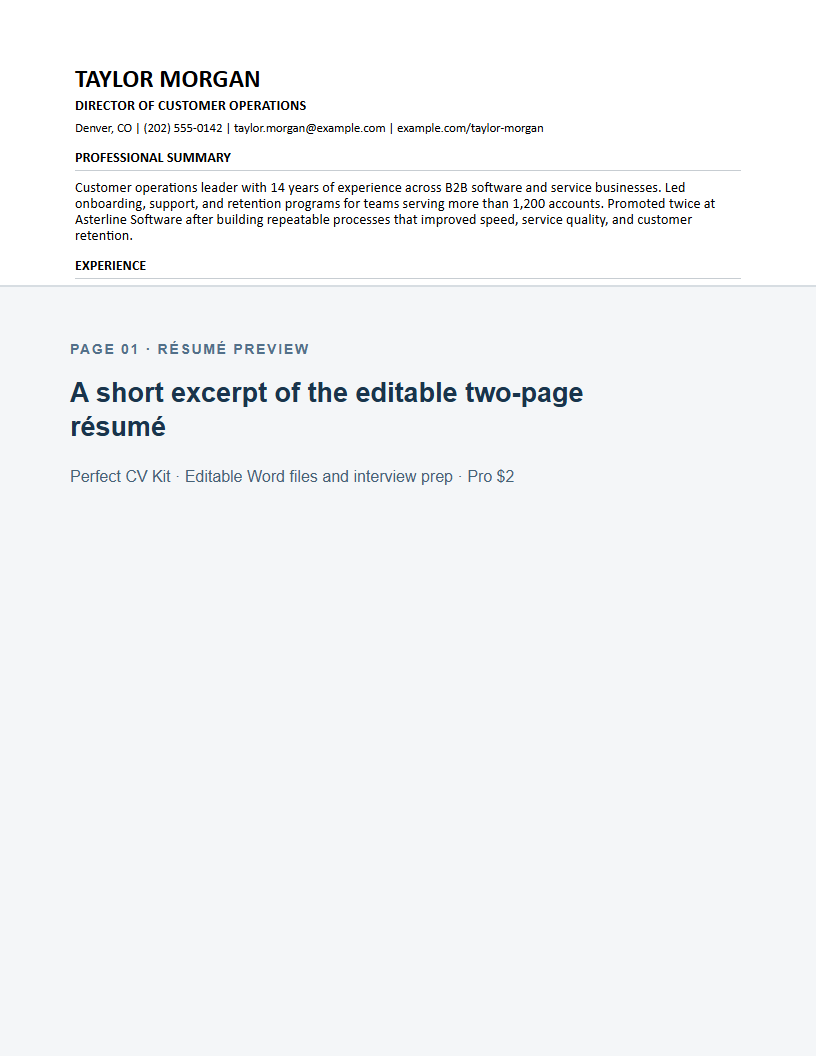
Taylor starts with a short summary and recent experience. Education, skills, and languages come later because this is an experienced applicant; a student may put education higher. The summary names the field, scope, and promotion record, then the work history supplies proof. Avoid broad labels such as “dynamic” and “results-driven” unless a concrete result follows.
| Section | Purpose | Adaptation |
|---|---|---|
| Header | Contact details and professional link | Use current details; omit a photo unless requested. |
| Summary | Specialty and career scope | Write two to four factual lines tied to the vacancy. |
| Recent work | Actions and outcomes | Lead with the strongest relevant achievements. |
| Earlier work | Career context | Keep older roles brief when recent work proves the fit. |
| Skills | Tools and languages | List only what you can demonstrate. |
Show promotions under one employer
When you held multiple roles at the same company, place the employer name once and give each title its own dates and bullets. Taylor’s sample groups Customer Success Manager, Senior Manager, and Director beneath Asterline Software. A short arrow shows the progression, but the separate role labels still make sense if a system strips symbols. The bullets change with scope: first a customer portfolio, then team processes, then organization-wide outcomes. Repeating the same duties under each title would hide the growth.
Use numbers with context
One fictional bullet says onboarding time fell from 28 to 17 days in 2025. That is more useful than “improved onboarding” because it gives a baseline, result, and period. Every real figure should be verifiable. If a precise number is unavailable, describe the concrete change without inventing a metric. Harvard’s résumé guidance recommends active, specific, fact-based writing and results.
| Weak draft | Question | Better structure |
|---|---|---|
| Responsible for onboarding | What process changed? | Changed [process] for [scope], reducing [measure] from [baseline] to [result] in [period]. |
| Managed a team | How many people, doing what? | Led [team size] serving [scope]; introduced [action] and improved [outcome]. |
| Great communicator | What decision followed? | Presented [finding] to [audience], leading to [decision]. |
Keep the layout simple
The example uses one column, standard headings, ordinary bullets, black text, and thin gray rules. It has no photograph, icons, text boxes, or skill bars. Berkeley recommends straightforward formatting for broad compatibility with applicant tracking systems. No template can guarantee a screening result. Follow the employer’s instructions, inspect your Word or PDF export, and paste the text into a plain editor to check its reading order.
Skip headshots, sidebars and decorative graphics for most U.S. applications
For a U.S. employer’s online application, use a single column with familiar headings such as Experience, Education and Skills. Leave out the headshot, ornamental borders, monograms, icons and skill-rating bars. Keep contact information and keywords as selectable text in the main body. A two-column layout can look polished as a PDF and still read in an unexpected order when a recruiting system extracts the text. A portfolio link in the contact line gives design and creative applicants a place to show visual work. Follow the application instructions if an employer explicitly asks for a different format or a separate headshot.
- Replace a visual rating with evidence. Instead of four filled circles beside Excel, use a bullet that says what you built, the data it used and what changed. For example, “Built a weekly Power Query report that combined three sales exports and cut preparation time from 90 to 30 minutes.”
- Keep each job together. Put the role, employer, dates and bullets in the same column. Skip sidebars and text boxes that can separate a date from the role it describes. Use a consistent font, restrained bold and white space to show the hierarchy.
- Test the file you plan to submit. Export to the employer’s requested format, copy its text into a plain-text editor, and read the first page top to bottom. Check that your name, contact information, titles and dates appear in the intended order. If the application offers a parsed preview, correct missing or scrambled fields there before submitting.
For a practical checklist, see the applicant tracking system FAQ from UC Berkeley Career Engagement.
Give the cover letter a different job
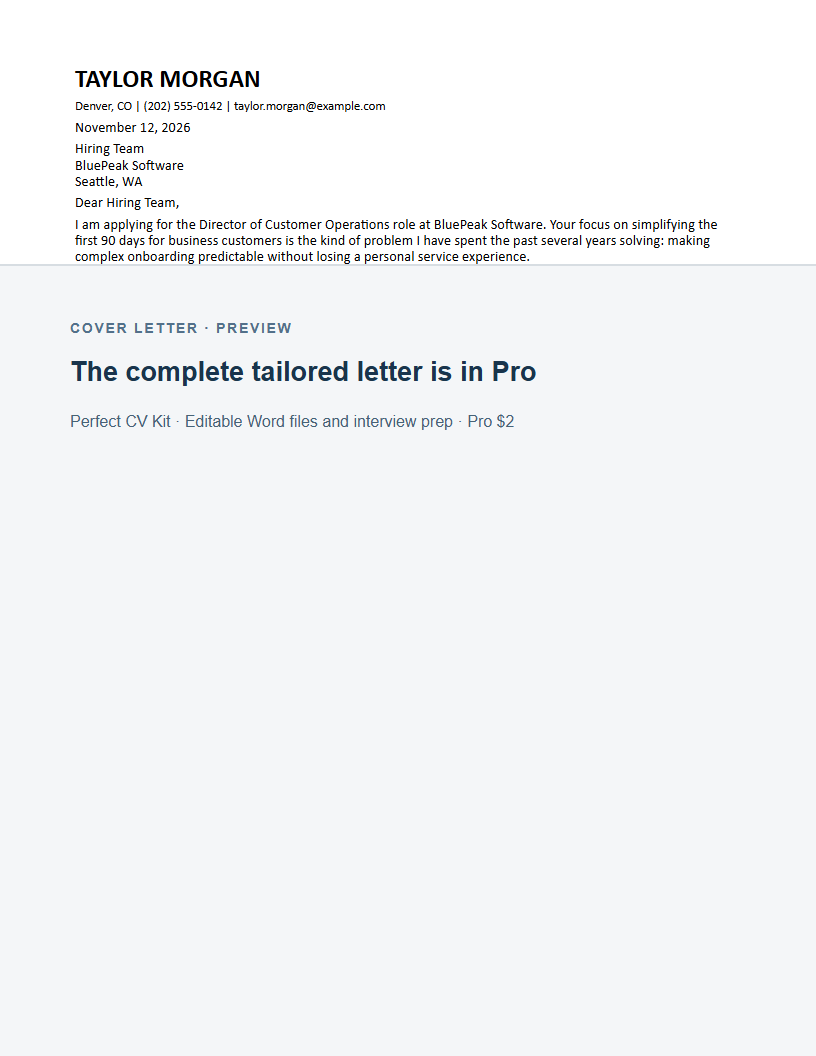
A letter should explain why the role and employer fit, then connect one or two achievements to their needs. The Pro example addresses a fictional company and links Taylor’s onboarding work to its stated challenge. It does not turn every résumé bullet into a paragraph. The job-match worksheet maps three role requirements to evidence; interview pages develop stories about process improvement, growth, and coaching. A final checklist covers export, research, questions, and follow-up.
Before applying
- Replace every fictional name, employer, date, qualification, tool, language, and result.
- Keep the best role-relevant evidence on page one.
- Check each number against its baseline and period.
- Cut weak or older material rather than filling space.
- Follow the employer’s page count, file type, and upload instructions.
- Send only the finished résumé and requested letter; keep worksheets private.
Explore the Perfect CV Kit: preview partial excerpts free, or get the full editable Word bundle for $2.
Sources and further reading
All applicant names, employers, roles, and results are fictional. Public images are partial layout previews.