

Detailed Business Plan Template: Word + Excel Bundle
7,00 $
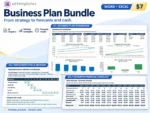
A detailed, universal Word + Excel business plan bundle for turning research, assumptions and calculations into a practical plan.
- 18 chapters + 59 detailed sample answers
- 25 Excel sheets: formulas, 12-month scenarios and cash planning
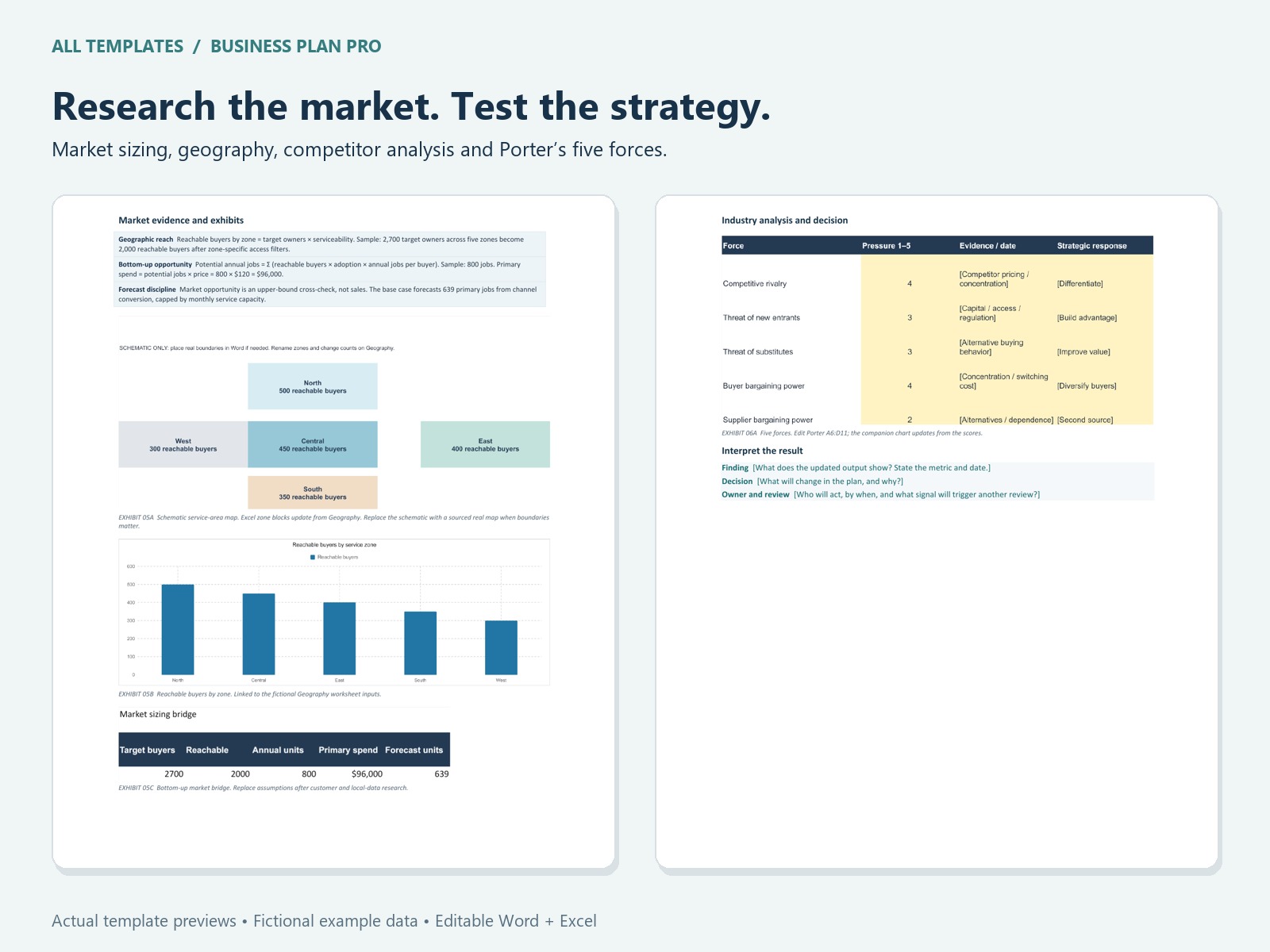
- Market research, Porter, SWOT, geography, capacity, roadmap and risk heat map
- Clickable contents, review checkboxes and clear filling instructions
Reviewed and approved by a business-plan professional.
PRO: Word + Excel for $7. FREE: standalone Word starter without examples.
- AI-friendly. Give a file-capable AI agent a copy and your source material. Ask it to fill the labeled inputs and check the result before using it.
Free downloads vary by product. See the description below for exactly what is included, or get the complete Pro version.
Get the complete, ready-to-use version with all features — for the price of a cup of coffee
A detailed business plan, from market evidence to monthly cash
Build a business case that explains who will buy, how you will deliver and how the numbers work. This universal business plan template combines an editable Word document with an Excel financial and analysis workbook. Guided questions, substantial sample answers, calculation panels and review checks help you develop each section in practical detail.
Reviewed and approved by a business-plan professional. Designed for founders, small business owners and consultants who want a structured working plan with evidence, calculations and clear decisions.
What is included in the $7 PRO bundle?
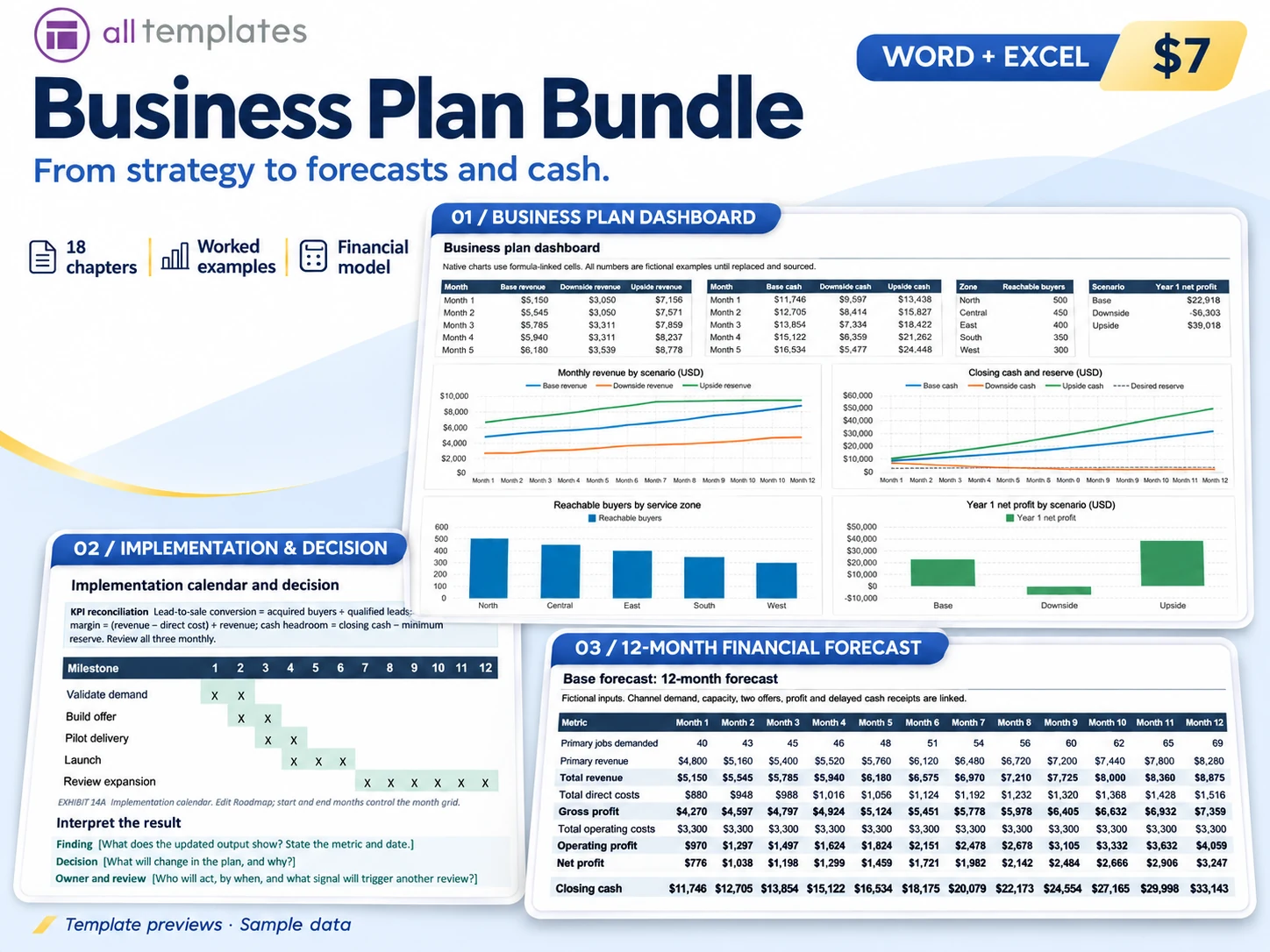
- 29-page editable Word plan with 18 chapters: executive summary, customer demand, market sizing, competition, pricing, marketing, sales, operations, team, risks, financial forecasts, funding and final review.
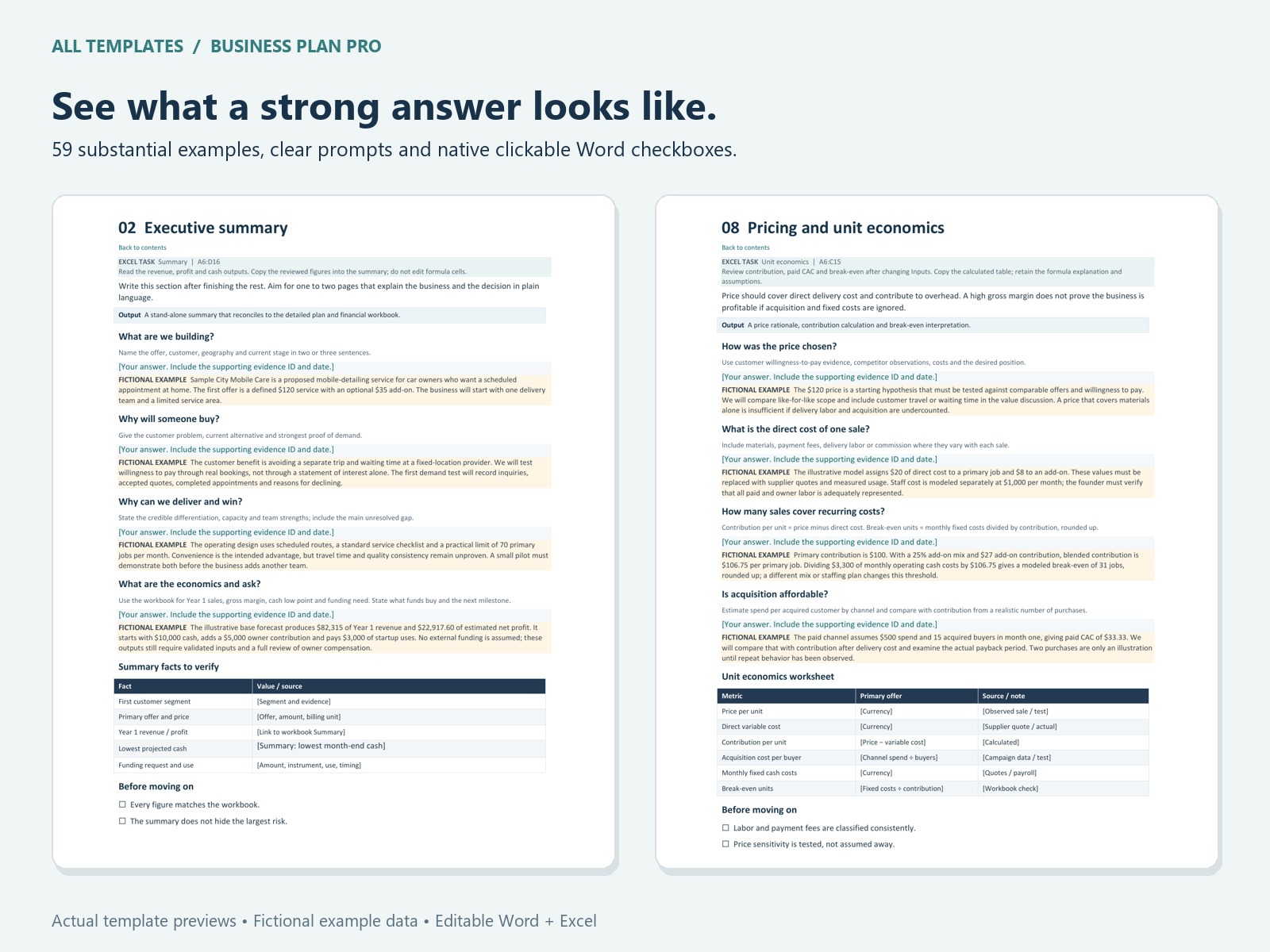
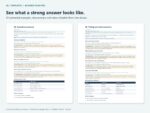
- 59 detailed fictional sample answers: see how one coherent example business answers the questions, then replace the examples with your own researched facts.
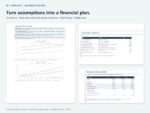
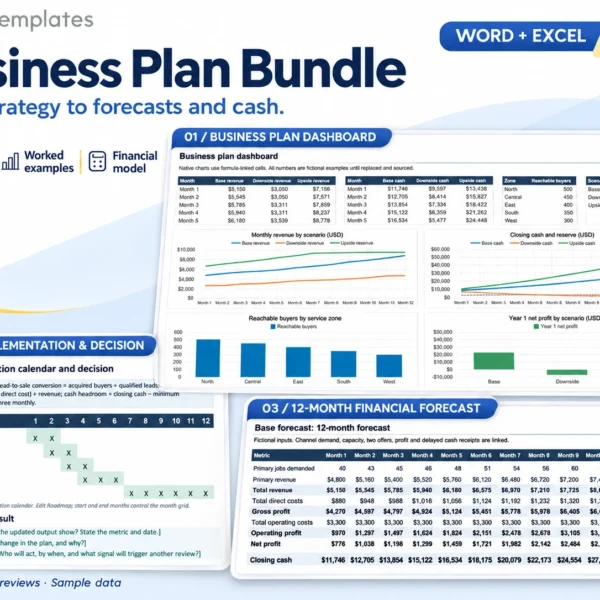
- 25-sheet Excel companion: editable inputs, formulas, a dashboard, 12-month forecasts and base, downside and upside scenarios.
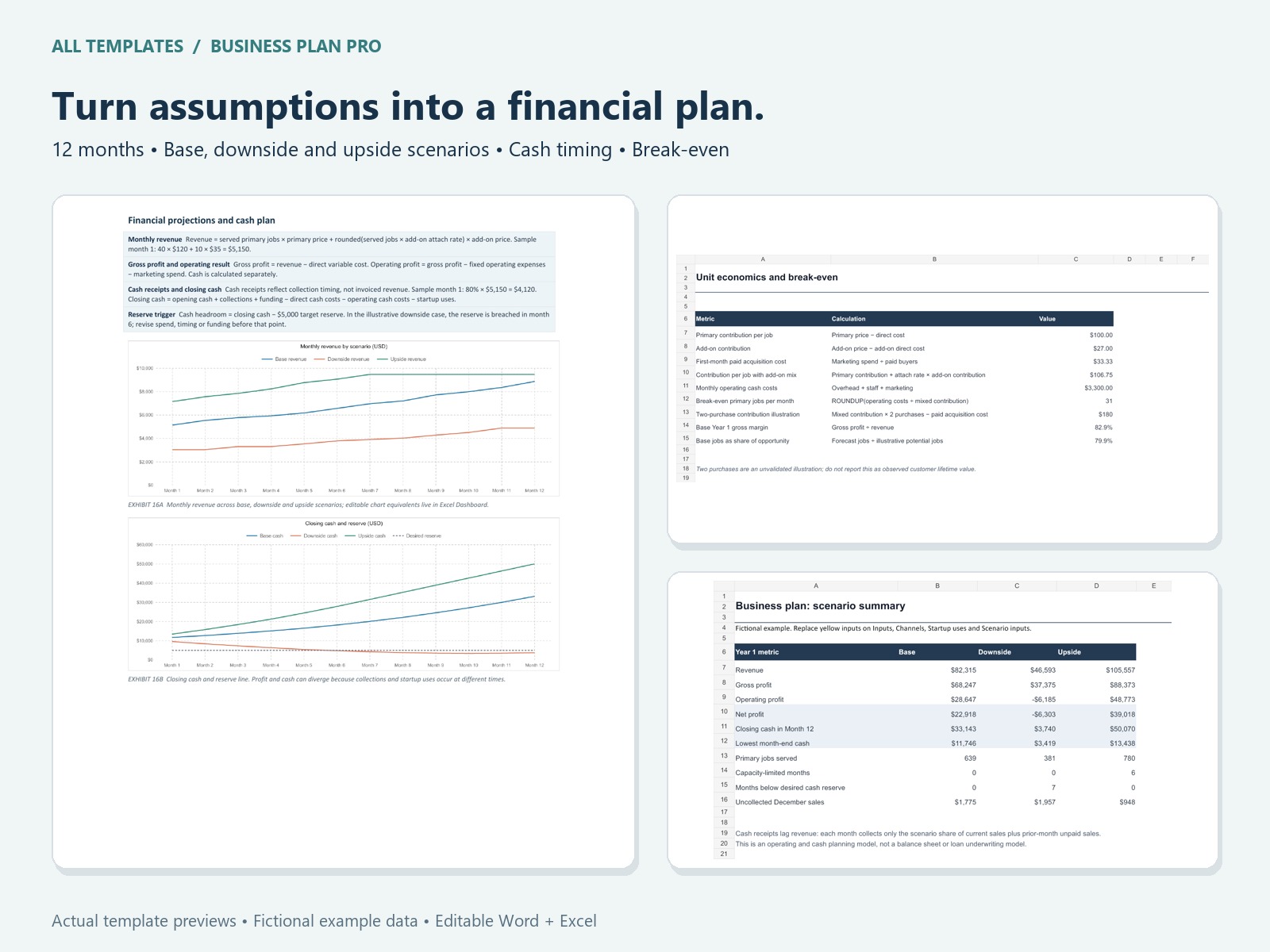
- Financial calculations: revenue, direct costs, contribution, break-even, paid customer acquisition cost, startup uses, cash collection timing and reserve checks.
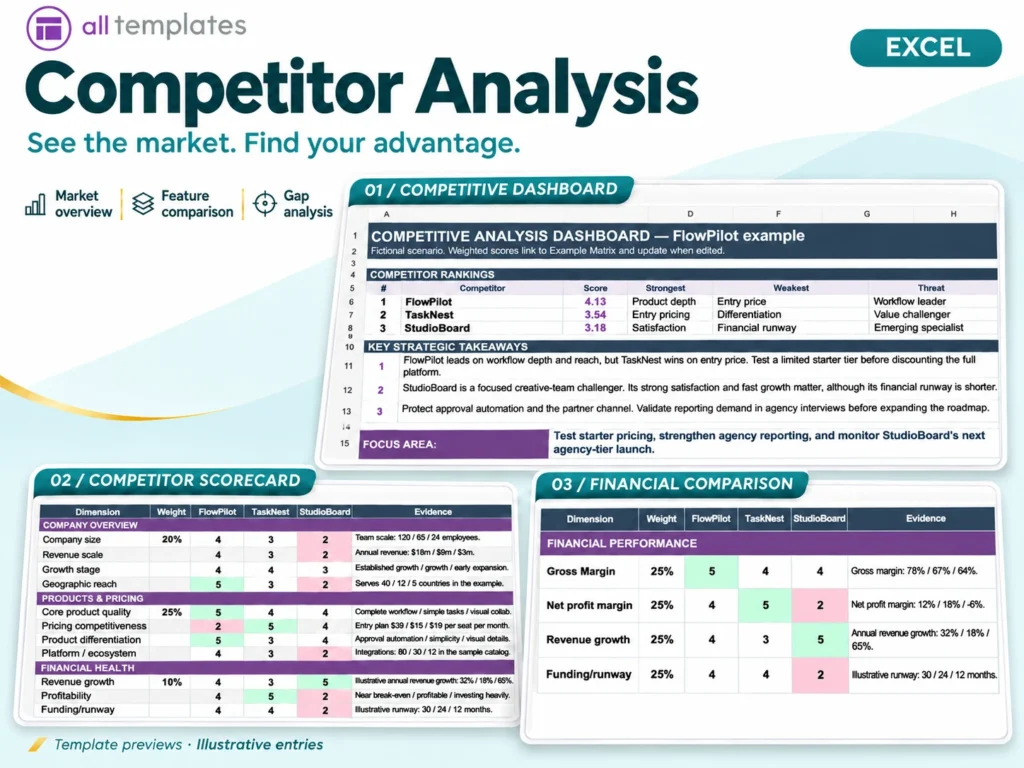
- Market and strategy tools: research register, bottom-up market sizing, editable geography zones and schematic, competitor analysis, Porter’s five forces, SWOT and PESTEL.
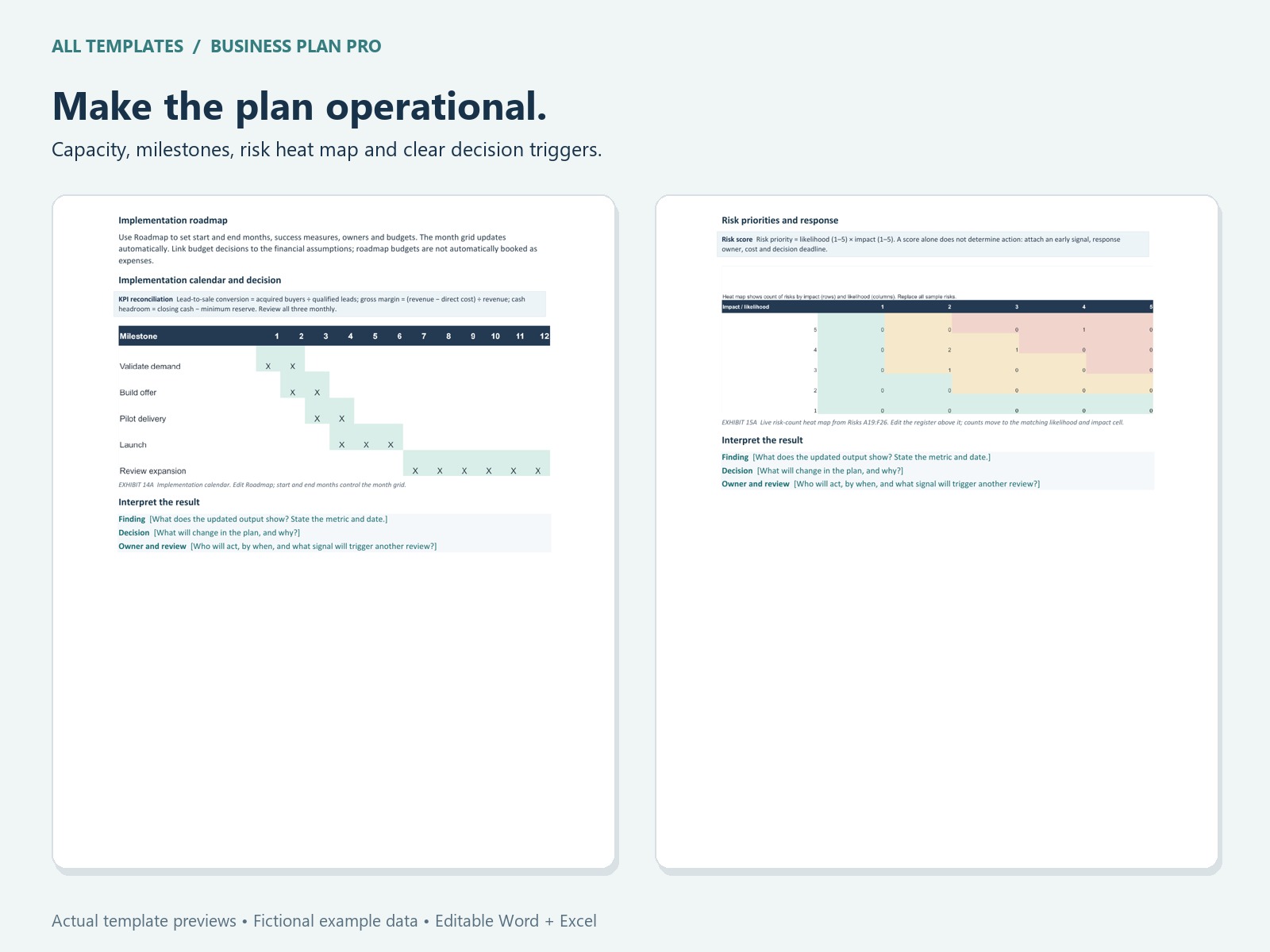
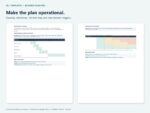
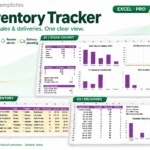
- Operating tools: delivery capacity linked to the forecast, people and supplier planning, optional inventory worksheet, milestone roadmap and risk heat map.
- Five native Excel charts and 11 Word exhibits: refresh the underlying data and copy the updated visuals into your plan.
- Professional Word navigation: clickable contents, return links, consistent headings, shaded guidance blocks and 43 clickable review checkboxes.
- Clear instructions: a getting-started guide and chapter notes naming the Excel tab and range to use.
FREE or PRO: choose the right starting point
| Included | FREE | PRO — $7 |
|---|---|---|
| Download | ZIP with one Word file | ZIP with Word + Excel |
| Word plan | 11 pages; seven chapters + summary | 29 pages; 18 chapters |
| Detailed sample answers | Not included | 59 |
| Excel workbook | Not included | 25 sheets |
| Financial planning | Manual contribution and break-even worksheet | 12-month scenarios, formulas and cash timing |
| Native Word checkboxes | 16 | 43 |
| Clickable contents and guidance | Yes | Yes, plus Excel handoff notes |
| Charts, heat map and analytical exhibits | Not included | Included |
A universal structure you can adapt
Use the framework for a service business, agency, local business, product venture or early-stage company. Define your primary sales unit, choose the relevant operating modules and support the plan with evidence from your own market. The sample business is fictional; the template does not supply research about your specific industry or location.
How to use the bundle
- Download and extract the ZIP. Save working copies and read the opening instructions.
- Complete the market, customer and operating sections. Use the example answers as a guide to structure and detail.
- Enter your assumptions in the yellow Excel cells. Review the forecasts, scenario outputs and model checks.
- Follow each Word chapter’s Excel note to copy the relevant table or chart. Write the interpretation and the decision it supports.
- Write the executive summary last, remove instructional examples, update the contents and complete the review checkboxes.
Use cases
The free Word file offers a seven-chapter starting structure. The detailed examples, 18-chapter plan and Excel calculations in the scenarios below are part of Pro.
- Startup business plan: turn an early idea into a documented case for a specific customer, offer, sales channel and operating model. Use the research register to separate observed demand from assumptions.
- Small business expansion plan: assess a new service, location or product line using market sizing, competitor analysis, capacity, milestones and downside scenarios before committing resources.
- Business plan with financial projections: connect revenue and direct-cost assumptions to 12-month forecasts, break-even and cash collection timing in the Pro Excel workbook. Review base, downside and upside cases instead of relying on one forecast.
- Funding or lender discussion: explain the amount sought, startup uses, reserve needs and the assumptions behind your forecast in the Word plan. Adapt the finished document to the specific lender or investor’s requirements.
- Service business or agency planning: define the primary sales unit, customer acquisition assumptions, delivery capacity, people and supplier needs, then check whether planned sales can be fulfilled.
- Market research and strategy review: bring customer evidence, bottom-up market sizing, SWOT, PESTEL and Porter’s five forces into one decision narrative rather than treating the frameworks as stand-alone slides.
- Consultant-led planning workshop: use the 59 fictional sample answers as examples of depth and structure, replace them with client evidence and use the review checkboxes to find missing support before presenting.
File formats and compatibility
PRO contains one DOCX and one XLSX; FREE contains one DOCX. Microsoft Word and Excel desktop are recommended for the intended formatting, charts and content controls. No macros are required. Word exhibits are portable snapshots; automatic Excel-to-Word synchronization is not preconfigured. Instructions explain manual updates and optional local Office links.
The workbook is an operating and cash planning model. Debt schedules, formal balance sheets, inventory cash financing and subscription cohorts need additional modeling when relevant. Adapt the plan to any lender’s or investor’s specific requirements.
Start with a proven workflow
Read our business plan best practices for evidence, realistic forecasts and a useful review process. For a focused competitor study, see the Competitor Analysis Excel Template.
Try it with a worked example
Start with a measurable claim for the plan. For example, 40 customers buying twice a year at $75 implies $6,000 in annual sales. Record where each assumption came from, then check that the narrative and the spreadsheet use the same values.
All you need to know about business plans
Before drafting, identify the decision the plan must support and gather evidence for your first customer segment. Every forecast should show the assumptions behind sales, costs and cash timing.
Before you write
- Define the decision. Write down who will read the plan and what they need to decide. An owner needs operating priorities. A lender will also want repayment evidence and may give you a checklist.
- Name your first buyer. Identify a specific customer, their trigger for buying and the reason they would switch. Use that segment to decide whom to interview and which competitors to examine.
- Collect evidence before forecasting. Gather dated customer conversations, paid pilot results, public market data and supplier quotes. Record the source next to the assumption it supports.
- Choose the right depth. Use a lean plan to compare early ideas quickly. Use a traditional plan when the reader needs detailed market evidence, operations, financials and supporting documents.
- Describe the offer in concrete terms. Specify what a customer receives, how you charge, and when value is delivered. A service with a deposit and a monthly subscription need different cash models.
Build the operating plan
- Include the alternatives buyers use today. Compare direct rivals, do-it-yourself work and postponing the purchase. Compare the same use case and record what each alternative costs the buyer in money or time.
- Size the market from the bottom up. Start with the customers you can realistically reach and multiply by a defensible annual spend. Cross-check the result against industry figures and explain large gaps.
- Make the sales funnel measurable. Translate your sales plan into leads, conversions and orders. For a long buying cycle, move revenue into the expected month of sale.
- Check delivery capacity. Estimate how long each sale takes to fulfill. If 20 jobs require 120 staff hours and you have 90, add capacity, change the offer or revise the sales forecast.
- Separate launch and operating costs. Put equipment, deposits and initial inventory in the month you expect to pay. Model rent, wages and subscriptions on their own recurring schedule.
Test the financial model
- Calculate contribution per sale. Subtract variable costs from selling price. Include costs that rise with each order, such as materials, packaging or payment fees, when they apply.
- Calculate break-even volume. Divide fixed costs by contribution per unit for a simple single-offer model and round up to a whole unit. Use the expected sales mix when different offers contribute different amounts.
- Schedule actual cash movements. Model when customers pay, suppliers charge and loan payments fall due. Include the effect of deposits, payment terms and inventory bought before sales.
- Find the lowest cash balance. Review cumulative cash month by month. Identify the first month that falls below your operating buffer and decide how the business will cover the gap.
- Stress-test a specific failure. Model a slow launch, late collection or margin squeeze. Pair each scenario with an action and a trigger, such as pausing a hire if signed orders fall below target.
Make the plan usable
- Tie the funding request to uses. Show how much goes to equipment, inventory and operating cash, when you need it, and what milestone it supports. For debt, show payments in the cash forecast.
- Make ownership explicit. Assign each milestone to a named role and include a deadline and success measure. Map important dependencies so a delay has a clear owner.
- Keep evidence in the appendix. Attach quotes, pilot results, signed agreements or key research as appropriate. Refer to them from the claim they support and restrict sensitive exhibits to the intended reader.
- Write the executive summary last. Summarize the customer, offer, evidence, operating plan and key numbers after you have checked the full plan. Reconcile totals across the summary and model.
- Update the plan with real results. Review actual sales, margin and cash against the plan each month. Record which assumptions changed and revise decisions that depended on them.
Frequently asked questions
What is a business plan supposed to do?
It explains how an offer reaches customers, how operations deliver it and how the business stays funded. It should help a specific reader make a decision.
Is a one-page business plan enough?
It can be enough to test a focused idea or align a team. Ask the reader what evidence and projections they require if the plan is for financing or a partner.
What should I write if my business has no sales yet?
Label the forecast as an estimate. Support it with evidence such as trial conversion, paid pilots, supplier quotes and reachable customer counts, then describe how you will test the weakest assumption.
How do I estimate sales for a service business with limited staff?
Calculate available delivery hours and divide by the time each job takes. Use the lower of demand-led orders and delivery capacity, then model when extra capacity can realistically start.
How should I account for seasonality in a first-year forecast?
Build month-by-month estimates from observed demand, comparable data or documented assumptions. Model purchases and staffing before the peak so their cash impact shows in the right months.
Can a profitable business run out of cash?
Yes. Payroll and inventory may be paid before invoices are collected. A rolling cash forecast shows the timing and size of the shortfall.
How do I size the market if industry data is too broad?
Define the part of the market you can serve, estimate the number of reachable buyers and multiply by realistic spending. Cross-check with a second source and show a range.
How do I show break-even if I sell several offers?
Use a weighted contribution margin based on the expected sales mix, or calculate the volume by offer in your forecast. Test what happens when demand shifts toward lower-margin offers.
What belongs in a loan application appendix?
Ask the lender for its document list. Common evidence includes historical financial statements for existing businesses, projections, quotes for major purchases and documents that support the funding request.
When should I revise the business plan?
Set a regular review cadence and update it when a major assumption changes, such as costs, pricing, financing terms or time to launch. Record the reason and its impact on cash.
Cleo Martins –
Word for the write-up and Excel for the numbers sounds like a sensible split. The previews made that clear.
Sana Idrissi –
Word for the plan, Excel for the numbers. Good combo.
Felix Moreau –
The combined format fits an early business case. I’d like another preview of the Excel workbook before choosing a template.
Daniela Rojas Arce –
Having the written plan and financial workbook together makes the bundle more useful for preparing an initial business case.
Sophie Nguyen –
Word for the written plan and Excel for the numbers is a sensible split. I’d appreciate a bigger look at one of the financial worksheets.