
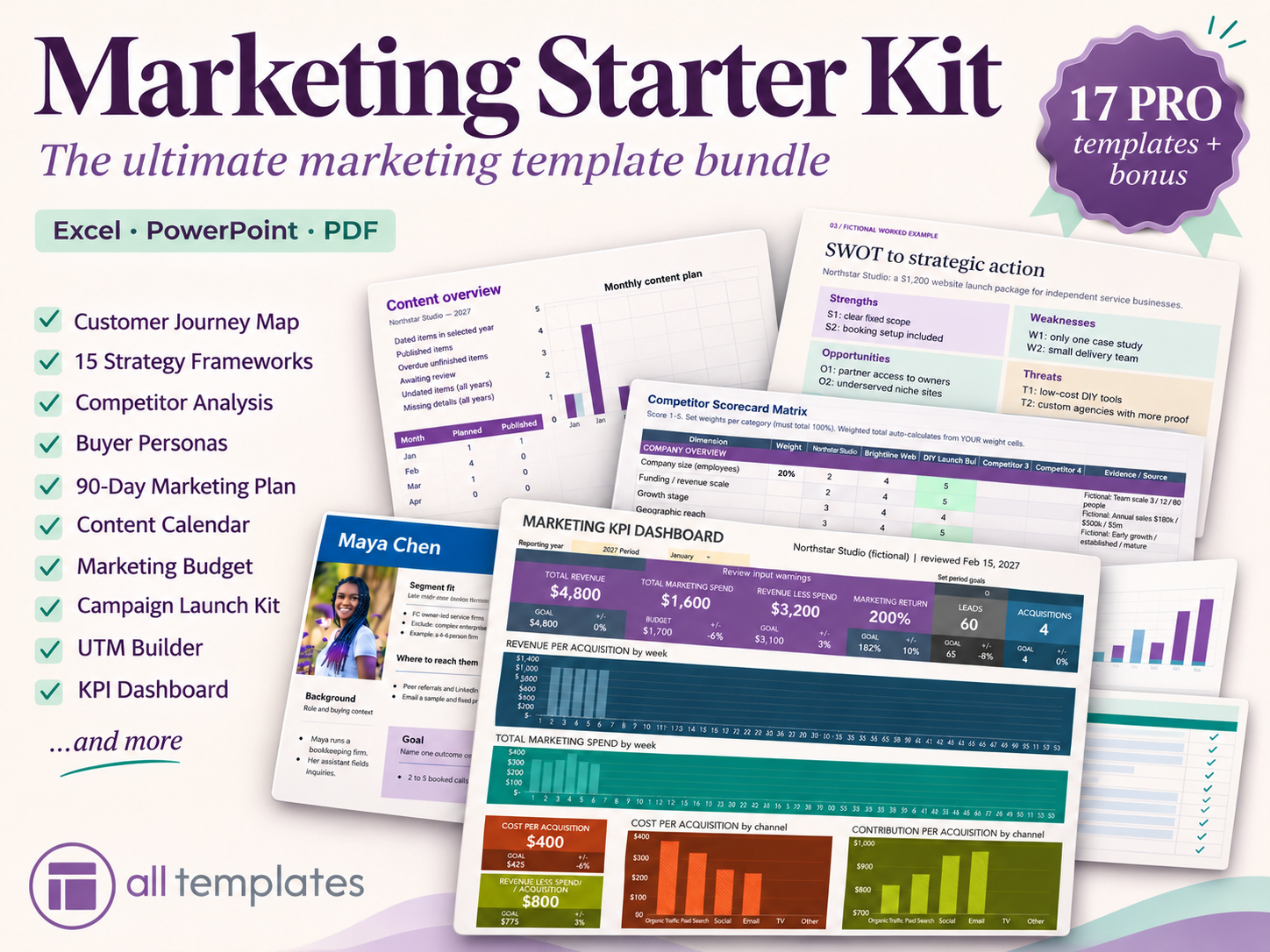
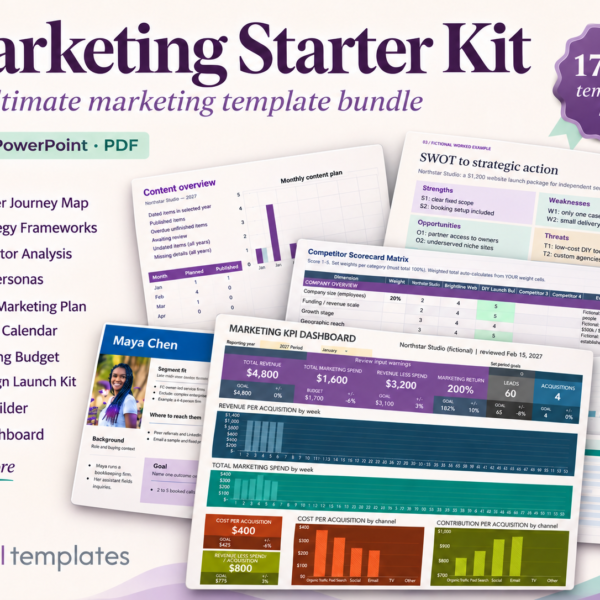
Build your first 90-day marketing plan with 17 editable templates and a bonus email performance report. The Marketing Starter Kit covers customer research, strategy, campaign planning, launch, and reporting.
What comes in the download
One ZIP contains 9 Excel workbooks, 4 PowerPoint decks, 5 fillable PDFs, and a Start Here guide. Extract the ZIP and open Start Here to find the right file for your next task.
$29 USD, one-time purchase. Selected templates are also available separately at their own prices. Some templates are available only in the kit.
Templates included in the Marketing Starter Kit
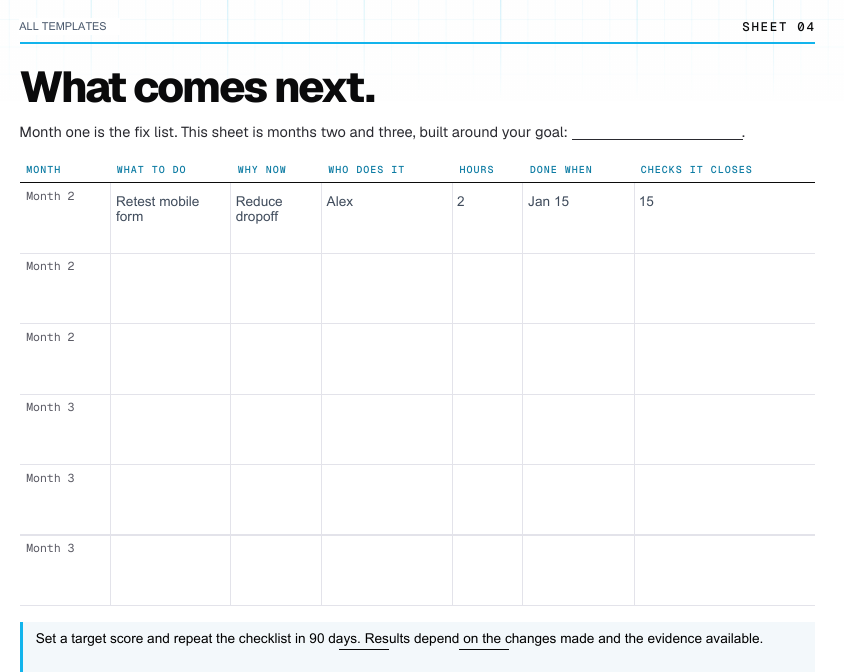
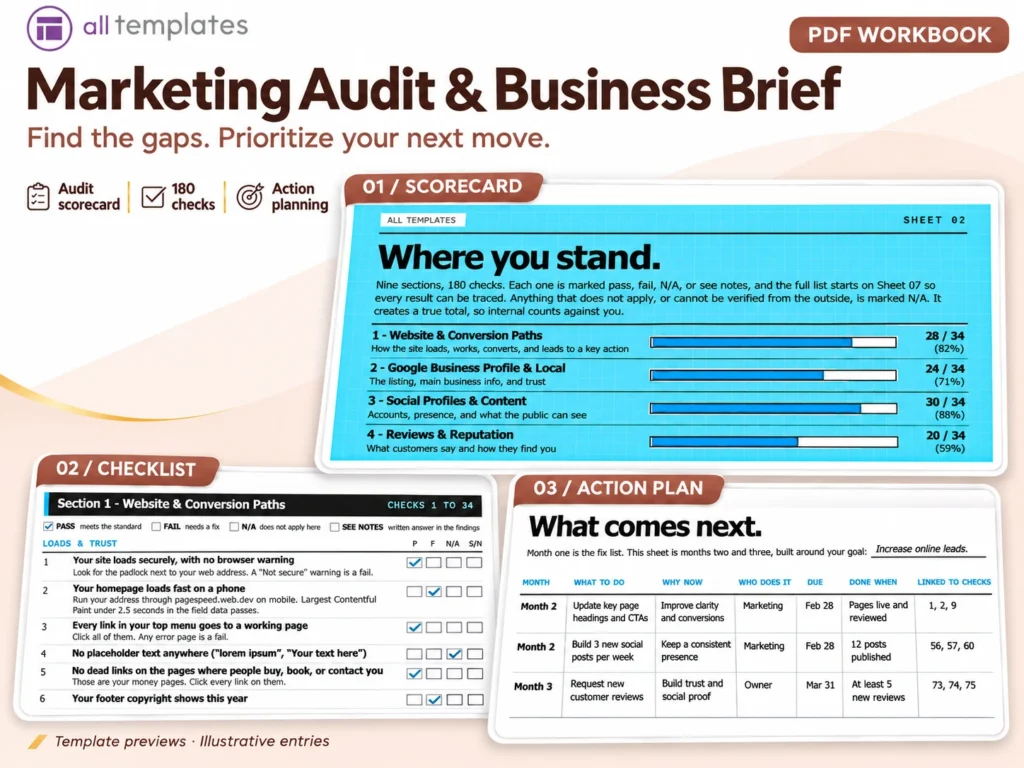
Marketing Audit & Business Brief · PDF
Audit the current marketing setup with a business brief, evidence checklist, and action plan. Record what you found, what needs fixing, and who owns the next step.
Customer Interview Kit · PDF
Prepare customer interviews, capture quotes and observations, and turn repeated problems into questions your team can test.
- Prepare questions about buying triggers and alternatives.
- Capture direct quotes and recurring objections.
- Summarize what to verify in the next interview.
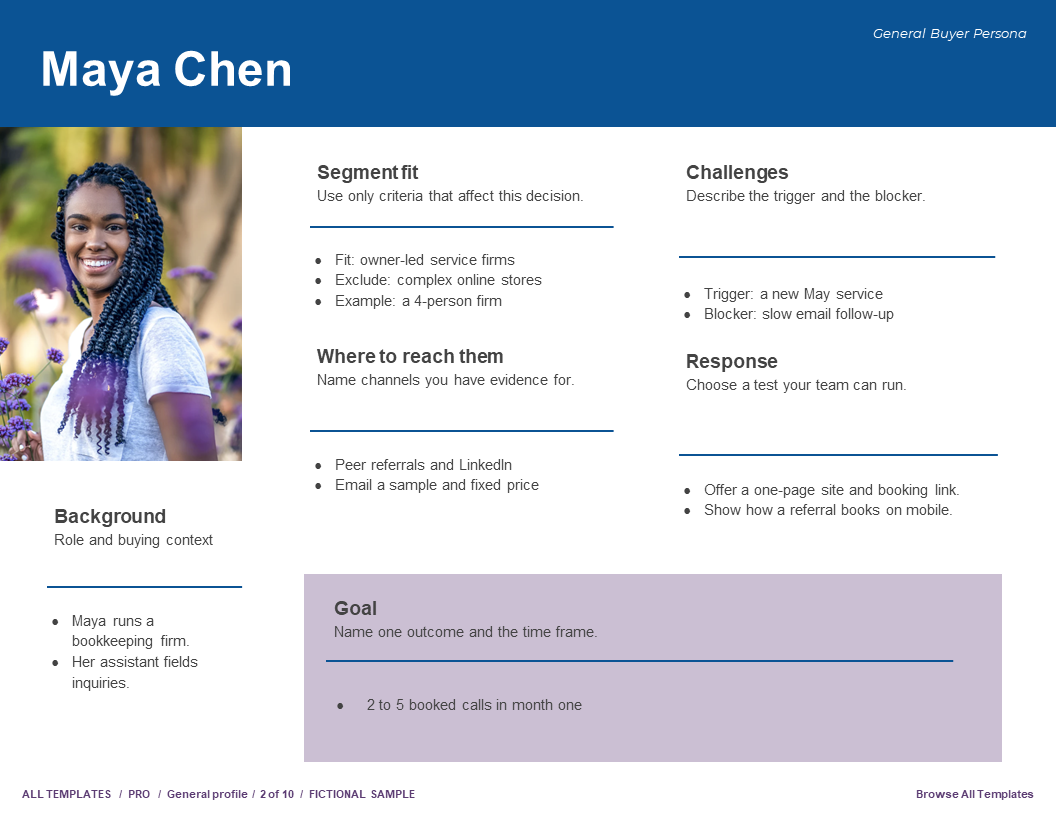
Buyer Persona Library · PowerPoint
Build editable PowerPoint personas for your priority segments. Capture buying triggers, objections, goals, and where to reach each group.
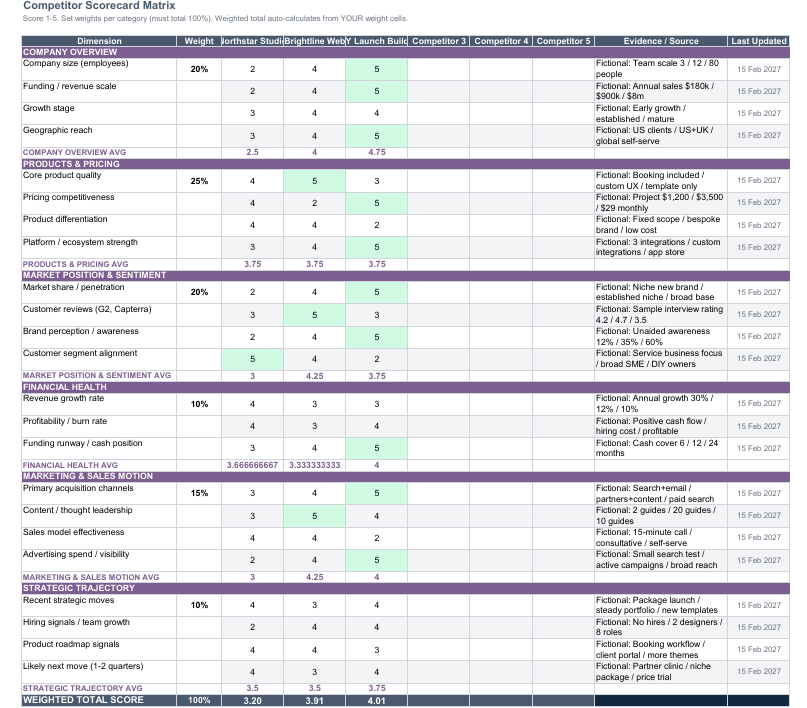
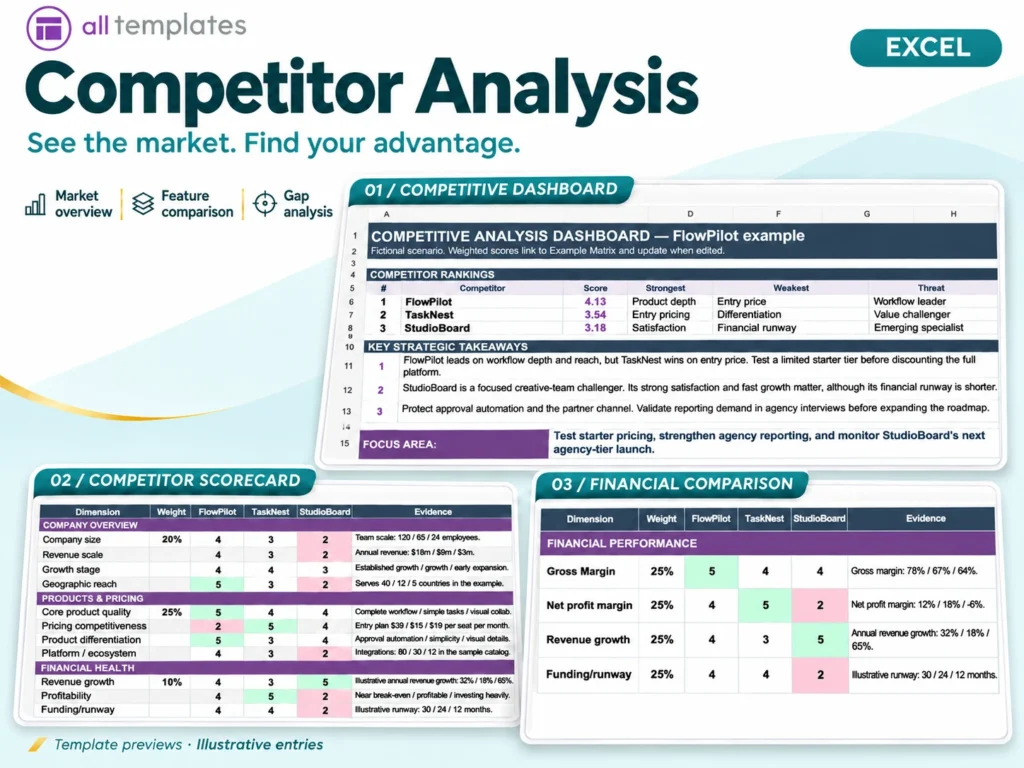
Competitor Analysis · Excel
Compare competitors using a weighted scorecard, pricing and feature comparisons, a gap review, and a win/loss analysis.
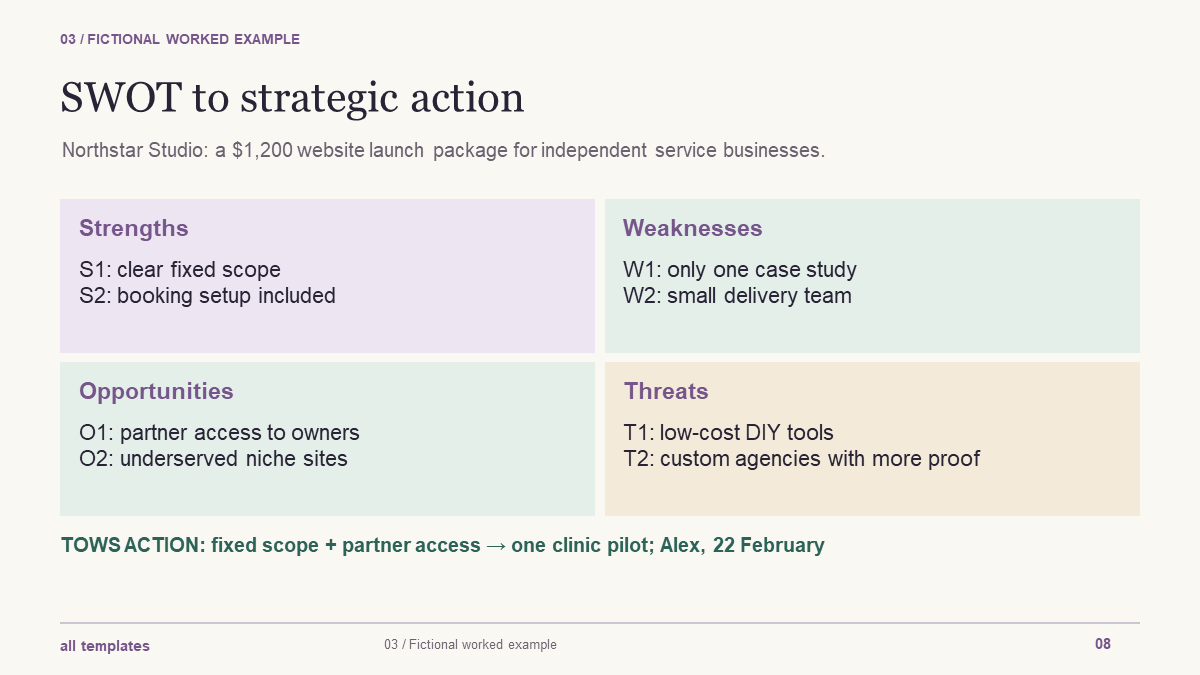
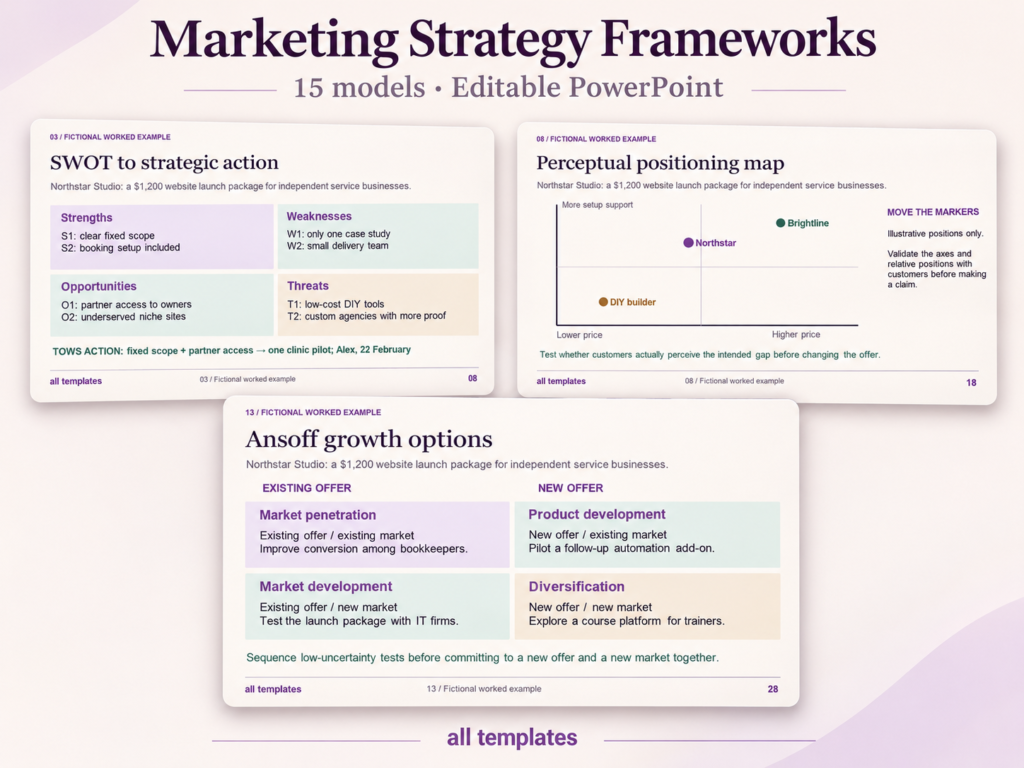
Marketing Strategy Frameworks · PowerPoint
Work through 15 decision frameworks, including SWOT/TOWS, STP, Five Forces, 4Ps, Ansoff and G-STIC. The deck includes 36 slides with worked examples and editable canvases.
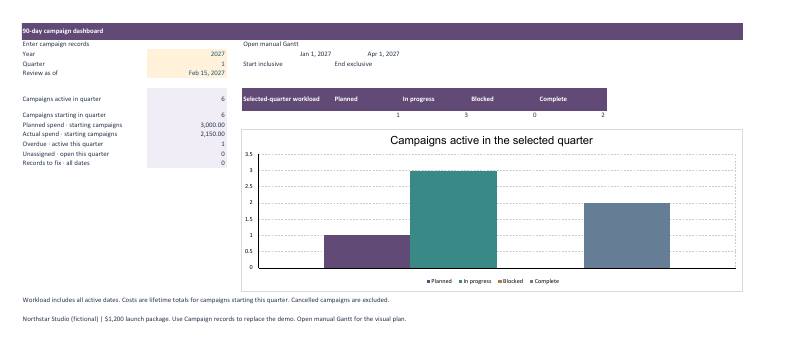
90-Day Marketing / Go-to-Market Plan · Excel
Turn priorities into a 90-day campaign schedule. Assign owners, set dates and goals, and review how the selected period is progressing.
Channel Selection Scorecard · Excel
Rank channels against criteria you choose. Adjust the weights as your goal changes, and save rankings to compare decisions over time.
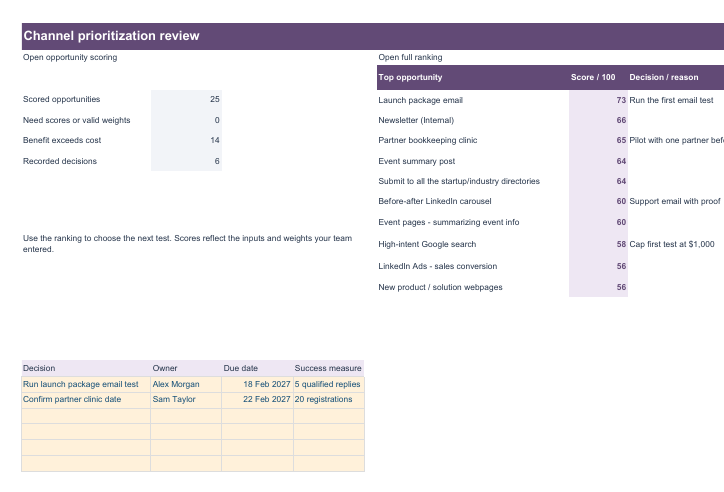
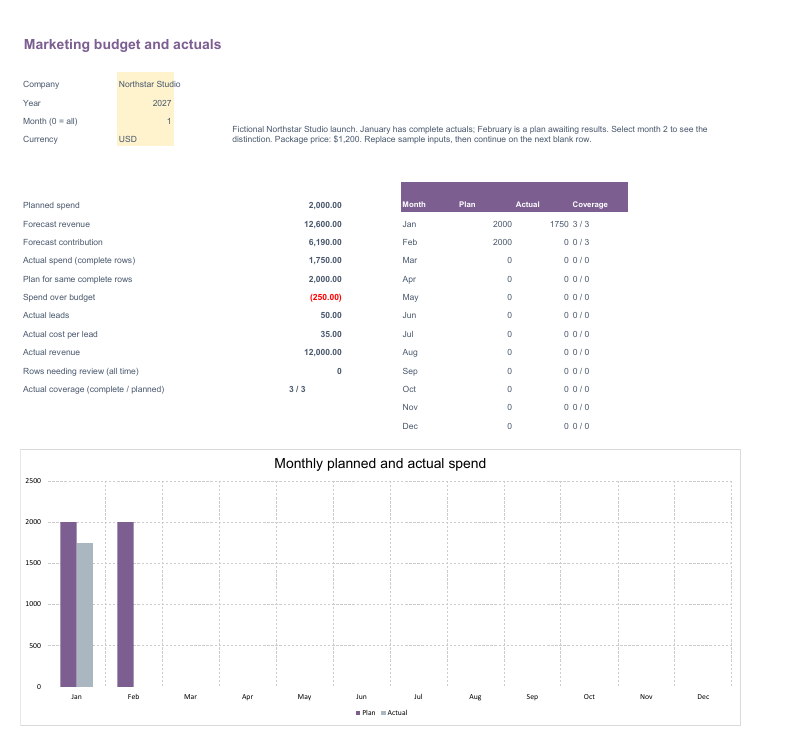
Marketing Budget & Forecast · Excel
Plan budget by channel, forecast spend, and compare the plan with actual costs in a monthly review.
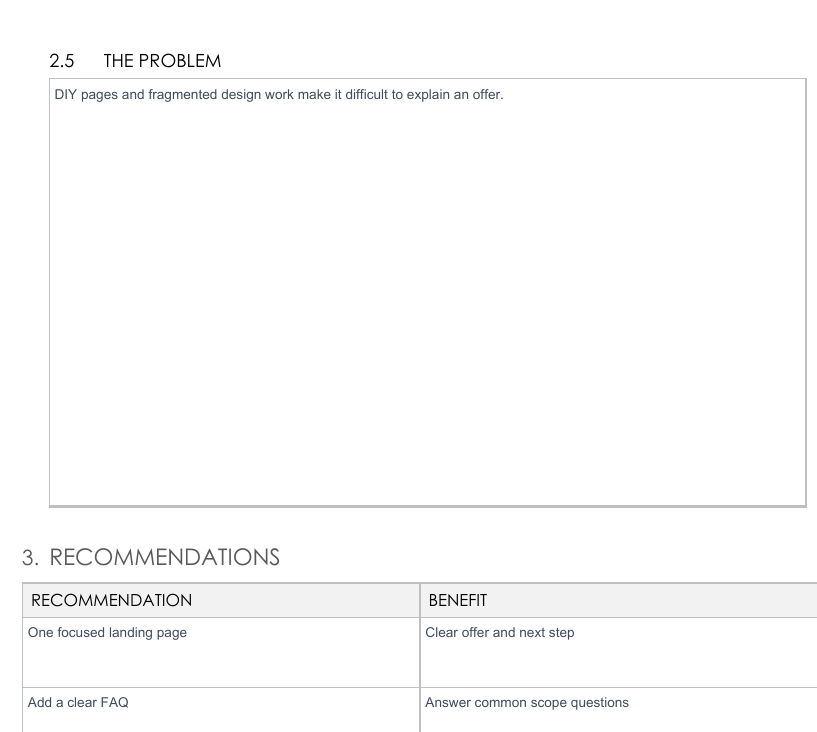
Campaign Proposal & Launch Kit · PDF
Write a campaign proposal with the audience, objective and approach. Use the launch checklist to agree what has to be ready and who owns it.
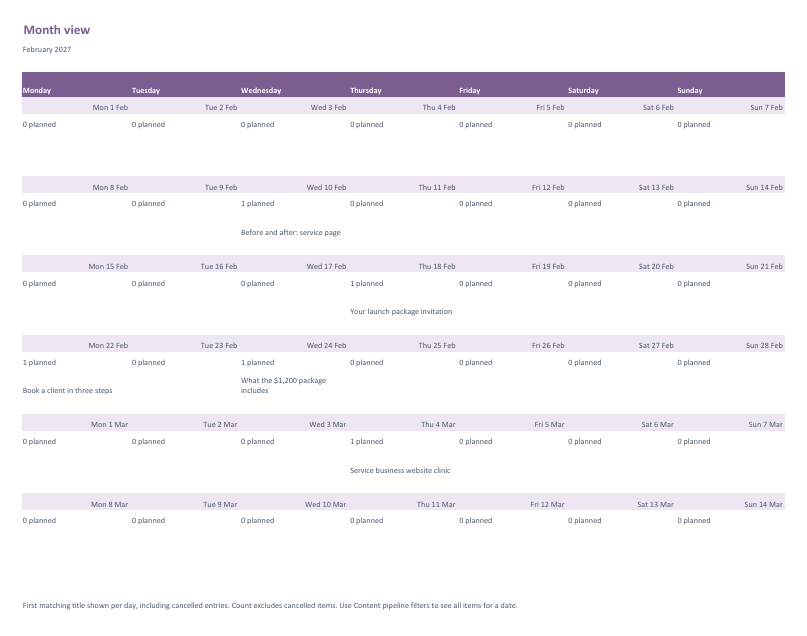
Content Strategy & Calendar · Excel
Plan content across the year, maintain a publication pipeline, and use the monthly view or dashboard to see what is scheduled and what needs attention.
Creative & Copy Brief · PDF
Give your designer or copywriter the audience, core message, deliverables, and approval details in one brief.
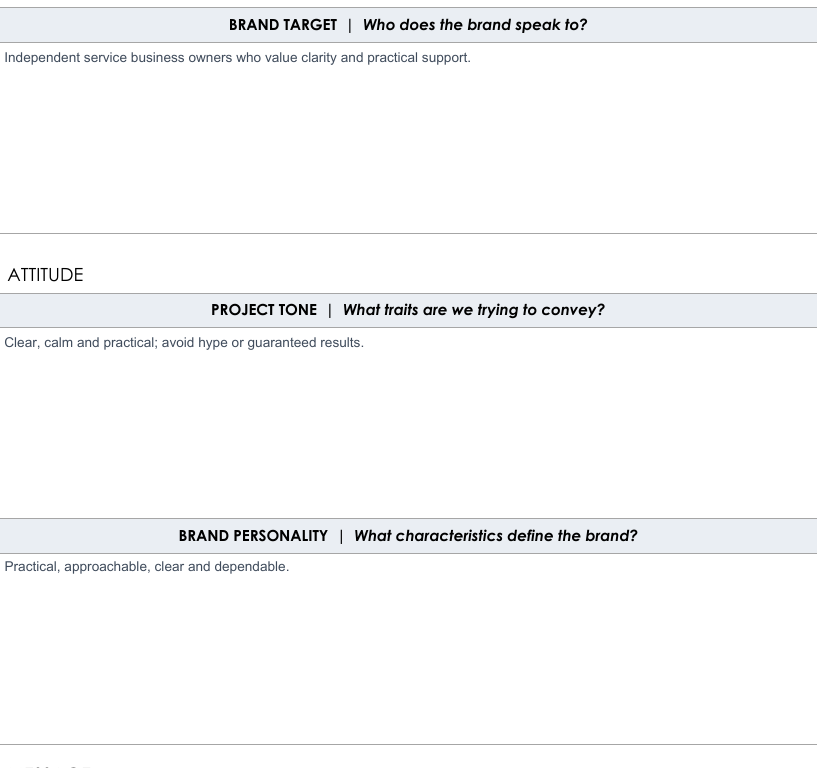
Landing Page Planner & Audit · PDF
Sketch a landing-page structure and review the offer, proof, and primary action before launch. Capture the first test you want to run.
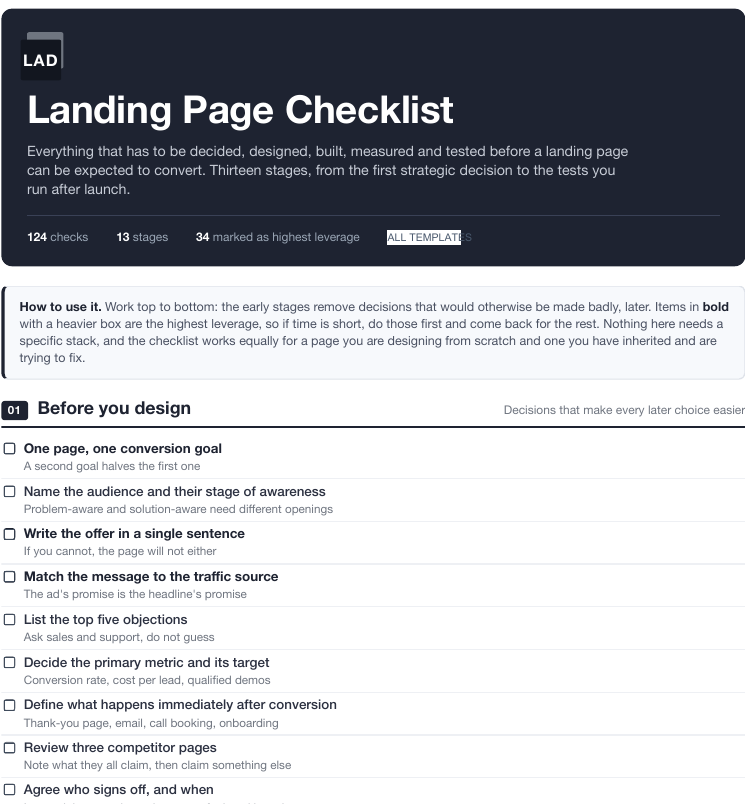
UTM Builder & Registry · Excel
Build tagged campaign links with approved sources and media, and keep a searchable record of the links your team uses.
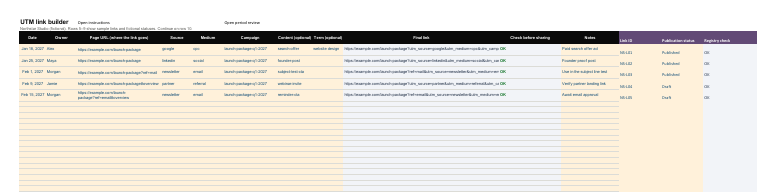
Email Campaign Planning & A/B Tests · Excel
Plan email sends, enter results and use the A/B test worksheet to record the hypothesis, variants, and decision.
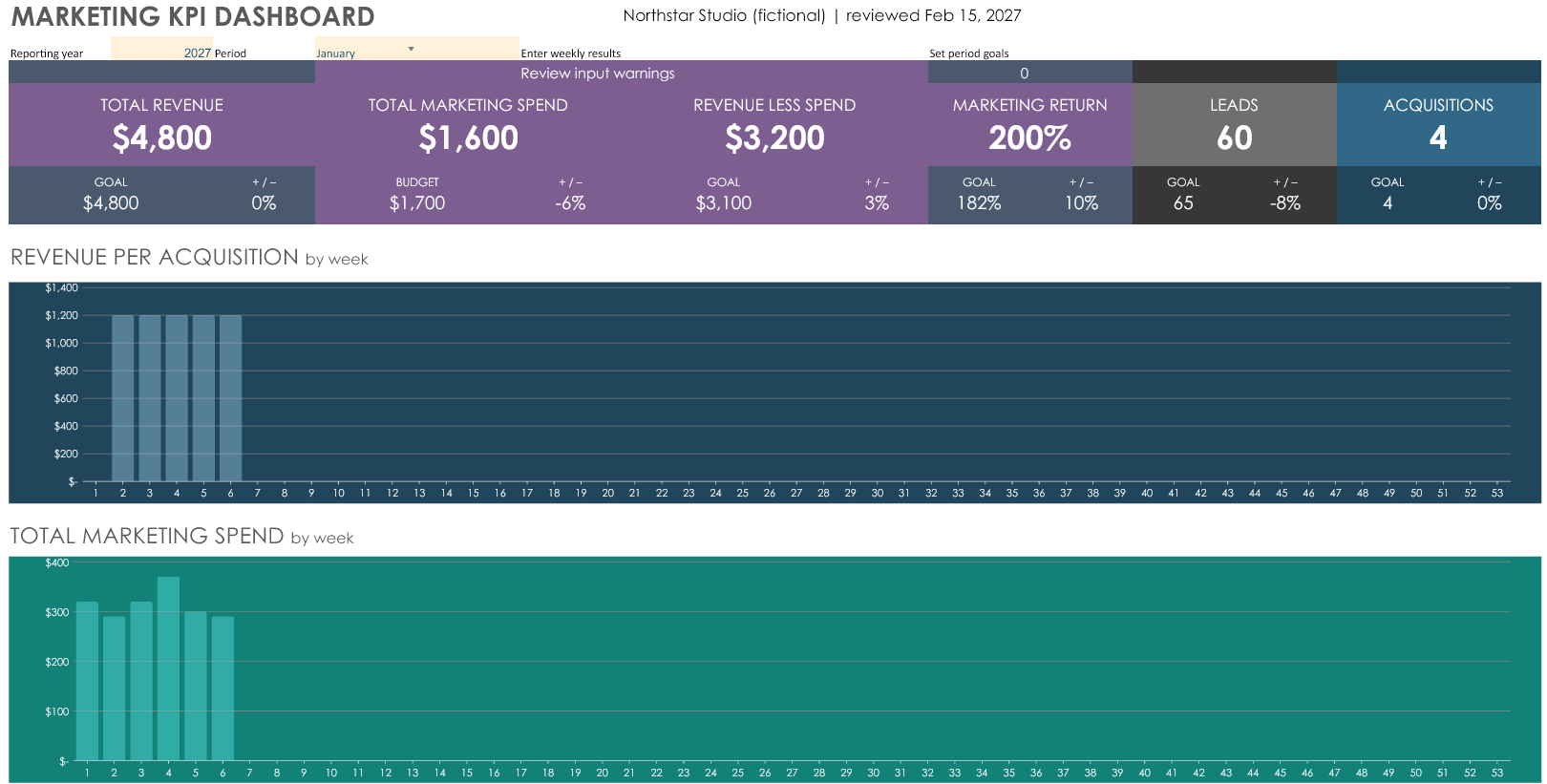
Marketing KPI Dashboard · Excel
Compare weekly results with goals. Review spend, revenue, leads, acquisitions and cost per acquisition for the reporting period.
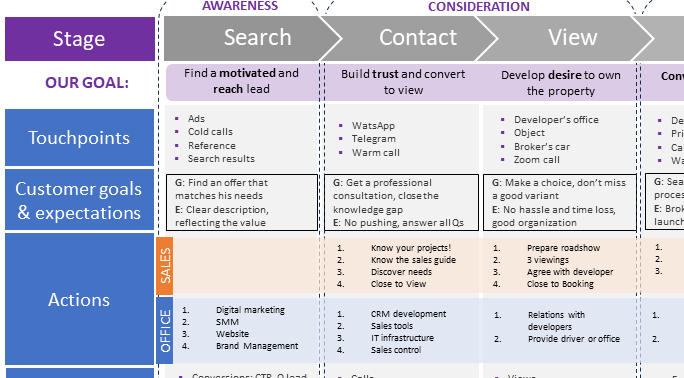
Customer Journey Map · PowerPoint
Map the stages from awareness through advocacy. Record customer questions, touchpoints and friction so you can choose where to improve the experience.
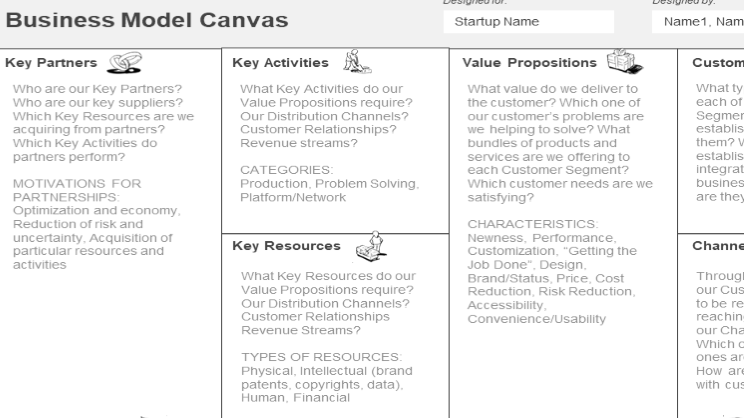
Business Model Canvas · PowerPoint
Use the nine-part canvas to connect customer segments, value propositions, channels, revenue, costs and the resources the business needs.
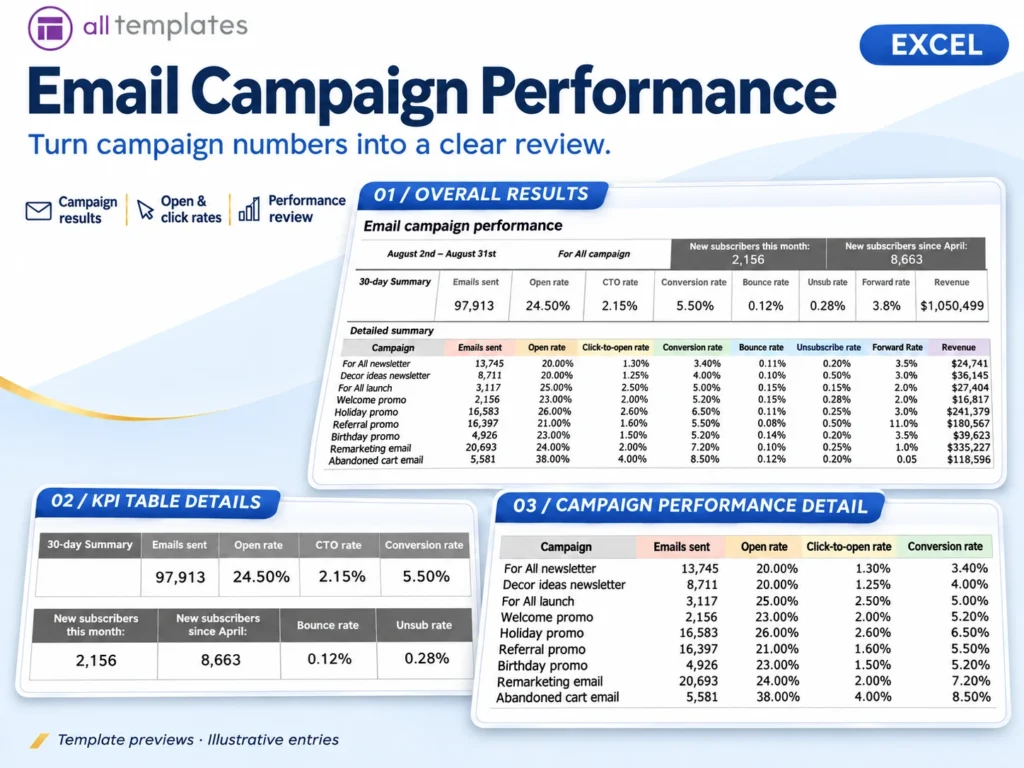
Email Campaign Performance · Excel
Use the bonus workbook for a focused email performance review covering sends, engagement, conversions, and revenue.
Bundle-only bonus: Marketing Resource Library
Alongside the template ZIP you receive a second download with a clickable guide to 50 research sources and tools. Find audience data, advertising libraries, search and analytics documentation, experimentation methods and campaign accessibility checks. Each entry explains when to use it. Extract the bonus ZIP and open the HTML guide in your browser.
How to use the templates
Start with the audit and customer research, choose a priority, and enter your first campaign in the 90-day plan. Use the UTM Builder before launch and review the KPI Dashboard weekly. Open each file in Excel, PowerPoint, or a PDF reader with form support as appropriate.
Try it with a worked example
Choose one campaign to run through the kit. For a local launch, carry the same audience and offer from the brief into the channel plan. At the review, compare actual responses with the original objective before updating the next campaign.
All you need to know about the first 90 days in a marketing role
Confirm expectations with your manager. Ask which business outcome matters most and when leadership needs to see progress.
Build the foundation
- Confirm expectations with your manager. Ask which business outcome matters most and when leadership needs to see progress.
- Get access to the systems of record. Identify owners for website data, ad accounts, CRM and reporting.
- Write down the baseline. Record spend, conversion definitions and the last comparable period.
- Talk to customers and frontline teams. Ask about triggers, objections and where prospects get stuck.
- Trace a sale backward. Follow a customer from purchase or qualification to their first known touchpoint.
Put it into practice
- Review inherited campaigns. Check audience, goal, tracking and what was learned before changing spend.
- Choose a manageable first project. Select a change you can launch, measure and revise inside the quarter.
- Align the offer and landing page. Give the audience a clear reason to act and an understandable next step.
- Instrument the launch. Test tags, events and handoffs before sending traffic.
- Share outcomes and next decisions. Recommend what to keep, change or test using evidence and known limits.
Frequently asked questions
What should I do in the first week of a marketing job?
Agree outcomes, get access and make a short list of unanswered questions.
Should I launch a campaign in the first month?
Launch if the audience, goal, tracking and offer are clear. Fix measurement first when it undermines the test.
How do I make a 30-60-90 day marketing plan?
Use the first month to diagnose, the second to launch a scoped test and the third to evaluate and refine.
Which marketing metrics should I report to leadership?
Choose a few tied to the agreed outcome and explain the denominator and time period.
How many customer interviews do I need?
Start with a mix of buyers and missed opportunities. Continue until you have enough evidence to test a specific hypothesis.
How do I gain trust when inheriting a team?
Listen, document context and give credit for work already done before changing priorities.
How do I prioritize when everyone wants something different?
Compare requests against the agreed business outcome and explain tradeoffs in writing.
Should I audit ad accounts or the CRM first?
Check the path that connects the agreed outcome to its upstream signal. If lead quality matters, inspect CRM definitions early.
How can a solo marketer handle the first quarter?
Choose one measurable project and set a cadence for recurring work and reporting.
What belongs in a 90-day readout?
Show baseline, changes, results, limits and decisions for the next quarter.
Templates and references
7 reviews for Marketing Starter Kit
Clear filters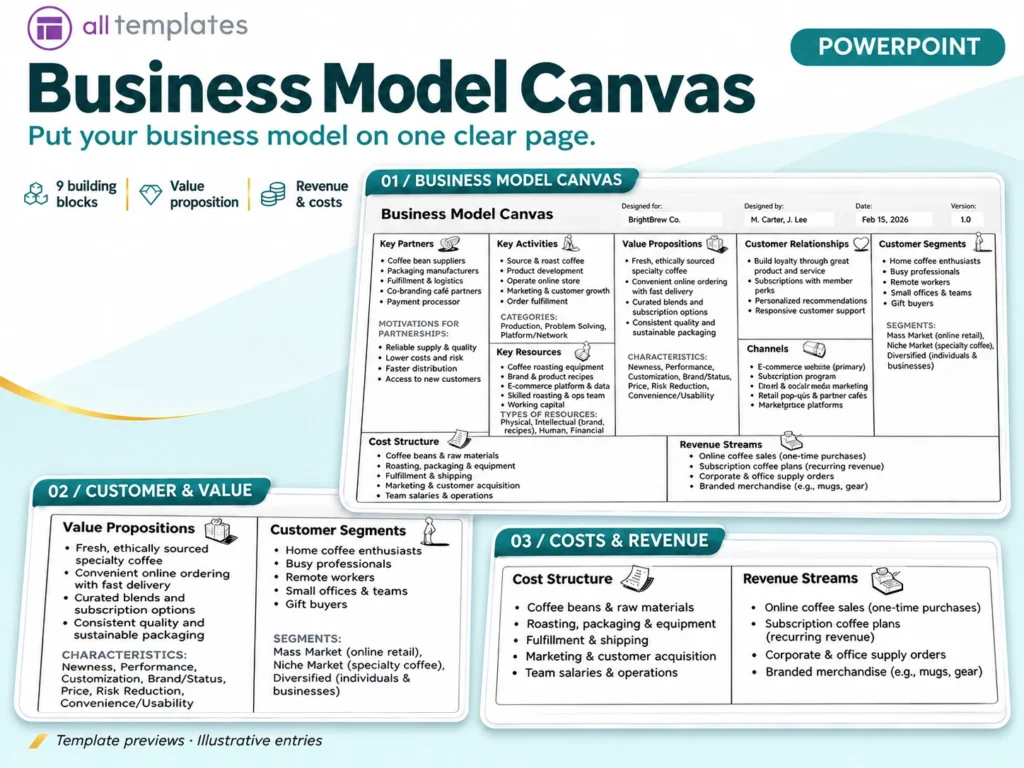
Sofia Belletti –
I came for the 90-day plan. Seeing the reporting and interview templates in the same pack was a nice surprise.
Amelie Graf –
Good range. A suggested order would help me start.
Krit Sutham –
The handover from planning to reporting is the draw for me. Helpful to see which templates are included before opening the bundle.
Luca Bellandi –
The 90-day plan is a nice touch. That and the interview kit would probably be the first things I’d open.
Priya Deshmukh –
The plan, interview kit and reporting templates cover the parts of a new role I’d want organised first. Helpful to see the previews together.
Samir Haddad –
Good range of planning materials, especially the interview and reporting pieces. A suggested order for opening the files would make the bundle easier to navigate.
Valerie Moss –
The 90-day plan gives me a clear place to start. I’d like a quick way to pick out the interview and reporting tools from the full list.