
How to Build an Accounts Receivable Aging Report in Excel

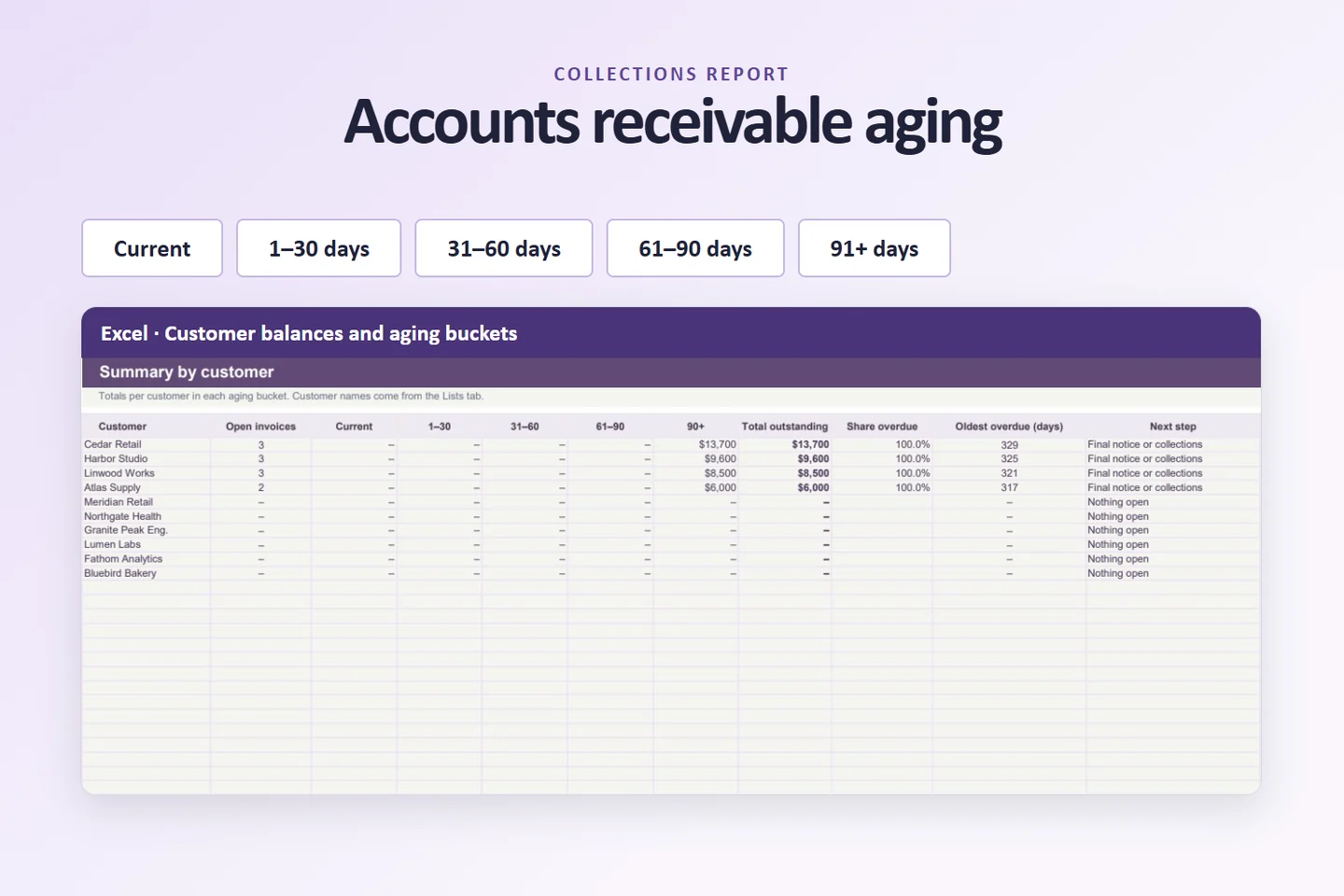
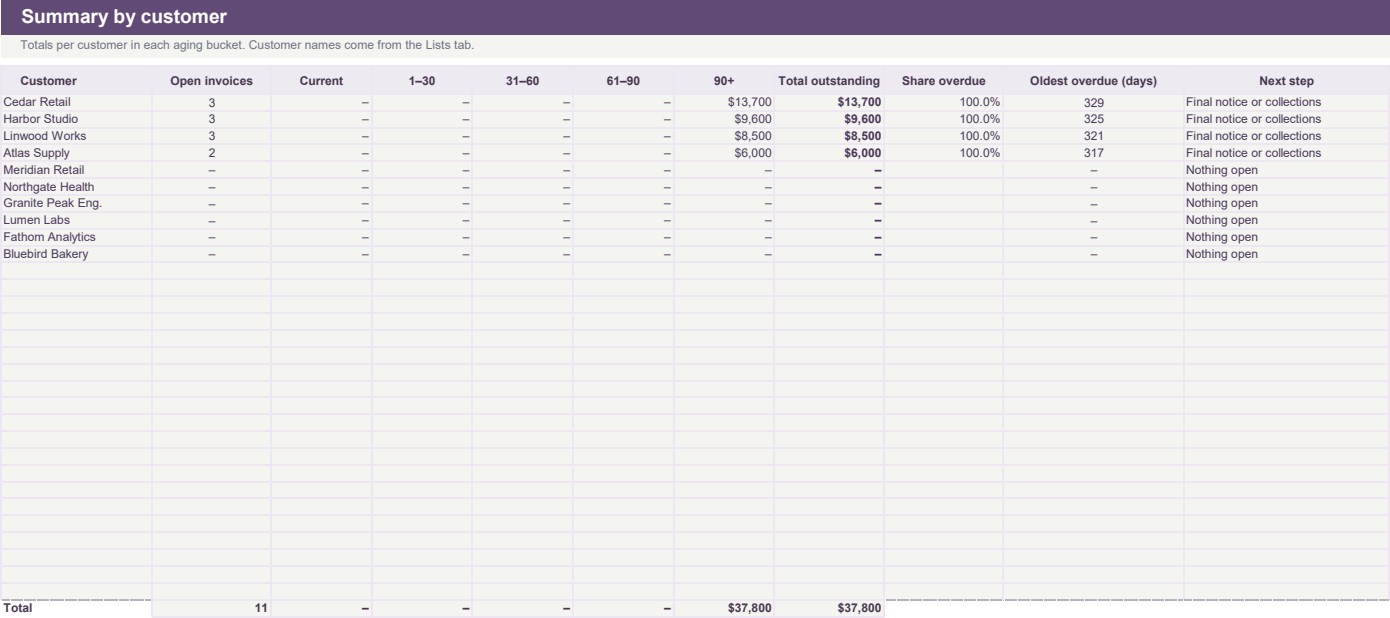
An accounts receivable aging report shows how much customers still owe and how long the remaining balances have been overdue as of a chosen date. It helps a collections owner answer three questions before making contact: which amount is genuinely open, which due date applies and what action is likely to move the payment. Build the report from invoices and applied payments, then give each material exception a next step.
Define the cutoff and keep the invoice fields separate
Choose an as-of date and use the same date for both balances and aging in a straightforward management report. Export invoices, approved credits and payment applications through that cutoff. An invoice issued after the date belongs in the next report. A receipt posted afterward does not erase a historical receivable. If you need both an operational view today and a closed-month snapshot, save two views with their dates prominently labelled.
Keep invoice date, original contractual due date, promised payment date and last contact date in separate columns. An invoice is generally aged by due date when the goal is following up on late balances. If the team uses invoice date for a different purpose, label that view. Keep the source of the due date beside any agreed change. A promise to pay later informs the cash forecast and the follow-up schedule. It leaves the historic ageing measure reproducible when the original terms still apply.
Calculate the open balance before picking a bucket
Start with one row for each invoice. A separate application table stores an invoice reference, applied amount, application date and receipt or credit reference. One invoice can have multiple receipts and one receipt can cover several invoices. Allocate each receipt once. Use an as-of filter on applied transactions so later payments are excluded from a historical run. Mark unapplied money separately until someone confirms which invoice it pays. This avoids telling the customer they are overdue for the wrong item.
Calculate open balance as original amount less applied receipts and credits as of the cutoff. Keep a separate category for zero and credit balances so they do not obscure late balances. For disputed invoices, record the disputed and undisputed portion separately in the action list, then reconcile both to the current ledger balance. Under approved accounting practices, a credit can change what is owed. A dispute flag tells you why an open amount needs a different follow-up.
Worked example at a single reporting date
Suppose the collections owner runs the report on February 15. Dates in the table are in the same fictional year. Use calendar days, show balances due today in Current, and use 1–30, 31–60, 61–90 and 91+ for past-due buckets. Test that every open row can land in exactly one bucket.
| Invoice | Due | Billed | Applied by cutoff | Open | Age and bucket |
|---|---|---|---|---|---|
| A101 | Jan 8 | $2,200 | $800 | $1,400 | 38 days, 31–60 |
| A102 | Jan 12 | $1,800 | $1,800 | $0 | Closed |
| A103 | Jan 18 | $750 | $0 | $750 | 28 days, 1–30 |
| A104 | Feb 4 | $4,000 | $1,000 | $3,000 | 11 days, 1–30 |
| A105 | Feb 16 | $600 | $0 | $600 | Current |
Total open balance is $5,750. Of that, $3,750 is 1–30 days past due, $1,400 is 31–60 and $600 is current. Past due totals $5,150. If the buyer sends another $500 against A104 on February 17, the next operational report can reflect that payment while the February 15 snapshot stays intact. Use the cutoff to explain the difference to anyone comparing the two dates.
Turn the aging table into a collections queue
Sort eligible accounts by the size of the open balance and the next actionable date. A104 is younger than A101 but exposure is larger. Check whether a buyer promised a transfer or whether their approval is still missing. Review A101 with a different owner if its age suggests a billing issue or a skipped reminder. For A103, confirm the billing contact and attach any missing purchase order evidence. Put one next action, an accountable person and a due date next to each priority balance.
Keep follow-up facts separate from likelihood estimates. A dated promise supports one expected cash date. A history of late settlement is a reason to model a delay. Confirm which amount will be paid first when a customer has several open invoices or a partial dispute. Give the rolling cash forecast the agreed or best supported expected clearing date and keep the contractual due date visible for collections.
Do four checks before you circulate the report
- Reconcile the total. Compare the sum of all open rows, including credits in their own view, with the receivables control balance behind the same date. Explain source, timing or currency differences.
- Check the boundaries. Test a due-today row and rows exactly 30, 31, 60 and 61 days overdue. The adjacent buckets should have no gap or overlap.
- Check allocation. Look for duplicated invoice references, payment applications greater than the related receipt, and credits that do not identify the invoice or approved account balance.
- Check exceptions. Put missing due dates, blank customer IDs and disconnected payment records into an exception list. Give someone the responsibility to resolve them before collection messages go out.
If you report in multiple currencies, show the open balances in their transaction currencies and add a labelled converted reporting amount using the rate policy and reporting date agreed with finance. Avoid summing different currencies in one undifferentiated bucket. Keep both the original amount and the basis for translation so the report can be traced back to matching records.
Build a view for payment promises and disputes
Give the collector a separate view with the latest contact date, expected payment method, proposed payment amount and next contact date. For an invoice of $3,000 with $800 disputed, assign a named person to collect the undisputed $2,200 and a separate owner to investigate the pricing issue. Record the reason the dispute was opened, the evidence still missing and the date at which the team will review it. Maintain the full $3,000 open balance until an approved action changes the accounting record.
Consider what makes one contact action more useful than another. A generic reminder may be suitable when the buyer simply missed an agreed date. If the buyer says a purchase order or completion form is missing, send the document after checking it with the account owner. If several people have already replied to the same contact, assign one person to coordinate the follow-up. Record communications next to the same invoice reference so another collector can continue the work without asking the customer to repeat the history.
At month-end, compare the aging changes to the finance team’s entries. If an 80-day balance moves into the oldest bucket, explain how much came from ordinary aging and how much from corrections. Check whether an approved credit reduced one bucket while new unpaid work increased another. This makes the cash conversation specific. The collections owner can act on promises and disputes, while the business can see whether the underlying problem is billing accuracy, documentation or actual ability to collect.
Measure the collections work as well as the balance
Track new promises, promises kept, material disputes resolved and aging changes at a consistent interval. A lower overdue balance could reflect cash, credits or write-offs. Record how much each driver changed the report. Check current invoices that will become due during the next review window, especially large amounts tied to payroll or supplier payments. Give those customers time to confirm paperwork before the due date.
When a customer tells you the invoice is ready for payment, record the expected batch date and the amount they expect to pay. Follow up after that date if funds have not cleared. If a valid credit is still awaiting approval, identify who can review it and when. A persistent reason for late payments is a useful operational signal. For example, if several accounts need a purchase order added after issuance, put that field in the invoice preparation checklist.
How can I calculate days past due in Excel?
Use a single report-date cell and calculate days past due as that date less the due date. Use a date type for both cells. Blank due dates get a flag. For a simple report use Current for a zero or negative result and evaluate positive intervals in order. Microsoft’s customer aging report documentation illustrates the distinction between cutoff and aging parameters in a finance system.
How should I handle the first report when the data is incomplete?
Start with invoices and applications you can link. Put the remainder in an exception tab with amounts, source and a named owner. Reconcile the known total plus unmatched items to the source record and write down the reporting limits. A trustworthy baseline with a visible exception list gives you a better starting point for the following week.
Use the Accounts Receivable Aging Excel template to review open invoices, part payments and collection priorities. Bring expected clearing dates to your 13-week cash flow forecast and save the aging snapshot used to make the decision.