
How to Build an Accounts Payable Calendar in Excel

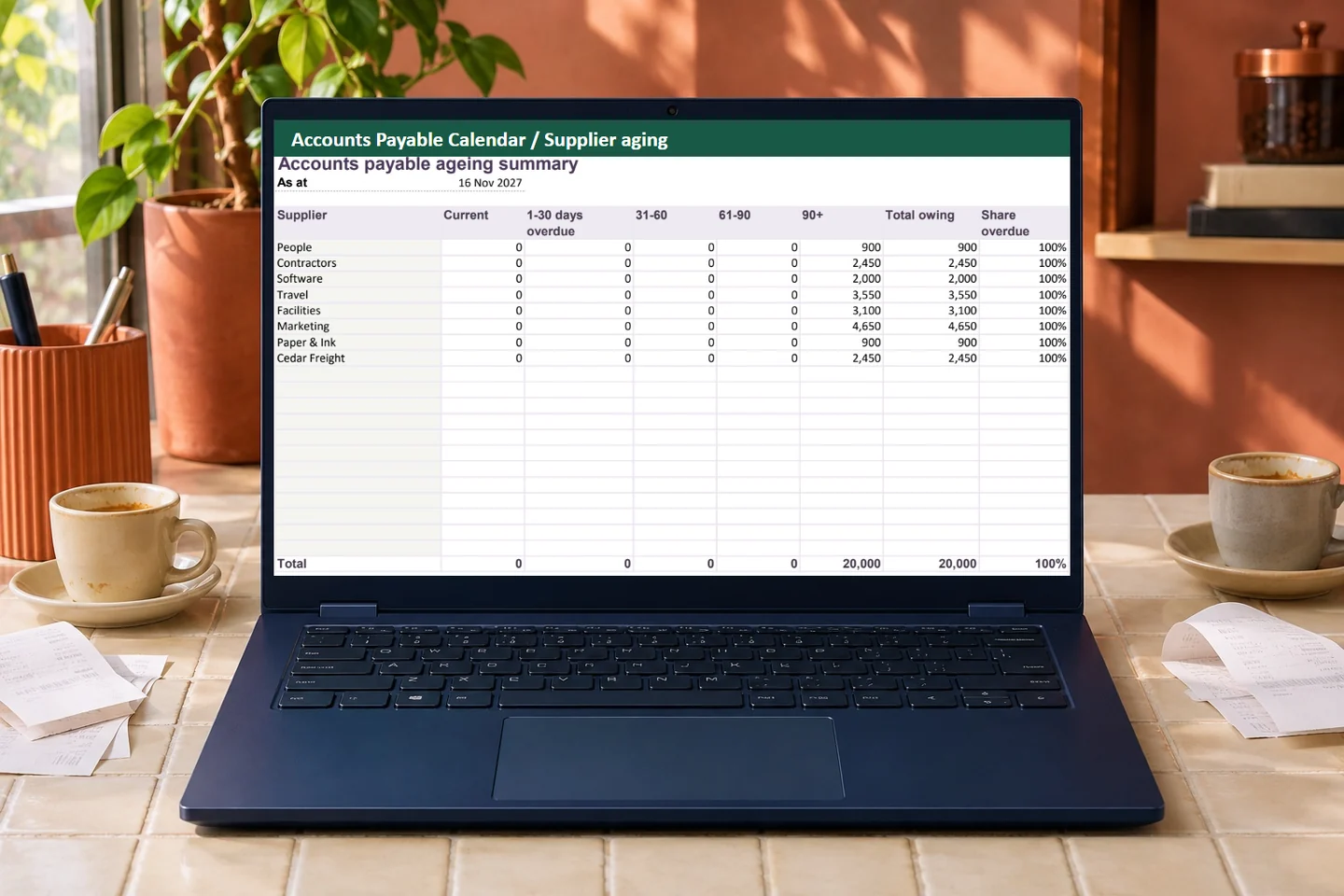
A useful accounts payable calendar turns a list of supplier bills into a payment run you can review, approve and reconcile. Bring each bill’s due date, open amount, approval state and scheduled payment date together. Read the resulting schedule alongside your cash forecast. That is how you find a crowded week while you still have time to verify a supplier commitment or change a discretionary purchase.
Build a bill register around an identifiable document
Start with one row per bill. Record supplier, supplier invoice number, invoice date, due date, currency, original amount, purchase order or receiving reference, and owner. Preserve the actual source document in the approved filing location and identify it by reference. A supplier invoice number can be reused by different suppliers, so check both fields together when looking for duplicates. Keep credits and payment applications traceable to the original bill.
Confirm that the business received the goods or service and that the quantity and price match your agreed documentation. If the approval is incomplete, show the open amount and the reason for the hold. A flagged bill can still be due by contract. Give a named person a date to obtain approval, resolve a discrepancy or review the contract. This makes it possible to see obligations even when the payment steps are incomplete.
Separate contract dates from bank dates
Use a due-date column for the terms agreed with the supplier. Add a planned submission or payment-run date and an expected clearing date. If Friday is the due date, the run may need to happen Wednesday to allow bank processing and approval. Some payments leave the bank immediately. Others may clear after the internal cut-off or weekend. Choose the date basis your cash forecast uses and document it at the top of the calendar.
For a proposed change, retain both the old and new dates or add an exception history. Link the approval or supplier agreement that supports the change. Track separate dates for payments already submitted and drafts awaiting authorisation. If a hold needs owner review, keep it visible in a due-date view even if the expected date in the cash forecast is later.
Choose the amount that actually remains payable
Start with bill amount less amounts already applied and approved credits. After a part payment, use the remaining amount in the next eligible run and record the prior payment reference. An amount pending in the banking queue needs a unique marker to keep it out of a second payment batch. Include it in the cash forecast according to whether opening cash already reflects it. Investigate credits without matching references before applying them to a different bill.
Worked example with a payment run and an approval hold
Imagine a small café plans two weekly runs. It has $650 available for the first run after allowing for other committed outflows. The table uses dollar amounts in one currency. A $900 freight bill is awaiting receiving evidence and must stay visible in the due-date review.
| Bill | Due | Original | Applied | Open | Action |
|---|---|---|---|---|---|
| Aster Print | Jan 10 | $560 | $100 | $460 | Approved for first run |
| Elm Office | Jan 14 | $180 | $180 | $0 | Closed, exclude from the run |
| Cedar Freight | Jan 21 | $900 | $0 | $900 | Hold for receiving confirmation |
| Juniper IT | Jan 29 | $620 | $300 | $320 | Plan for next run |
| Birch Tools | Feb 3 | $410 | $0 | $410 | Plan against actual clearing date |
There is $2,090 payable across the four open bills. Paying Aster Print uses $460 of the $650 first-run headroom and leaves $190. The Cedar Freight hold does not release $900 of spend. It tells the operations owner that the company needs evidence and a funding decision before the bill is due. If receiving confirmation arrives and it must be paid sooner, the planned run needs $710 beyond the remaining headroom. Add the expected payment date to the cash forecast and tell the decision owner what else falls in that week.
Suppose Juniper IT’s $300 already paid was submitted yesterday and is still awaiting clearance. The oldest version of the register might still show $620 unpaid, while the latest payment queue shows the $300 instruction. Reconcile the queue with the ledger before approving $320 for the next run. Keep the $300 uniquely identifiable in the cash model until it clears. That avoids paying $300 twice while still showing cash needed for the instruction already sent.
Review the run in four passes
- Check the obligation. Confirm supplier, invoice reference, original amount, due date, credits, receiving evidence and reviewer. Flag anything already paid or in progress.
- Check the run. Sort by planned submission date and compare the total by currency and payment account against cash available. Escalate conflicts to the approved decision owner in time to act.
- Check the recipient. Confirm beneficiary information through the supplier verification process. Treat a changed bank detail as an exception that needs an established independent check before release.
- Reconcile after release. Capture the batch ID, payment status and applied reference. Confirm the amount that cleared and mark failed payments for follow-up. Match cleared transfers to the ledger before marking the run complete.
Use a second reviewer according to your existing approvals process. The person reviewing the total should be able to drill down to the bills, and the person reconciling after the run should see changes made between approval and release. If a payment file was amended, record what changed and why. Fix a rejected transfer in the next appropriate run after determining whether it was returned or never sent.
Test the payment calendar on a copy
Enter one test bill due next week, then record a partial payment. Check that the next run uses the reduced balance, the aging view still includes the open amount and the traceable payment sum is consistent with the register. Enter a separate bill with a missing due date and confirm it appears in the exception view. Copy a bill with the same supplier and invoice reference and check that someone can spot it before the run is prepared. Turn those three checks into a small routine whenever the team changes its workbook ranges or imports a new data source.
When comparing weeks, explain the changes in cash terms. If next week’s scheduled outflow rose by $1,700, identify which bill or batch accounts for it and whether it moved from another week. If the amount grew because the bill was already included at a lower estimate, record the amount variance separately from its date change. Confirm that the approved payment batch sent to the bank reflects the same list that the business reviewed.
Keep two views for different weekly decisions
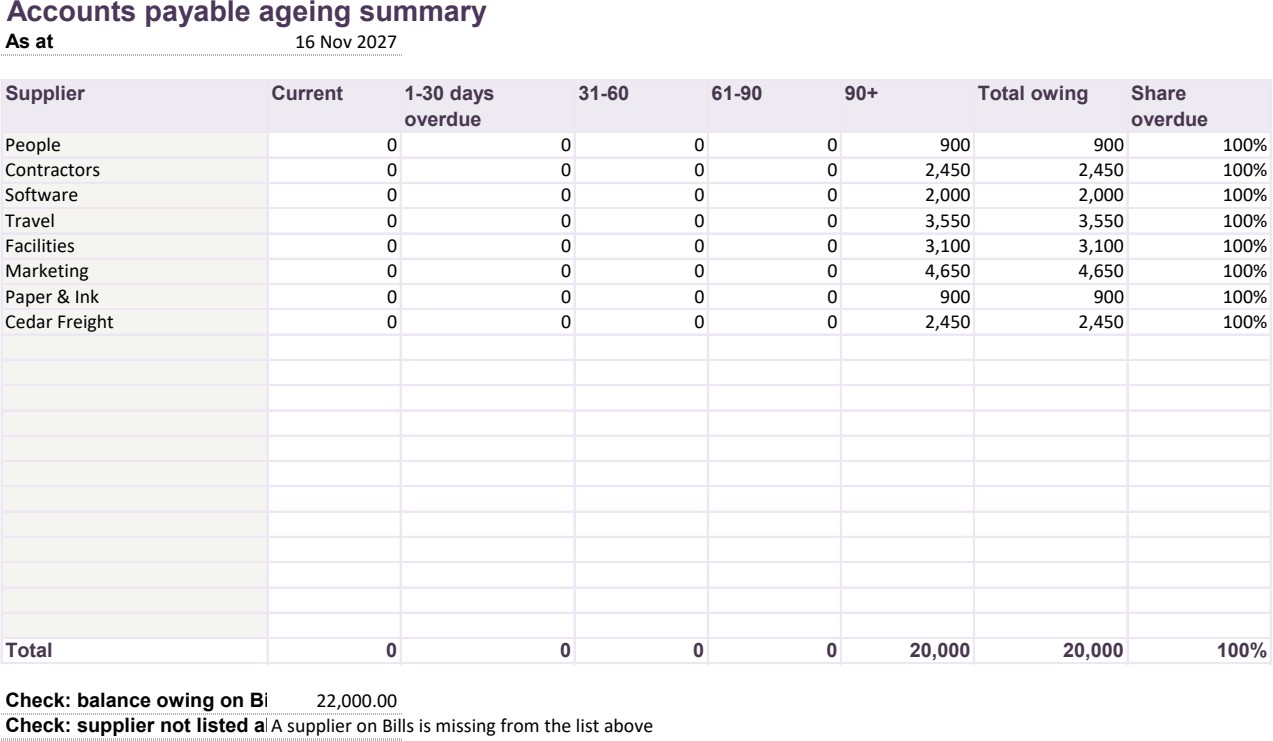
A supplier aging view shows overdue balances as of a chosen date. It helps you investigate account issues and contact suppliers before a routine balance becomes a disruption. A payment schedule looks forward using the run date or the estimated clearing date. It helps you work out whether the agreed cash commitments fit together. Reconcile the two views to the same open register and keep exceptions such as approved holds in both views. See Microsoft’s payables analytics documentation for examples of aging and vendor balance reporting.
On a busy week, filter the run by account and currency, then sort the exception list by the date an action is needed. Look at recurring payments, discounts with an expiry date and suppliers critical to delivery. Keep payment decisions and contractual terms visible. If a supplier offers an early-payment discount, calculate its cash effect and compare it with the available headroom before asking for approval. If taking the discount creates a shortage later in the week, show both the savings and the funding impact in the review.
What if a bill has no due date in the system?
Identify the agreed terms from the supplier contract or invoice. Use an explicit missing-date flag until the terms are verified. A blank date should still appear in the obligations total and the exception list. Check whether the missing field signals a recurring data-entry issue you can fix upstream.
How do I handle a supplier statement that includes multiple bills?
Match statement entries to the individual invoice and credit references already in the register. Investigate invoices you do not recognise and payments that appear on one side only. If you pay several bills in one transfer, store the allocation detail with the bank reference and confirm the supplier can reconcile it on their side.
What should the payment meeting end with?
Keep the approved batch total, the exceptions, and the name and date for the next action. Record the week affected by any change in the clearing date. Revisit the list after the bank confirms which instructions actually settled. Repeated differences between scheduled and actual dates can inform the next version of the payment calendar.
Use the Accounts Payable Calendar Excel template to build a manual bill list or review the Pro payment calendar and aging summary. Bring the expected clearing dates and actual cash amounts into your rolling cash flow forecast.