
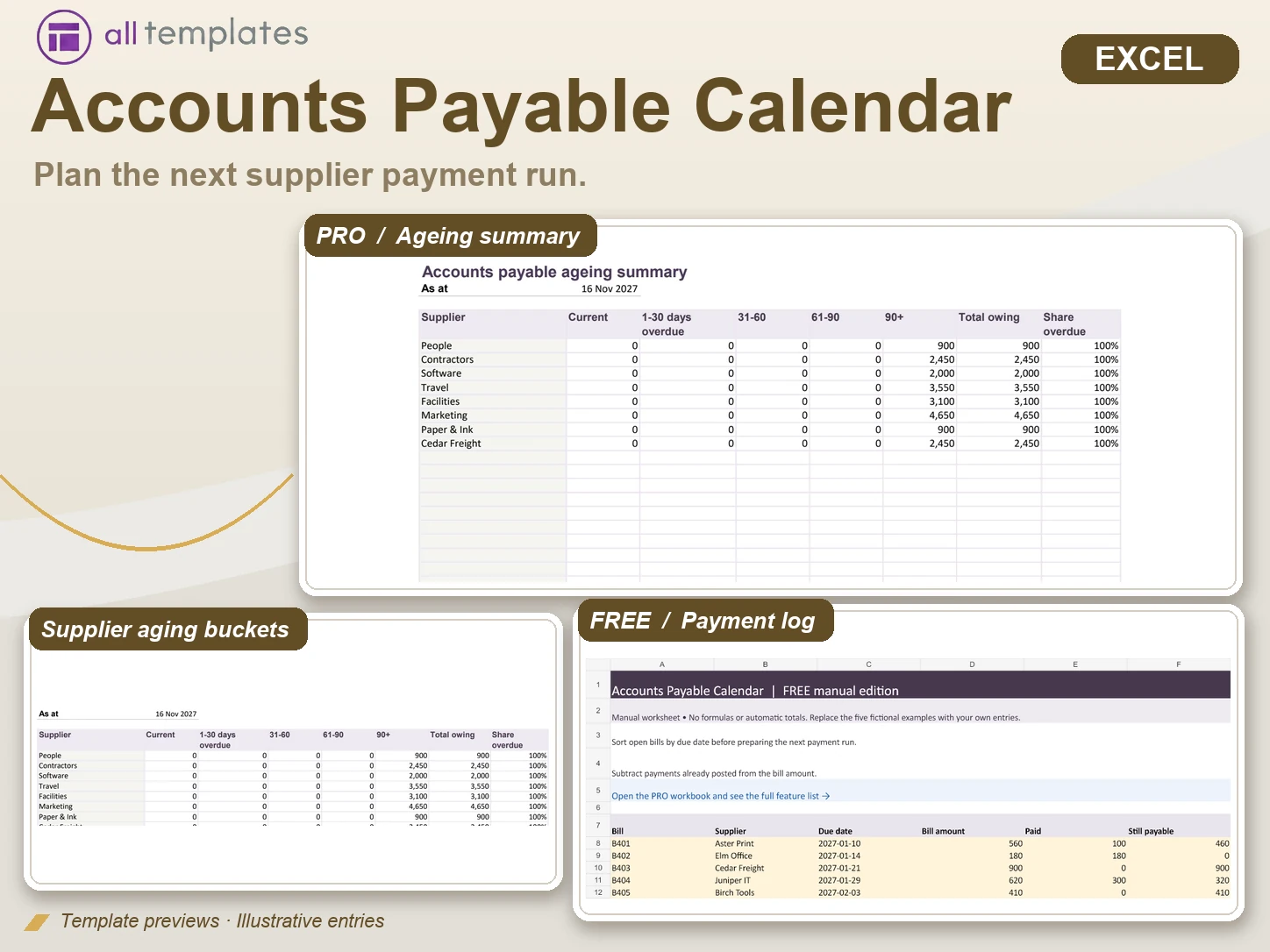
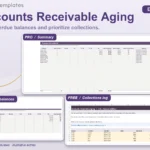
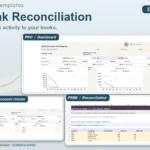
What’s inside the Accounts Payable Calendar workbook
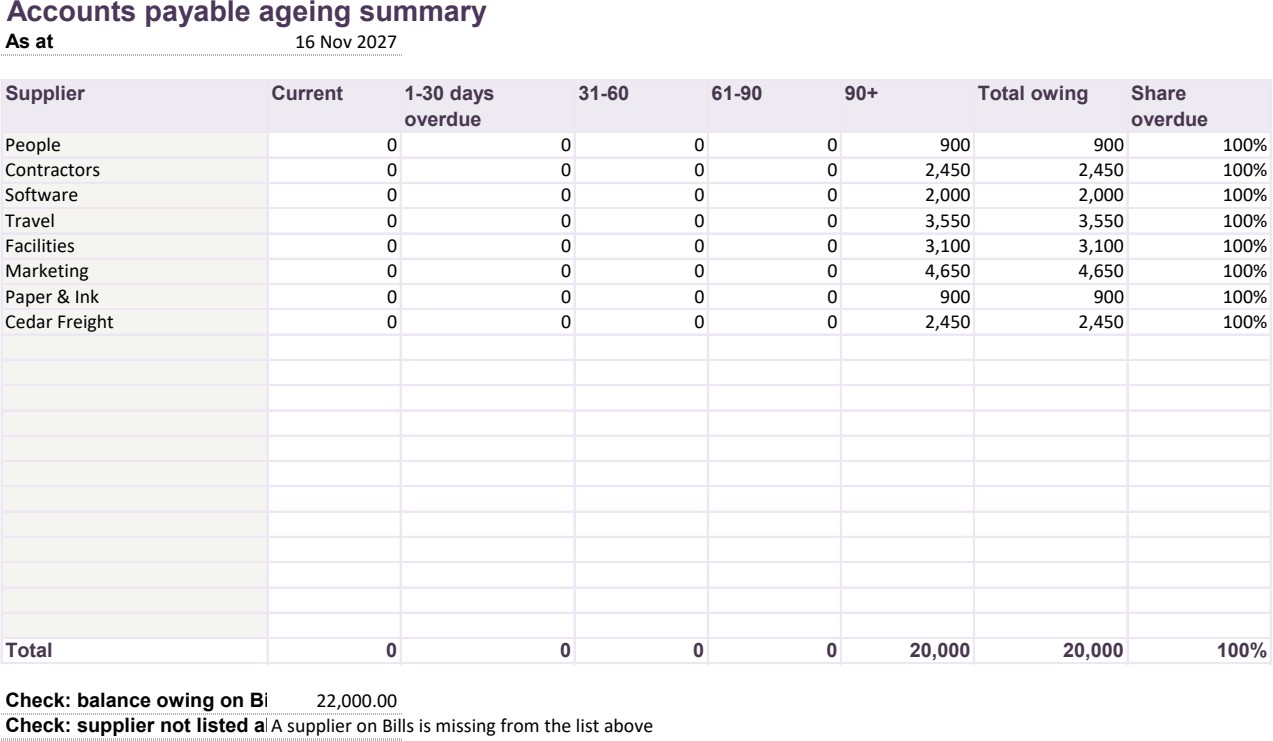
Owners and accounts payable teams scheduling supplier payments. PRO includes a dated bill calendar, an aging summary and a payment planning view. The workbook supports planning and review. Use your existing approval and bank processes to release payments.
Free versus PRO
| Feature | Free manual starter | PRO workbook |
|---|---|---|
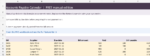
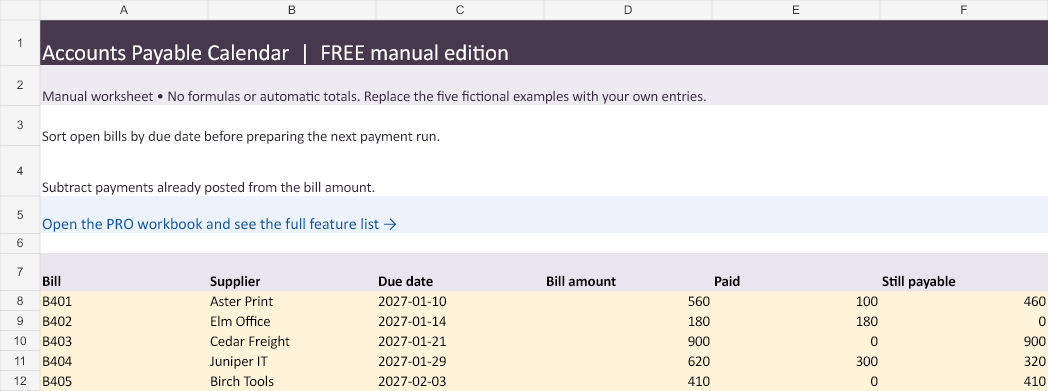
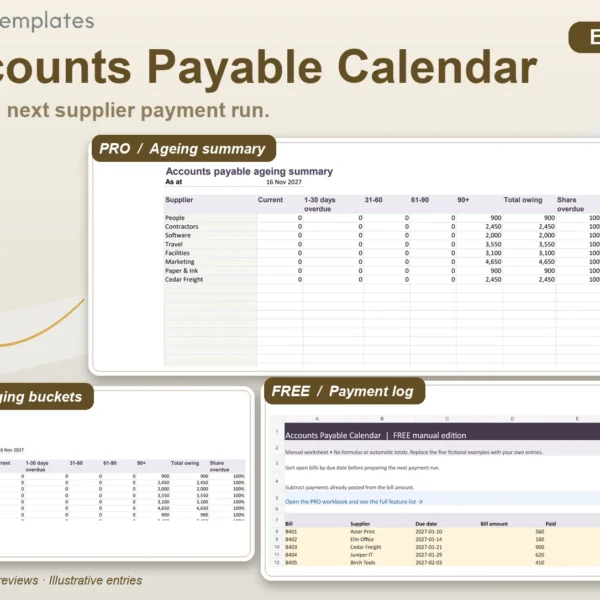
| Working views | Payment log with five fictional rows | Bills · Payment calendar · Payment planner · Ageing summary |
| Calculations | Enter results manually. No worksheet formulas. | Calculates remaining balances and groups bills for scheduling |
| Download | One editable .xlsx file | One .xlsx file with instructions and example data |
Download the Free manual worksheet (.xlsx)
How to use it
- Enter supplier references, terms and posted payments in Bills. For the record-level view, enter bill, paid amount, due date, run date and priority in Work.
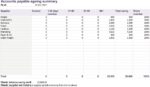
- Review Payment calendar and Ageing summary for upcoming and overdue balances.
- Check approved open amounts against the run's cash limit and record the payment reference after release.
Use cases
- Weekly supplier run. Fund approved open bills due before the next run.
- Cash shortage. Separate mandatory obligations from items with an agreed extension.
- Partial payment. Check the remaining balance and retain the original supplier reference.
Build an accounts payable calendar in Excel, with a worked payment run
Try it with a worked example
List a $900 supplier bill due Friday and a $600 bill due the following Tuesday. With $1,000 available before Monday’s receipts, review payment dates and committed cash together before promising either supplier an earlier transfer.
All you need to know about accounts payable calendar
Choose which supplier bills to pay on the next run and how much cash to set aside.
Build the foundation
- Capture supplier and invoice references before scheduling a payment.
- Check duplicate numbers within each supplier and compare amounts across close variants.
- Confirm approval and receipt of goods or services before release.
- Use agreed due dates and distinguish them from planned bank release dates.
- Apply posted payments and approved credits before calculating the open amount.
Put it into practice
- Allow for bank cutoffs and payment settlement when setting a run date.
- Flag disputes and exclude held amounts from the approved payment total.
- Compare the proposed run with available cash and non-deferrable commitments.
- Verify new supplier bank details through an established contact.
- Record payment references and reconcile remaining balances after posting.
Templates and references
Frequently asked questions
Does the due date equal the payment-run date?
The due date comes from supplier terms. Set the run early enough for funds to reach the supplier when required.
How do I handle a partly paid bill?
Keep the original bill and record the cumulative amount already paid. Schedule only the remaining balance.
What if two suppliers use the same invoice number?
Use the supplier and invoice number together. Check for duplicates within the same supplier.
Where do credit notes affect the run?
Apply approved credits to the relevant open balance before scheduling payment.
Should a disputed bill appear on the calendar?
Keep it visible with a hold and owner so it can be resolved. Exclude the held amount from the payment batch.
How far before the due date should I release payment?
Work backward from the supplier due date using the bank's cutoff, settlement time and any holidays.
What happens if I cannot fund the full run?
Identify contractual deadlines and supply risks, then agree a revised date or partial payment with affected suppliers.
When should an early-payment discount be taken?
Compare the verified saving with liquidity needs and make sure the transfer can settle inside the discount window.
Can I move every weekend due date to Monday?
Check the contract and bank settlement rules. Some terms require earlier receipt.
How do I reconcile the run after release?
Match each bank payment and remittance reference to its bill, then reconcile remaining balances and investigate rejections.
2 reviews for Accounts Payable Calendar Excel
Clear filters
Ines Haddad –
The calendar seems useful, but I had to read the description twice to see how the payment planner and the ageing summary fit together.
Astrid Møller –
I like seeing the due dates and the open amounts together before planning a payment run. The calendar looks easy to read.