
Small Business Bookkeeping for Google Sheets
9,00 $
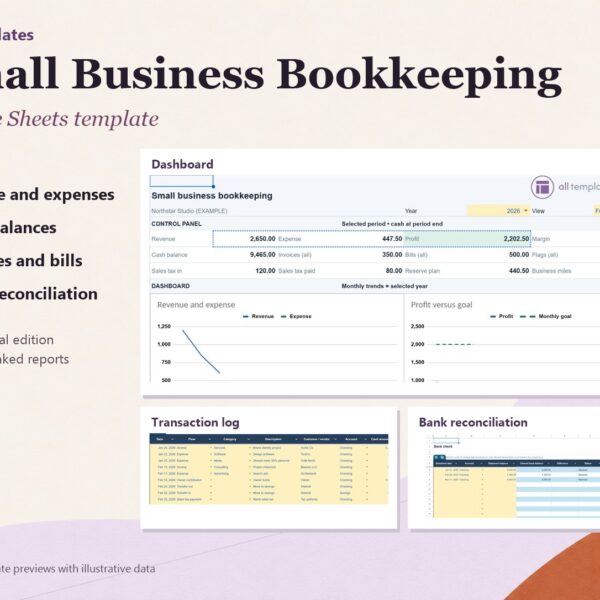
Track small-business income, expenses and cash in a Google Sheets bookkeeping template. Start with the free manual workbook or choose Pro for linked invoice balances, monthly reports and a dashboard.
- AI-friendly. Give a file-capable AI agent a copy and your source material. Ask it to fill the labeled inputs and check the result before using it.
Free downloads vary by product. See the description below for exactly what is included, or get the complete Pro version.
Get the complete, ready-to-use version with all features — for the price of a cup of coffee
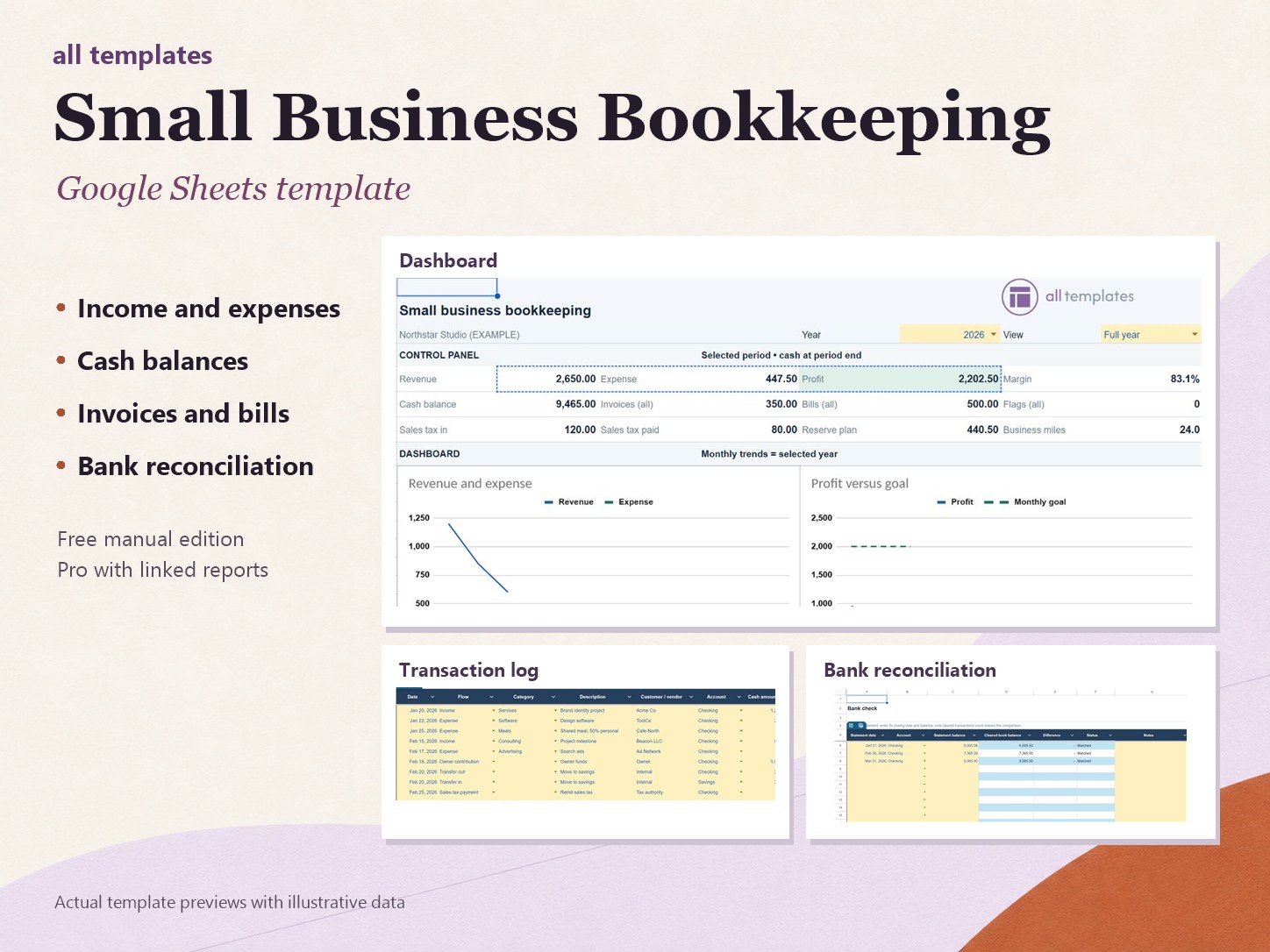
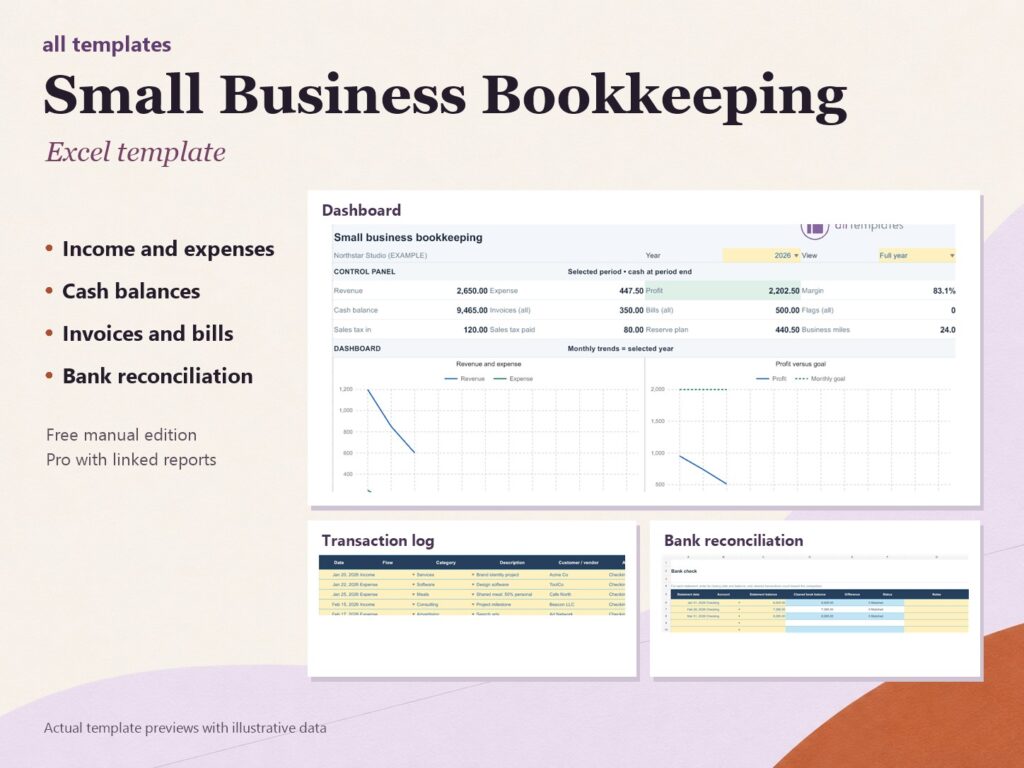
For a small business that records payments in Google Drive, this workbook brings income, expenses, open invoices and bank checks into one place. Start with the manual Free edition if you want to keep a record yourself. Choose Pro when one payment needs to update your monthly figures, cash position and dashboard together.
Free and Pro comparison
| What you want to do | Free Google Sheets workbook | Pro Google Sheets workbook |
|---|---|---|
| Get started | Six blank worksheets for manual entry | Ten linked worksheets with a fictional worked example |
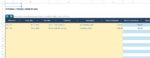
| Record activity | Manual logs with 100 entry rows in the journals | One transaction journal with room for 1,000 entries |
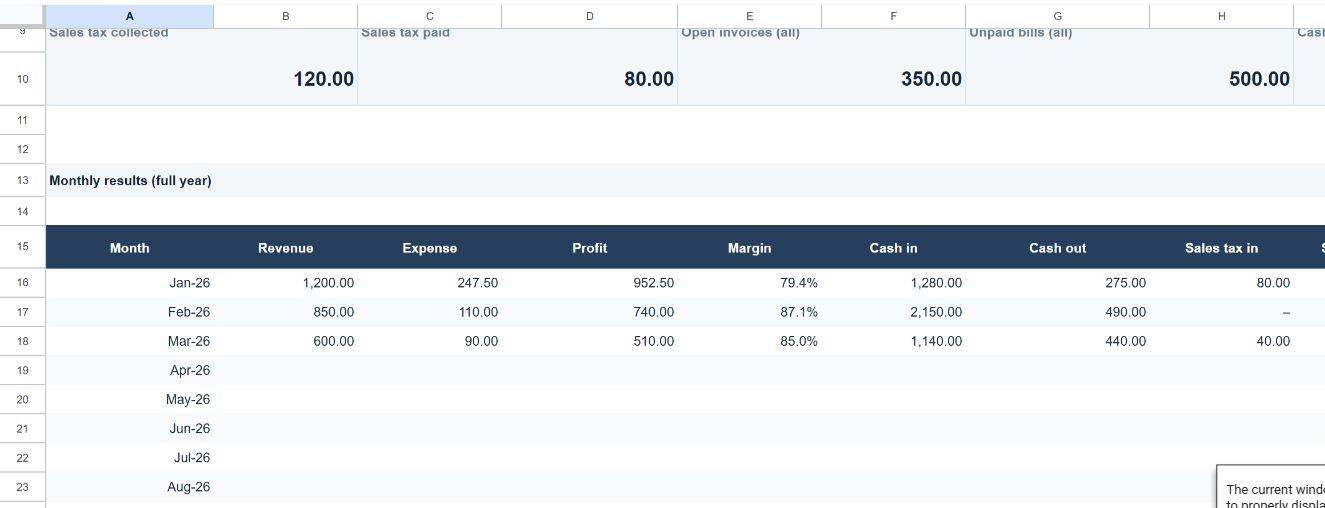
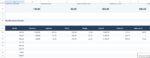
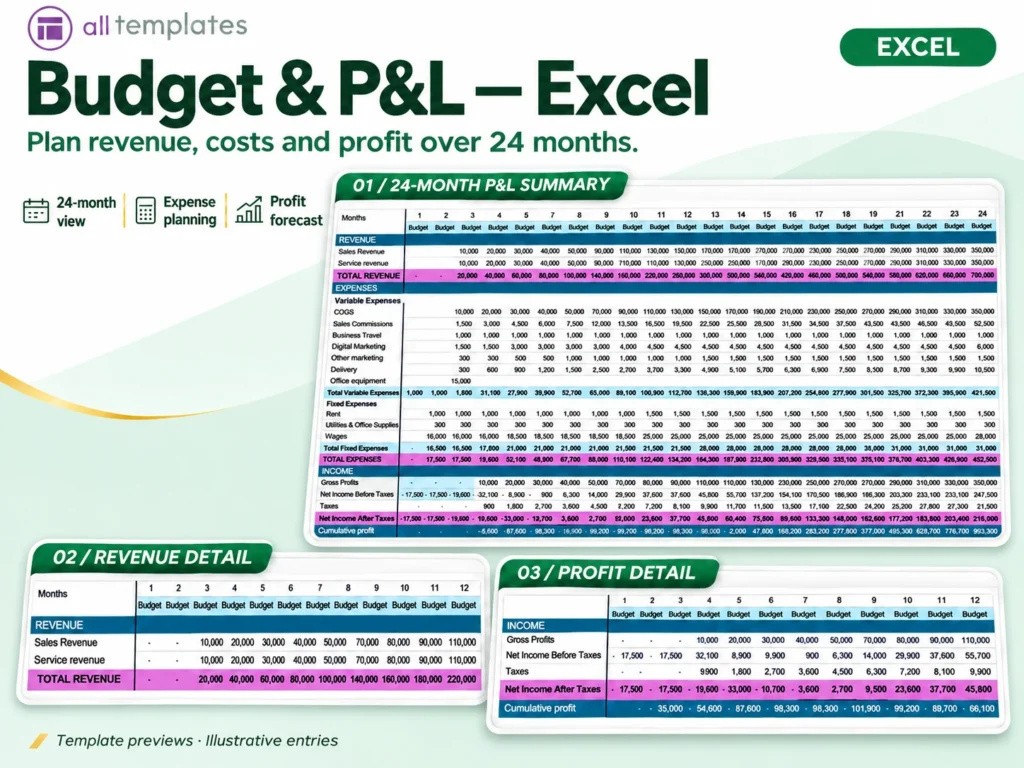
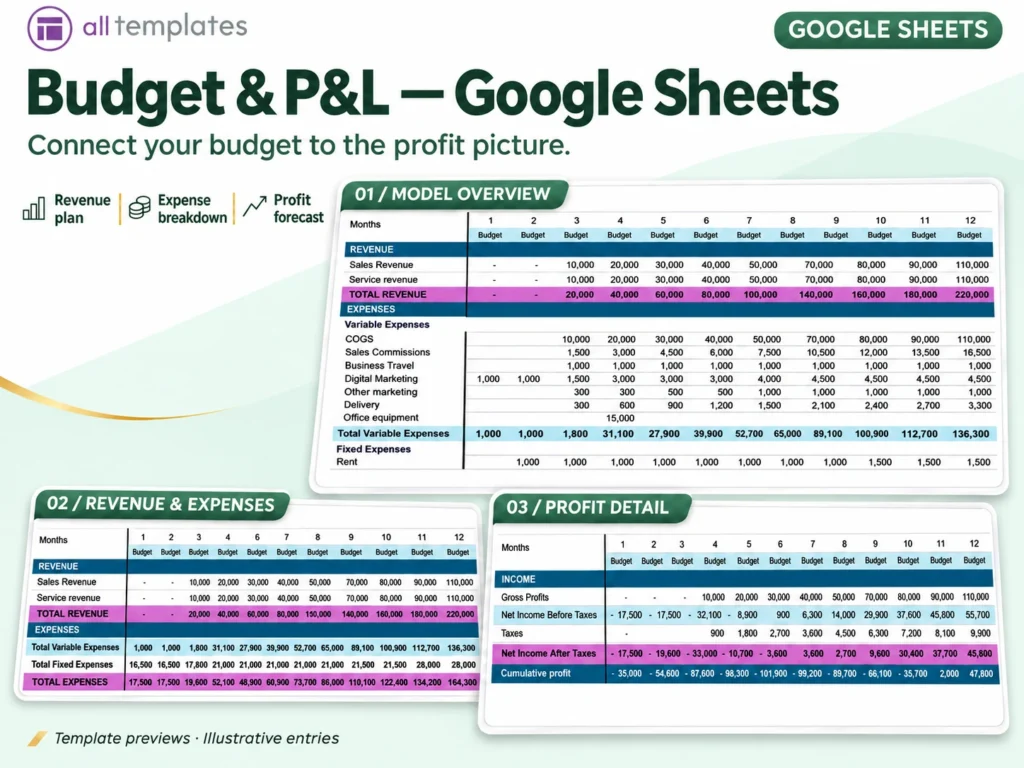
| Review monthly results | Calculate and summarize your own totals | Choose a year and reporting period on the dashboard; Reports shows revenue, expenses and profit |
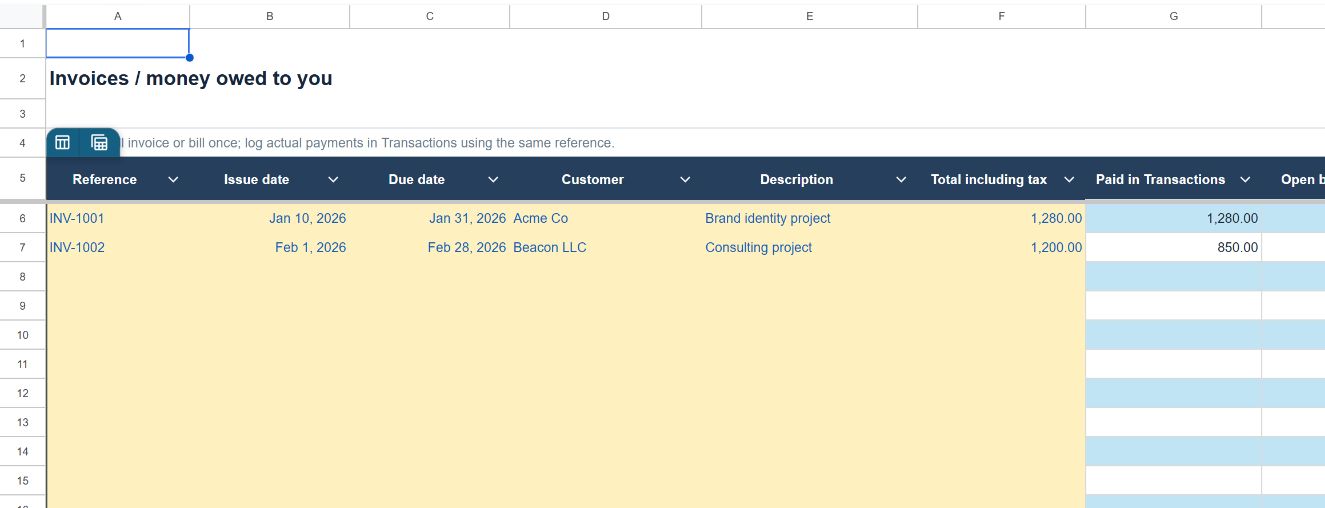
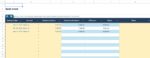
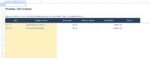
| Follow outstanding amounts | Maintain your own invoice and bill records | Open invoices and bills are tracked separately from cash received or paid |
| Check balances and trends | Manual checks | Bank reconciliation, review flags, four dashboard charts and SKU analysis |
How to use the template
- Sign in to Google, use the download link and choose Make a copy. Keep the original sample for reference and work in your copy.
- In Pro, open Setup and enter the opening date and balances for your accounts. Set your business name, categories and products before replacing the sample records.
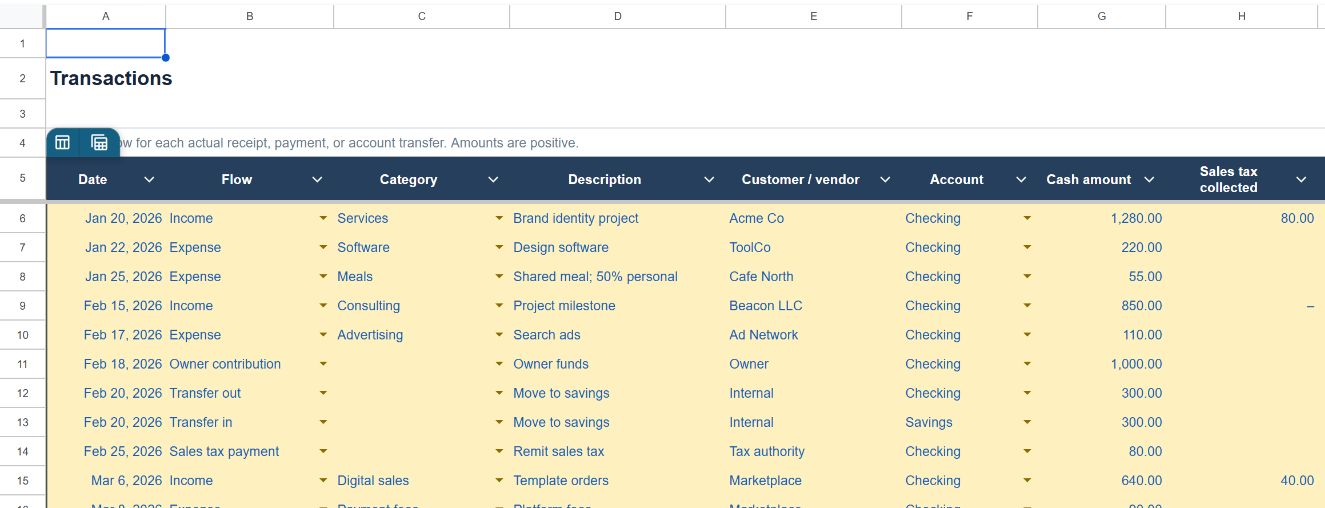
- Record a customer payment once in Transactions. Use the payment date, account, gross amount and any sales tax collected. Use the invoice reference to connect it to the invoice record.
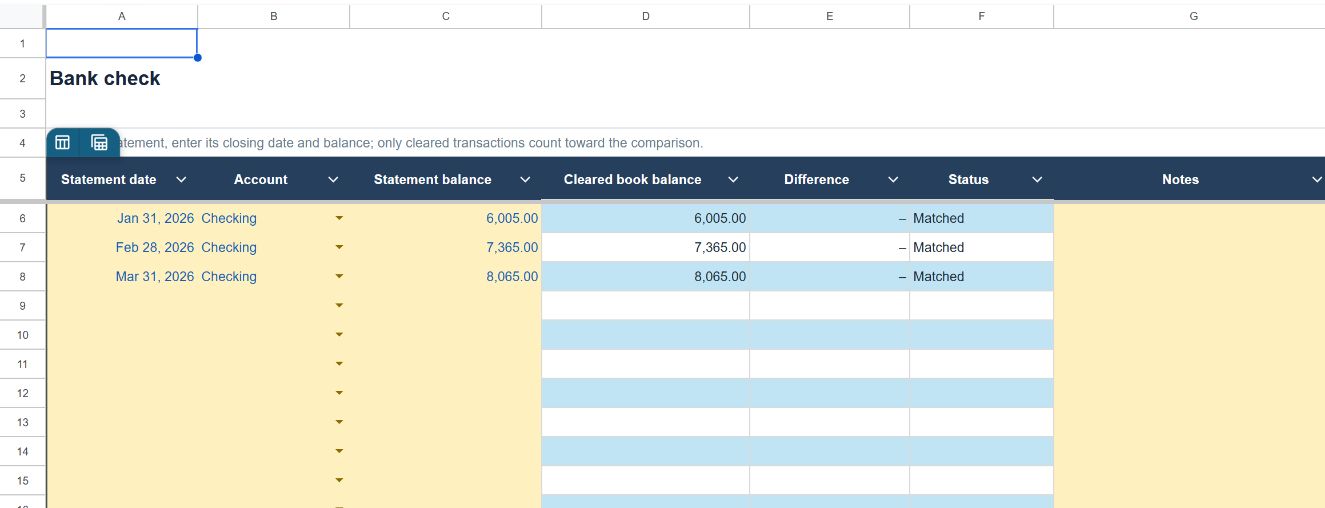
- Select the year and month on Dashboard. Compare the totals with Reports, then use Bank check to reconcile cleared entries against the statement.
Practical use cases
- Freelancer collecting a deposit. Keep the unpaid balance on Invoices and enter the payment when it reaches the bank.
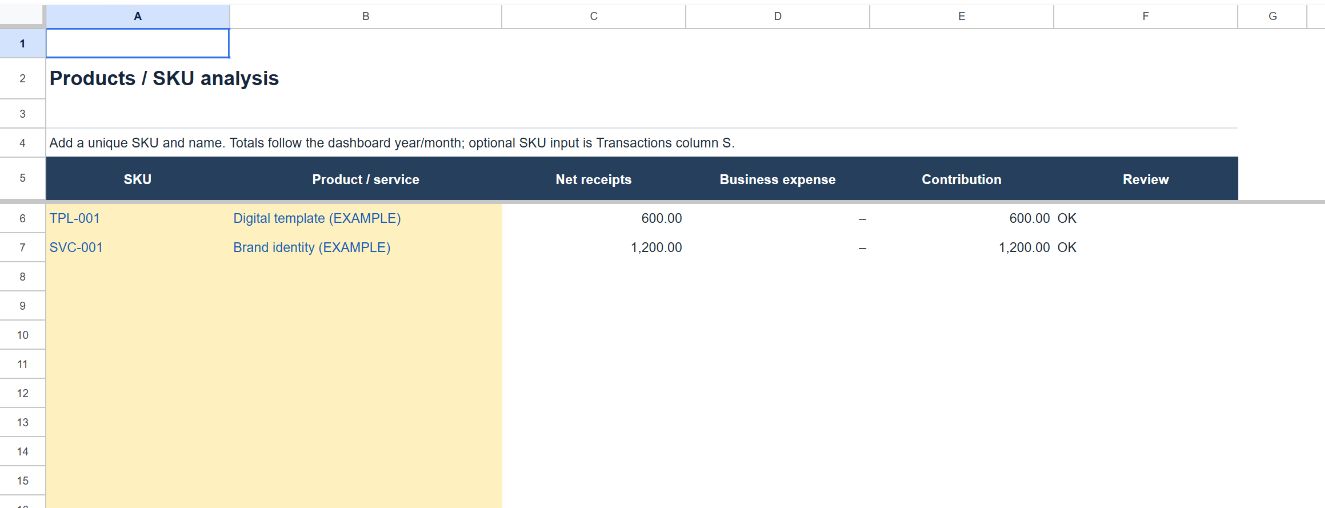
- Shop reviewing a product line. Tag transactions with the same SKU, then compare the product report with your sales records. Quantities on hand belong in an inventory tracker.
- Owner moving money to savings. Use matching transfer entries for the two accounts so the movement changes cash by account without increasing sales or expenses.
This is a cash-basis management workbook. For desktop use, open the Excel edition. For the monthly review workflow, read the bookkeeping guide.
Set up small-business bookkeeping in Google Sheets with a worked example
Jump to the practical guide, worked example and FAQs
Try it with a worked example
Use a fictional $300 invoice to walk through a reporting month. Record its issue date, the later payment date and the bank deposit. Check that settlement clears the open invoice and that the same sale has not been counted twice.
All you need to know about small-business bookkeeping in Google Sheets
An invoice, a payment and a bank transfer can have the same dollar amount and affect three different parts of your workbook. Begin by identifying what actually happened.
Build the foundation
- Keep business and personal activity distinguishable. Use dedicated accounts where practical and classify owner transfers separately.
- Record each transaction consistently. Keep date, amount, account, category and a source reference together.
- Retain source documents. Link receipts, invoices and statements so you can explain balances later.
- Separate sales from collections. Track when the invoice is issued and when money arrives.
- Separate bills from payments. Keep unpaid obligations visible before they affect the bank balance.
Put it into practice
- Reconcile accounts monthly. Match bank transactions and explain outstanding or unmatched items.
- Record transfers only once economically. Link both account movements and keep them out of income and expense totals.
- Check category consistency. Use stable labels and review miscellaneous transactions regularly.
- Close each period. Resolve exceptions, save a dated copy and review receivables, bills and cash.
- Know when to change tools. Consider dedicated accounting software when imports, multiple users or reporting needs become difficult.
- Keep one working copy. Share your working workbook with the people entering transactions so they use the same journal. Keep an untouched sample for checking formulas.
- Keep earlier years in the journal. Change the reporting year on Dashboard for a new period. Retain past entries and the original opening date so earlier balances remain reproducible.
- Check a single receipt first. Reconcile the gross deposit with net revenue and tax before loading the rest of a month.
Frequently asked questions
Can I do bookkeeping in Excel?
Yes for a manageable transaction volume with reliable entry, reconciliation and backups.
What should I record for an expense?
Record date, amount, payee, category, account and a reference to supporting evidence.
Is an owner contribution revenue?
In ordinary bookkeeping it is recorded separately from sales. Confirm the right account treatment for your entity.
How do I record money moved between bank accounts?
Record linked transfer entries so the move does not inflate sales or expenses.
How do I reconcile a statement?
Match cleared entries and identify timing differences, errors and missing transactions.
What is the difference between cash and accrual tracking?
Cash focuses on receipts and payments. Accrual records revenue and expenses when earned or incurred under the applicable accounting method.
How should I handle an unpaid customer invoice?
Track its amount, due date and status, then link the eventual receipt.
Should I import bank data or enter it manually?
Use imports where available and check duplicates, dates and categories before posting.
Can AI categorize bookkeeping transactions?
It can suggest categories. Verify against source records and review unusual items yourself.
What should a monthly close leave behind?
Reconciled accounts, dated records, a receivables and bills review, and a list of items still needing follow-up.
What should I check if cash agrees but profit looks too high?
Look for a transfer or owner contribution recorded as income, or tax included in revenue. Trace a single receipt from the bank statement to its flow type and tax amount.
Lejla Hadžić –
Glad there’s a Sheets edition. The comparison between the manual free workbook and the linked Pro reports is easy to follow.
Andre Svanberg –
I was looking for the Sheets version specifically. Being able to start with income and expenses and then add linked monthly views makes sense to me.