
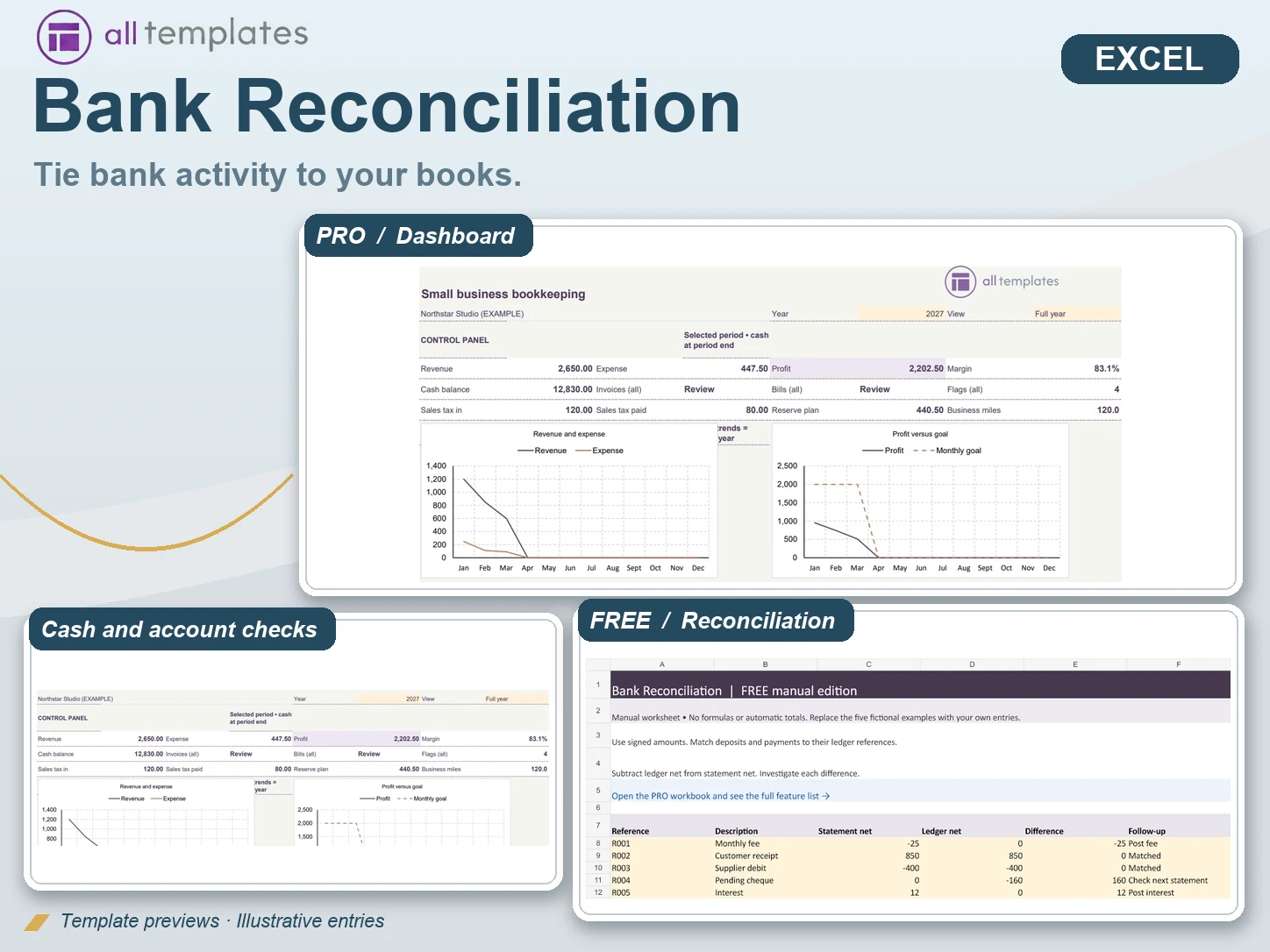
What’s inside the Bank Reconciliation workbook
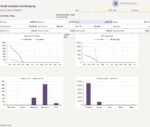
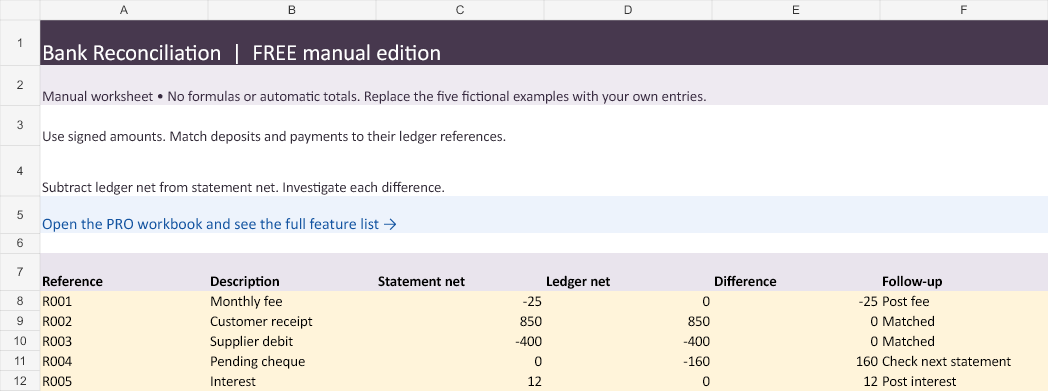
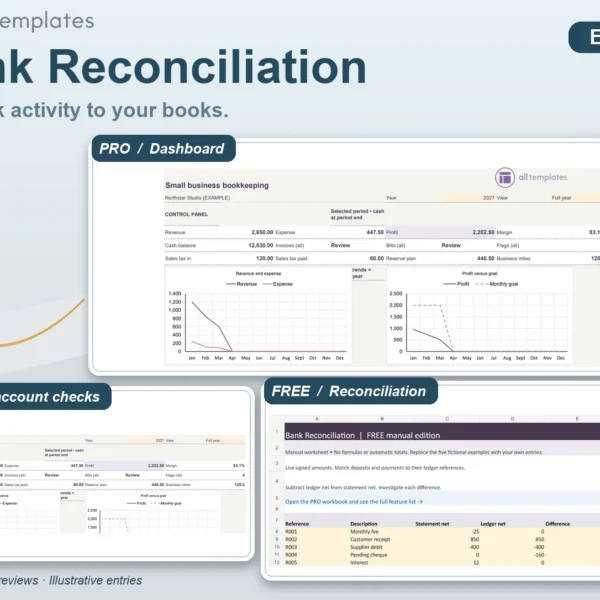
Owners and bookkeepers matching statement activity to the ledger. PRO includes a transaction register, cleared-balance checks and two reconciliation views. Review one account and cutoff at a time, with statement and ledger records to hand.
Free versus PRO
| Feature | Free manual starter | PRO workbook |
|---|---|---|
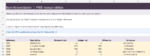
| Working views | Reconciliation with five fictional rows | Transactions · Bank check · Monthly Bank Reconciliation · Statement reconciliation |
| Calculations | Enter results manually. No worksheet formulas. | Summarizes cleared entries and calculates reconciliation differences |
| Download | One editable .xlsx file | One .xlsx file with instructions and example data |
Download the Free manual worksheet (.xlsx)
How to use it
- Gather the statement and ledger for the same account and date. Enter or verify the underlying transactions with their account and references.
- Mark movements that cleared by the cutoff. Compare the cleared book balance against the statement in Bank check or Statement reconciliation.
- Separate timing items from missing entries, document each adjustment and confirm the adjusted balances agree.
Use cases
- Monthly close. Match statement transactions to ledger entries and sign off the adjusted balance.
- Bank fee review. Identify a charge on the statement and verify the appropriate entry.
- Outstanding items review. Carry an uncleared cheque forward and check it on the next statement.
Do a bank reconciliation in Excel with a worked statement and ledger example
Try it with a worked example
Start with a $2,000 statement balance, a $350 deposit in transit and a $100 outstanding payment. The adjusted bank balance is $2,250. Compare it with the ledger and investigate any difference before closing the period.
All you need to know about bank reconciliation
Explain the difference between the bank statement and your books at a common close date.
Build the foundation
- Compare the statement and ledger at the same date, for the same bank account.
- Tie opening balance to last month's approved reconciliation.
- Match by amount and reference, then review deposits that settle as batches.
- Flag cleared transactions using the statement cutoff date.
- Carry deposits in transit and outstanding cheques as timing differences.
Put it into practice
- Record verified statement items missing from the ledger, such as bank fees.
- Check transfers in both bank accounts and use separate references on each side.
- Investigate repeated or stale reconciling items with the original evidence.
- Require adjusted bank and adjusted book balances to agree.
- Archive the statement, outstanding-item list and review sign-off together.
Templates and references
Frequently asked questions
What is the reconciliation date?
Use the statement closing date and take the ledger balance at that same cutoff.
Why subtract outstanding cheques from the bank side?
They have reduced the books but have yet to clear. Subtracting them brings the statement side to the same basis.
Does a deposit in transit require a new journal entry?
If the deposit is already recorded correctly, carry it as a timing item until the bank shows it.
How do I reconcile a bank fee?
Verify the charge on the statement, then post it to the appropriate ledger account and match it.
What if the statement has one deposit for many payments?
Use the processor or deposit batch report to tie the individual payments to the net bank amount.
How do I handle a bank error?
Document the difference and contact the bank. Track the reconciling item until the bank confirms the correction.
Can I mark a payment cleared after the statement date?
Use its actual clearing date. Carry it as outstanding for the earlier reconciliation.
Is a zero difference sufficient for sign-off?
Check supporting references and completeness. Two offsetting errors can leave the same total.
What if an outstanding cheque is several months old?
Investigate its status and document any approved cancellation or reissue under your procedures.
Why do bank and book balances differ for transfers?
The two accounts can settle on different days. Match each leg to the relevant statement and follow up on the unsettled leg.
2 reviews for Bank Reconciliation Excel
Clear filters
Morgan Shah –
The monthly reconciliation looks clear. Separating a timing difference from a gap that still needs explaining feels like the right setup.
Michal Kovář –
The workflow makes sense, but the preview is a little small. I’d want to see a worked timing difference from the statement through to the report.