
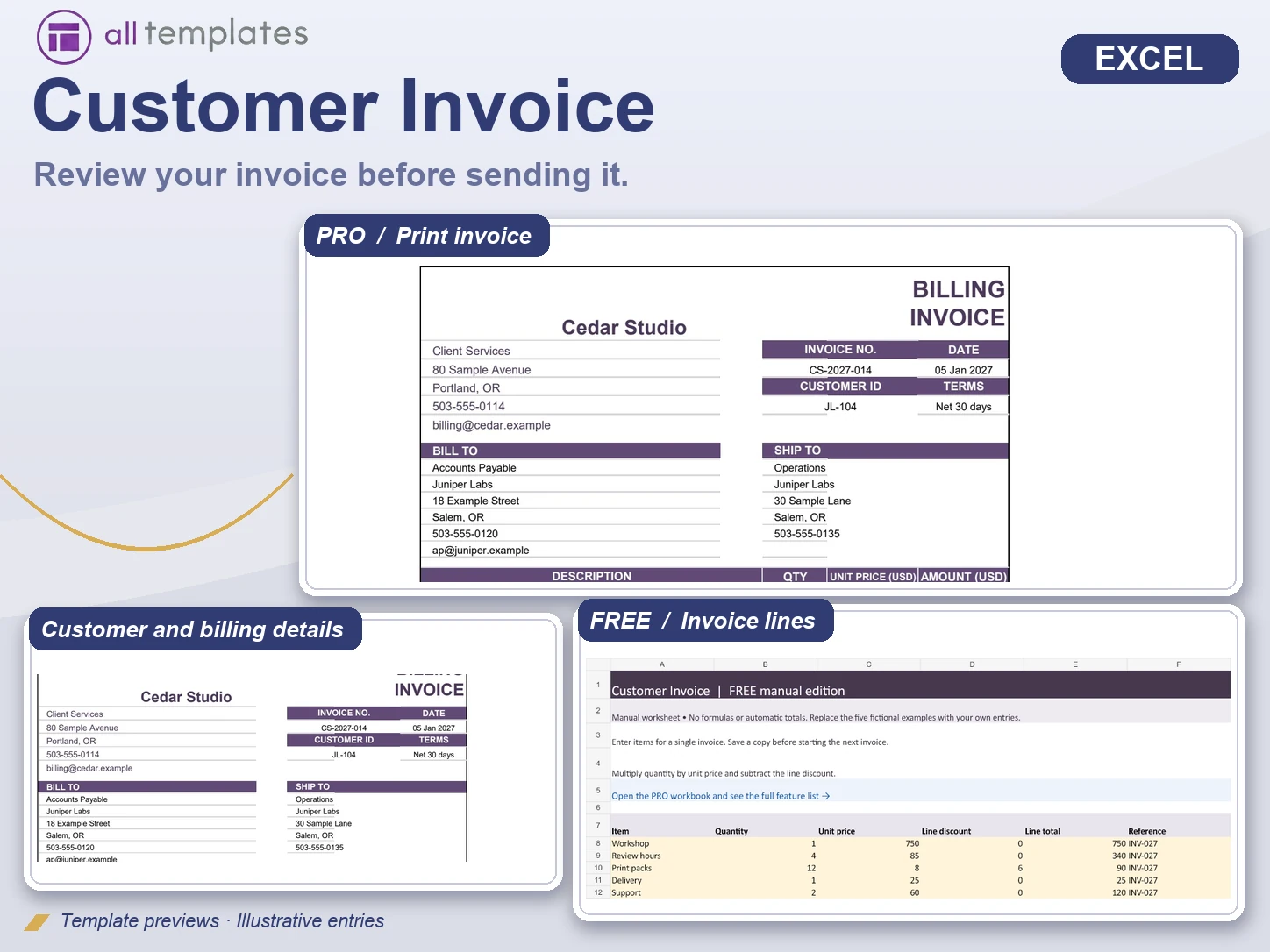
What’s inside the Customer Invoice workbook
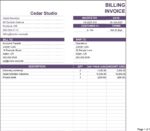
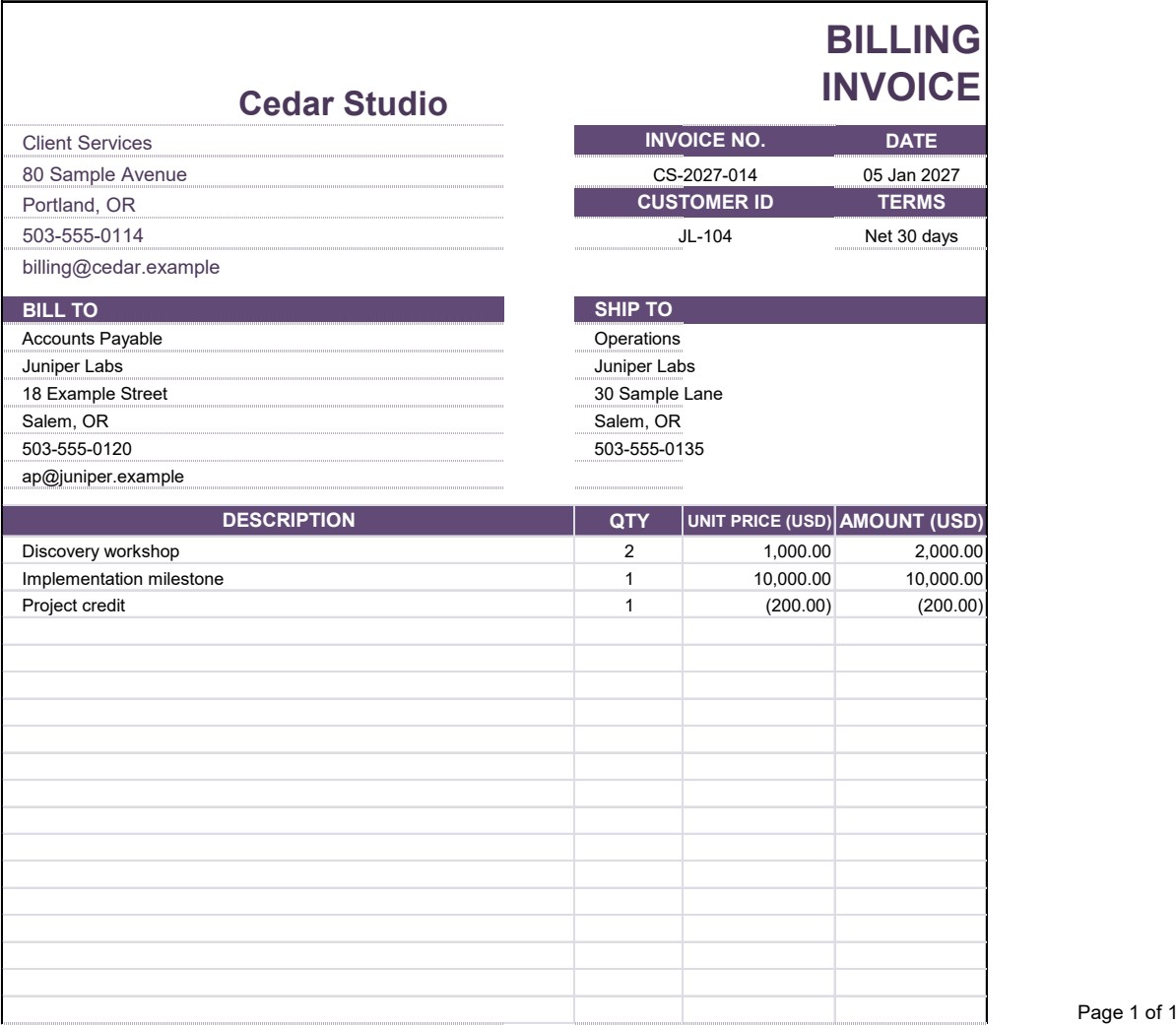
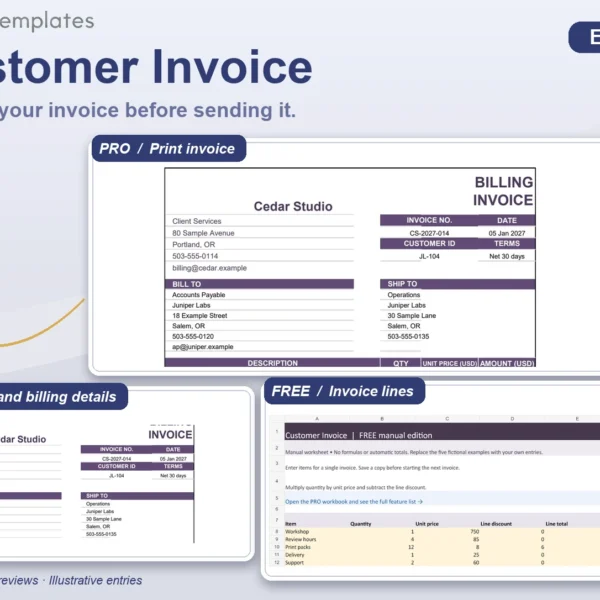
Freelancers and small teams that bill one customer at a time. PRO links invoice entry to a printable invoice and remittance advice. The print layout fits 18 lines per page and supports up to 180 populated lines.
Free versus PRO
| Feature | Free manual starter | PRO workbook |
|---|---|---|
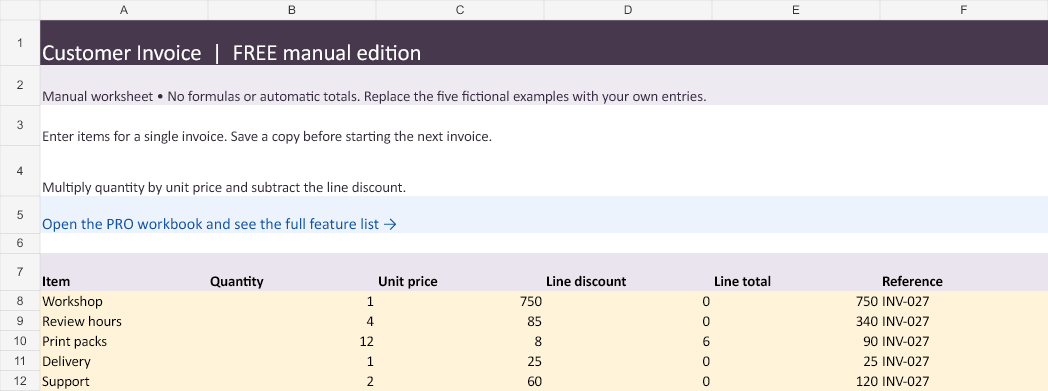
| Working views | Invoice lines with five fictional rows | Invoice entry · Print invoice · Remittance advice |
| Calculations | Enter results manually. No worksheet formulas. | Calculates line extensions and totals and updates printable views |
| Download | One editable .xlsx file | One .xlsx file with instructions and example data |
Download the Free manual worksheet (.xlsx)
How to use it
- Duplicate the workbook for the invoice and enter seller, billing and shipping details, number, date and currency on Invoice entry.
- Enter description, quantity and unit price. Represent a credit with a negative unit price and check the Ready flag.
- Open Print invoice, confirm the total and page breaks, and export the active sheet to PDF.
Use cases
- Milestone billing. Use the project and milestone names the buyer can match to the contract.
- Itemized delivery. Break out hours, supplied units and a separate credit for an agreed deduction.
- Accounts payable handoff. Provide the purchase-order reference and matching remittance advice when the customer requires it.
How to make an invoice in Excel, with a worked discount and deposit example
Try it with a worked example
For a sample invoice, enter three hours at $80 and two at $60. The subtotal is $360 before any applicable tax or discount. Verify the due date, payment terms and customer details in the final copy.
All you need to know about customer invoice
Turn agreed work into an invoice the customer can verify and pay.
Build the foundation
- Use a unique invoice number so payments and later corrections can be matched.
- Bill the legal customer entity named in the agreement.
- Put the purchase order or engagement reference where the buyer can find it.
- Use understandable descriptions with quantities and units that match the delivery record.
- Spell out the due date even if the contract already gives a payment term.
Put it into practice
- Confirm the currency and use the same currency for every line.
- Show agreed deductions clearly so the buyer can reproduce the subtotal.
- Verify applicable tax fields and reporting requirements with the relevant authority.
- Confirm changed remittance details through a known contact before issuing.
- Export the print view, check every page and archive the exact copy sent.
Templates and references
Frequently asked questions
What is the difference between an invoice and a receipt?
An invoice requests payment for a sale. A receipt records payment that has been made.
Should I include both payment terms and the due date?
Yes. Show the agreed term and the actual calendar date so the buyer can schedule payment.
Where does the purchase-order number go?
Include it as a reference the buyer's accounts payable team can match to its order.
How do I invoice work billed in hours?
Give the work a recognizable description, then put billable hours in quantity and the hourly rate in unit price.
How do I show a line credit?
Use a separate, labeled negative amount and verify the net subtotal against the agreement.
Can I combine two currencies on one invoice?
Agree one invoice currency with the customer or issue separate invoices if your agreement calls for separate currencies.
Where should a deposit appear when billing the balance?
Show the relevant contract or earlier invoice reference and make the amount still due explicit. Check the applicable treatment before offsetting the deposit.
What should I check in a multi-page PDF?
Check page breaks, line descriptions, the final total and the payment instructions before sending.
What if I issued an invoice with the wrong amount?
Retain the original record and follow the applicable correction process, linking the correction to the original number.
Should a regular subscription have the same invoice number each month?
Use a separate invoice number and show the billing period so payments can be matched accurately.
2 reviews for Customer Invoice Excel
Clear filters
Rafael Quiñones –
The separate print view is a nice touch. I’d like one larger preview of how an invoice looks with several lines.
Jules Brennan –
Entry on one sheet and a clean print view on another is exactly what I wanted. The remittance section is a handy detail.