


What’s inside Finance Starter Kit
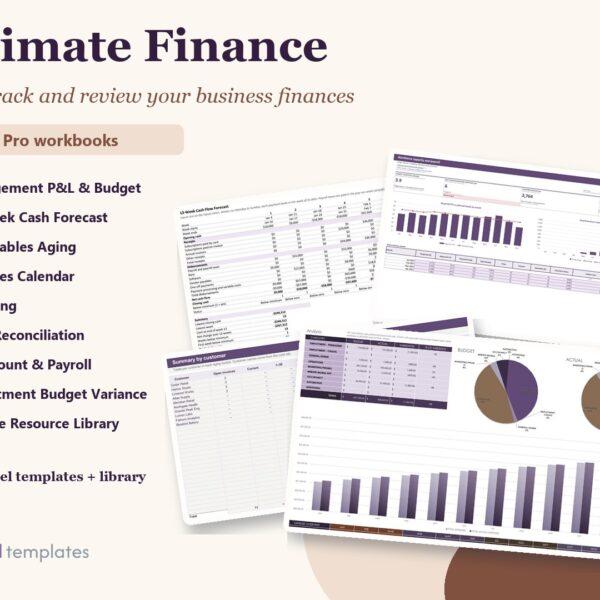
- 15 Pro Excel workbooks. Plan payroll and headcount, create invoices, forecast cash and revenue, track receivables and payables, reconcile bank accounts, review budgets, calculate break-even, close the month, and more.
- Plus three Pro bonuses. Small Business Bookkeeping, Business Plan (Word + Excel), and 24-Month Budget & P&L.
- Bonus Finance Resource Library. 50 annotated sources for modeling, company filings, borrowing costs, and operating assumptions.
$29 one time. Eight core workbooks are also available individually. The kit includes all 15 plus the bonuses and resource library.
Pro bonuses included
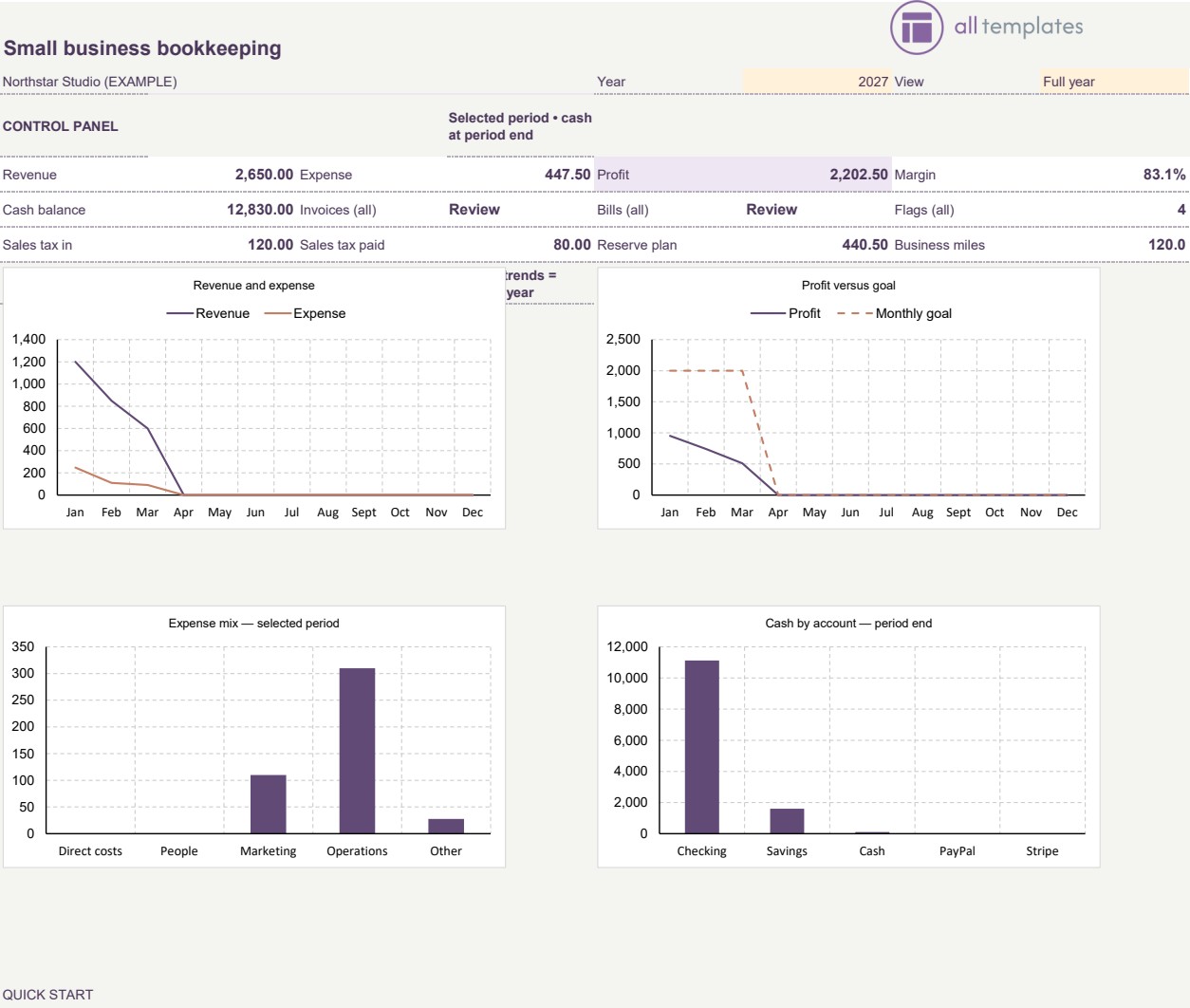
- Small Business Bookkeeping connects a cash ledger with invoices, bills and bank checks. The PRO workbook is inside the ZIP.
- Business Plan pairs an editable Word plan with a financial model and worked example. Its complete PRO package is inside the ZIP.
- 24-Month Budget & P&L is provided as an additional Excel PRO download alongside the kit ZIP.
Inside the kit
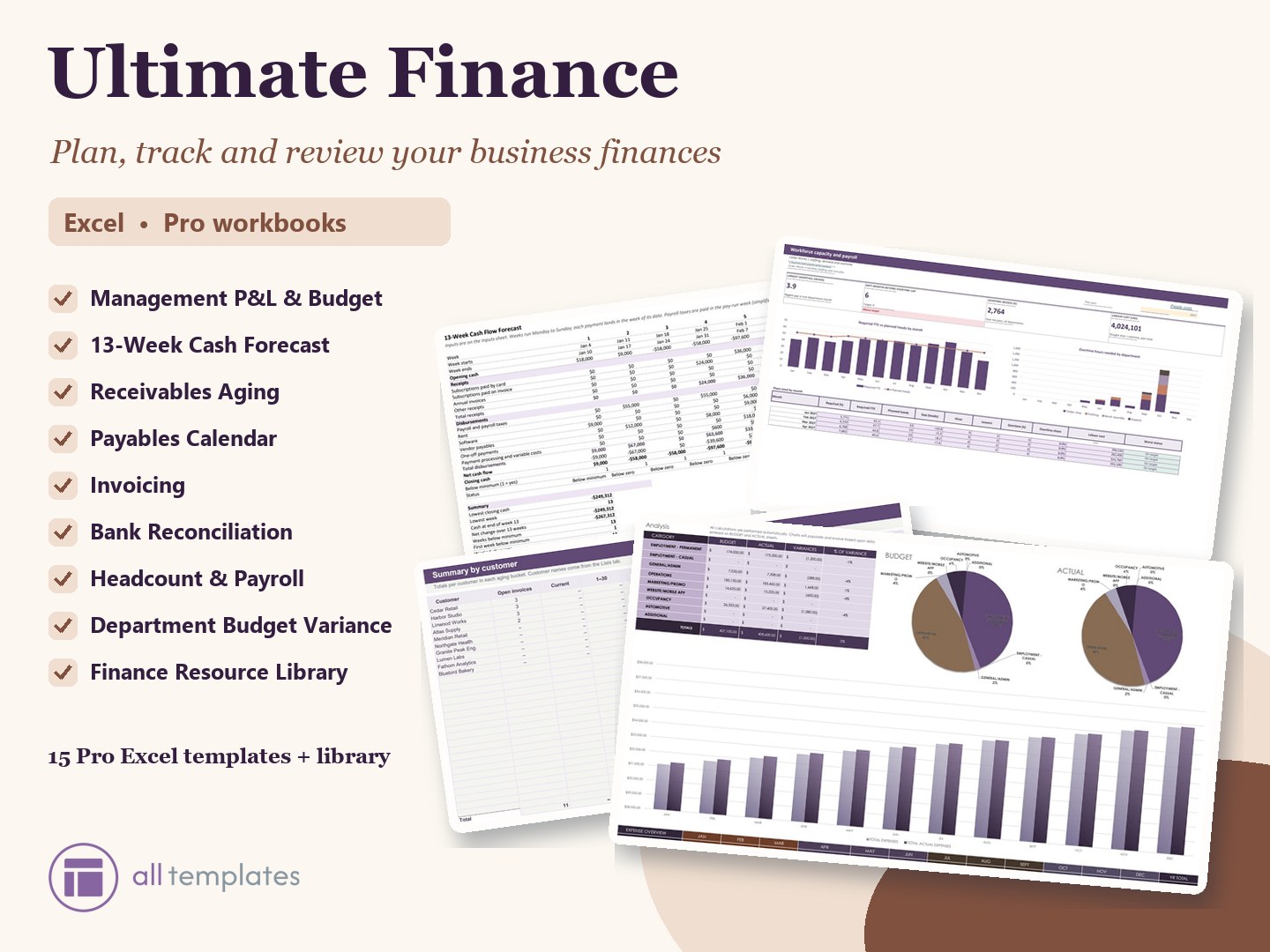
Management P&L and Budget
Compare actual sales, direct costs, payroll and other operating expenses with the approved budget. Read gross profit and operating profit separately before explaining the variance.
13-Week Cash Forecast
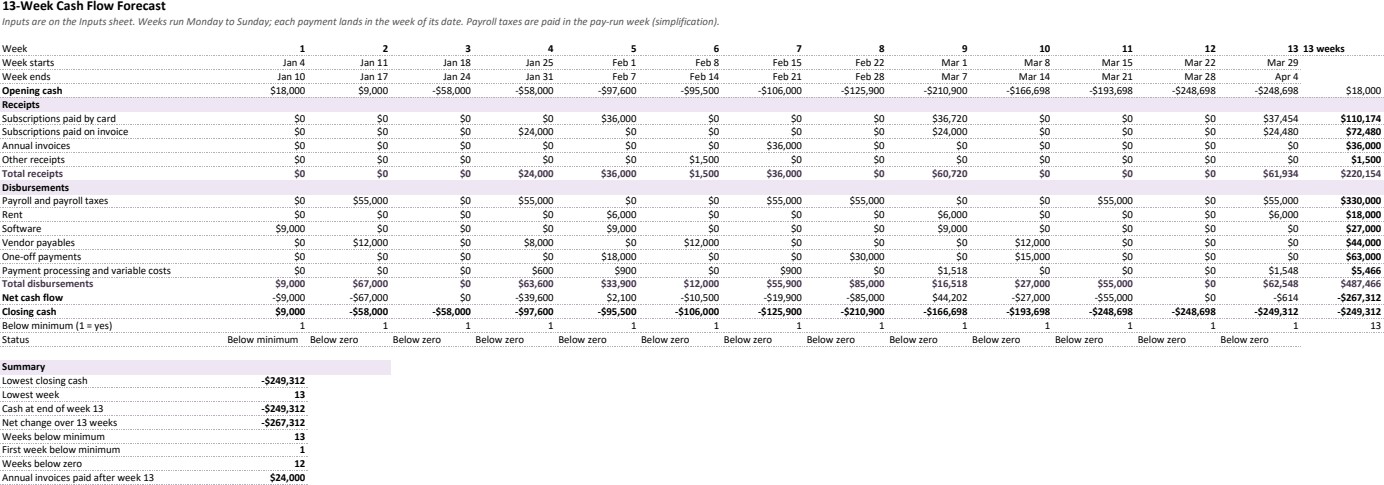
Sequence receipts and payments across thirteen weeks. Find the lowest cash point before committing to a supplier payment or a new hire.
View individual workbook and manual free starter
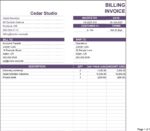
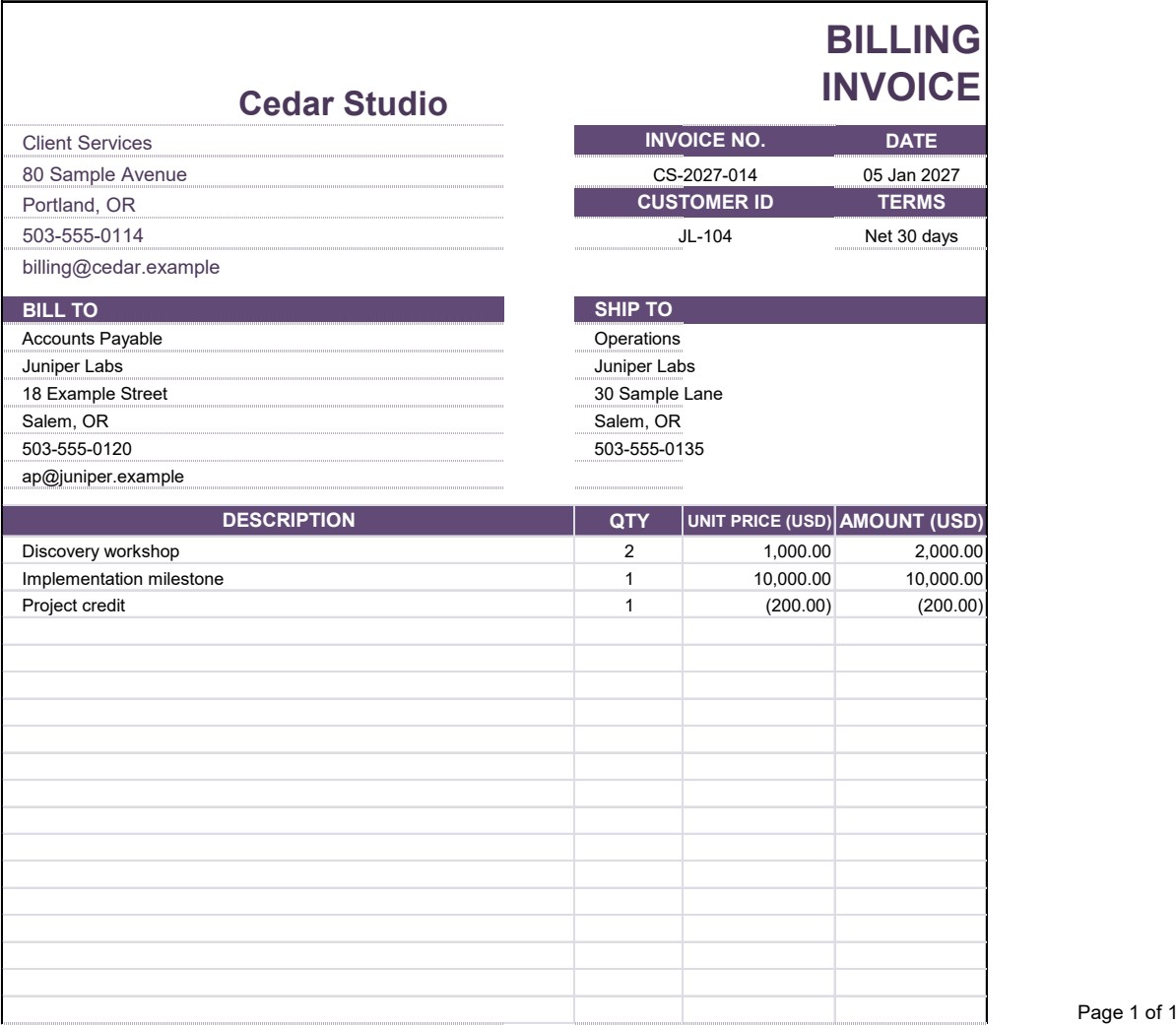
Customer Invoice
Enter customer and line details, then switch to a separate print view. Review remittance instructions and the invoice total before sending it.
View individual workbook and manual free starter
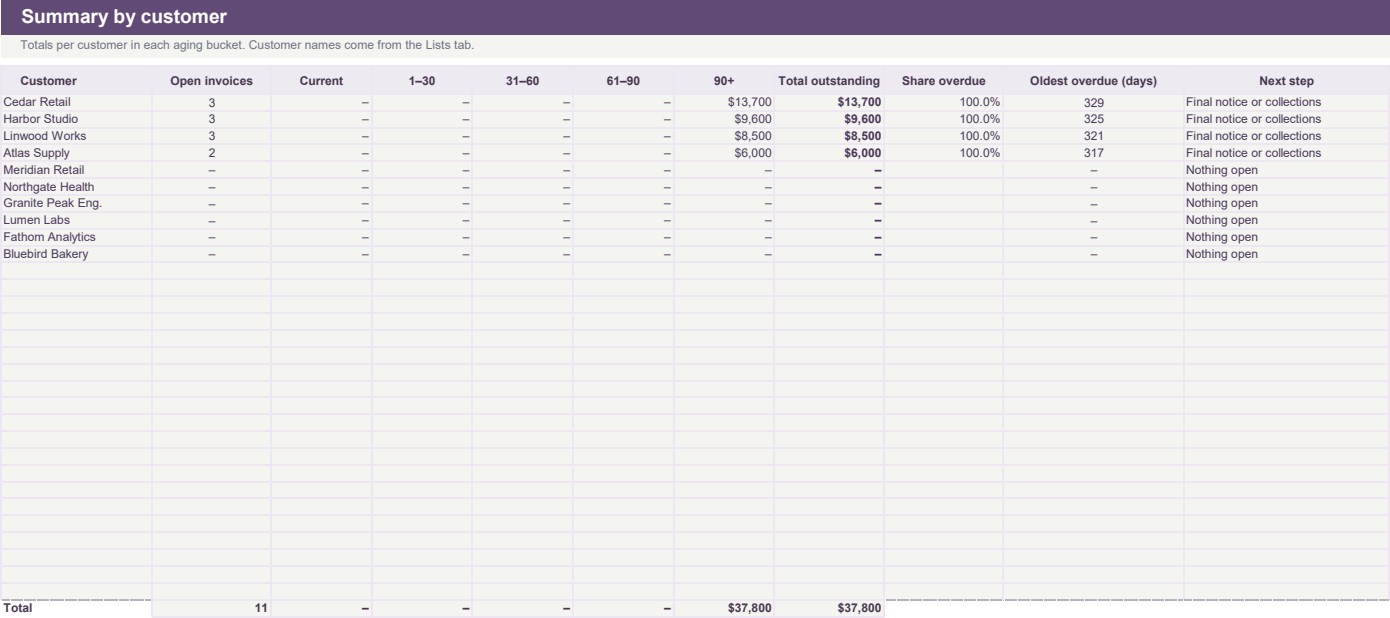
Accounts Receivable Aging
Review invoice balances and collection priorities. Separate disputed amounts and part-paid invoices from items ready for follow-up.
View individual workbook and manual free starter
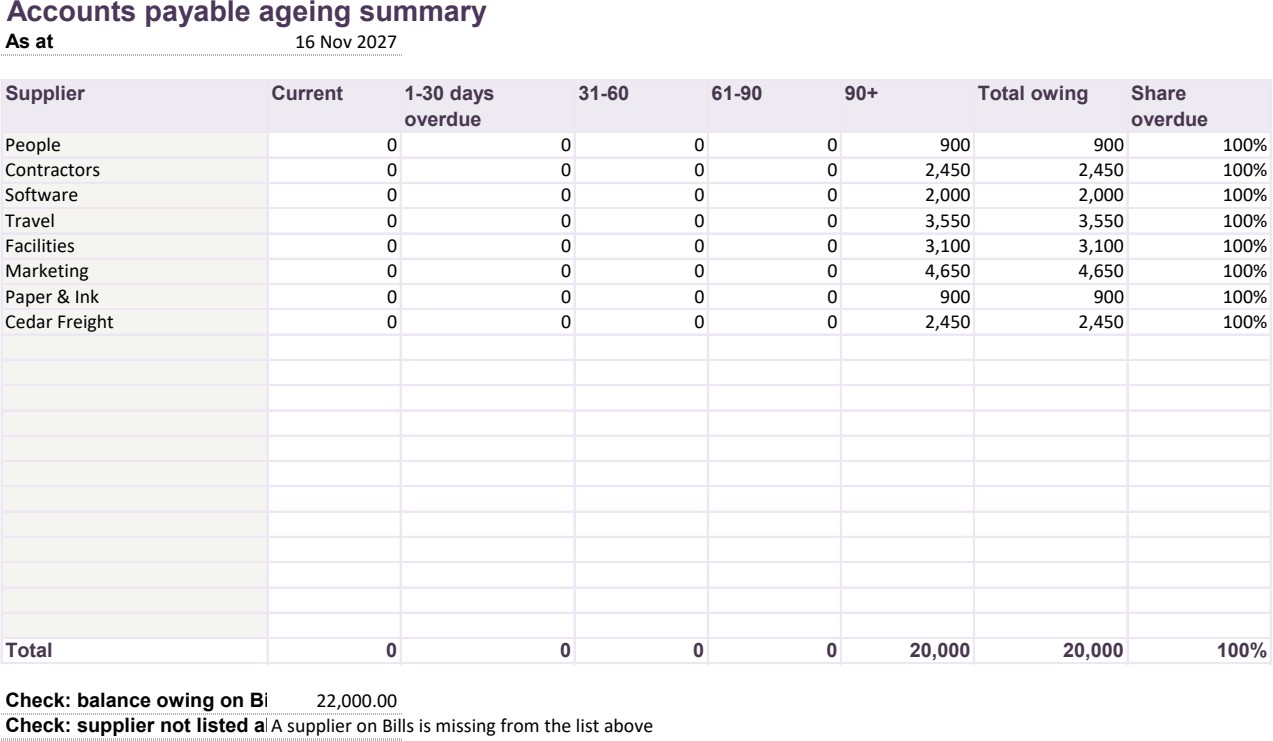
Accounts Payable Calendar
Schedule supplier bills by due date. Check the open amount before authorising a payment run and review the ageing summary afterwards.
View individual workbook and manual free starter
Bank Reconciliation
Match bank movements to the ledger, identify timing differences and explain the remaining gap. Use the monthly reconciliation alongside the dashboard.
View individual workbook and manual free starter
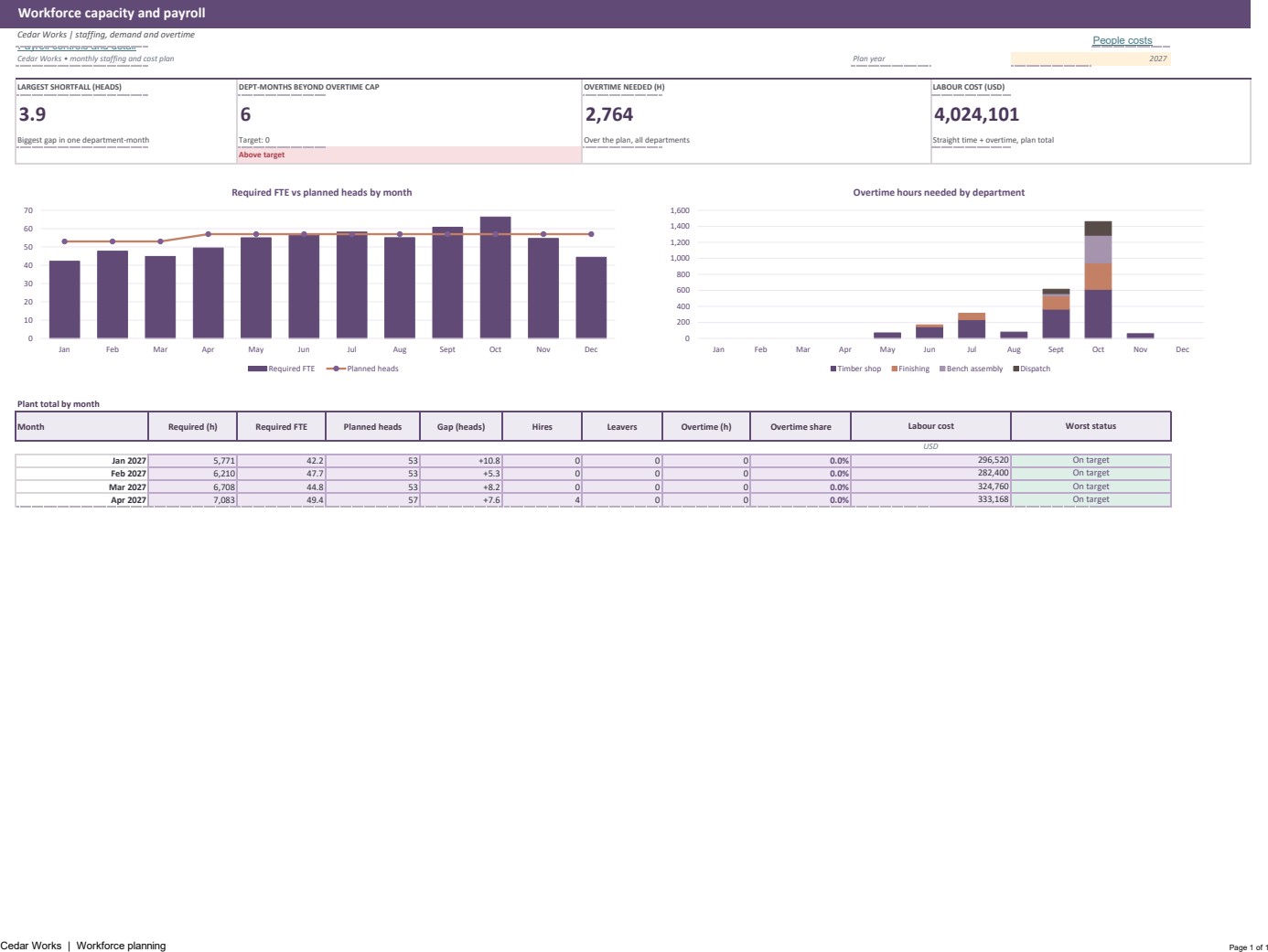
Headcount and Payroll Plan
Plan productive hours, staffing needs and payroll by role. Separate production labour from salaried support to avoid counting the same people cost twice.
View individual workbook and manual free starter
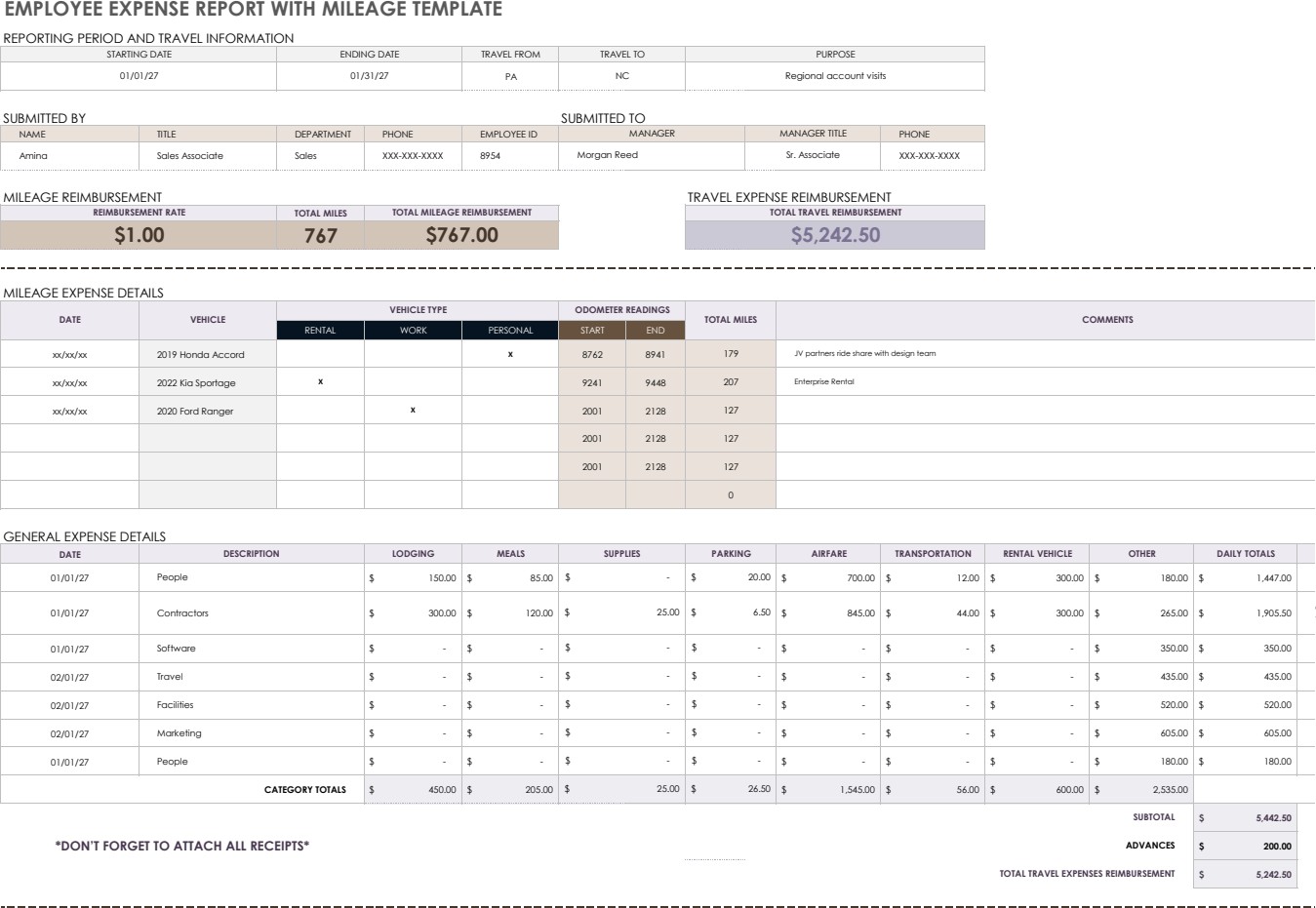
Expense and Reimbursement Register
Record expense claims and mileage, then review reimbursement amounts. Use a claim reference to follow a payment back to the supporting details.
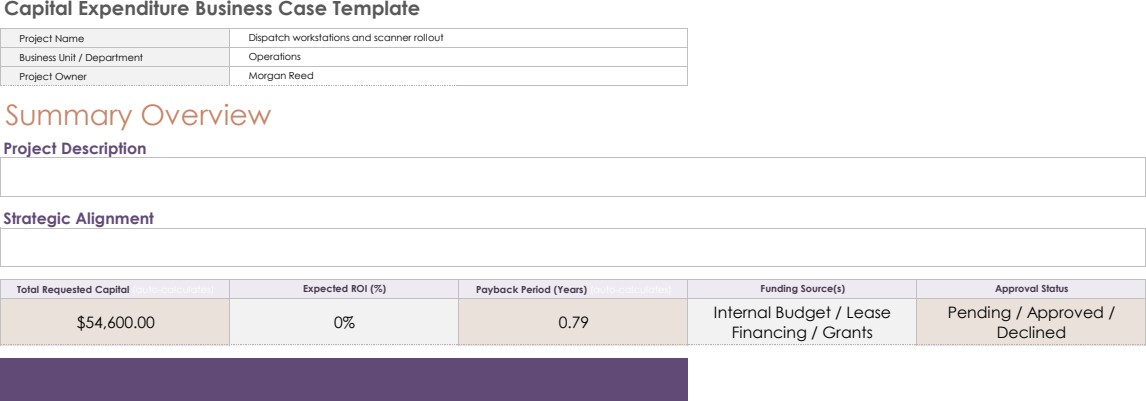
Capital Expenditure Plan
Build the case for a capital purchase with cost breakdowns, benefits, risks and approvals. Review payback alongside the operational reason for investing.
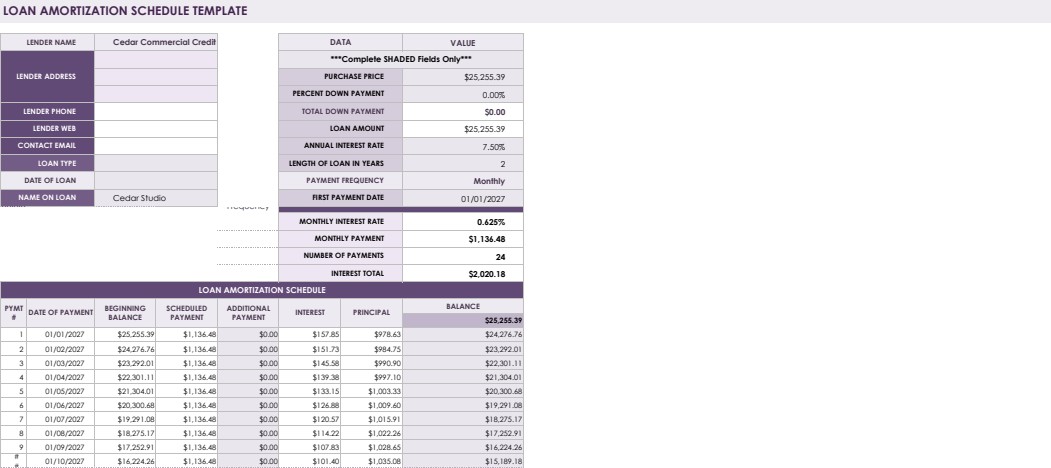
Debt and Interest Schedule
Track how each payment reduces principal and how much goes to interest. Compare the remaining balance with the lender statement at the same date.
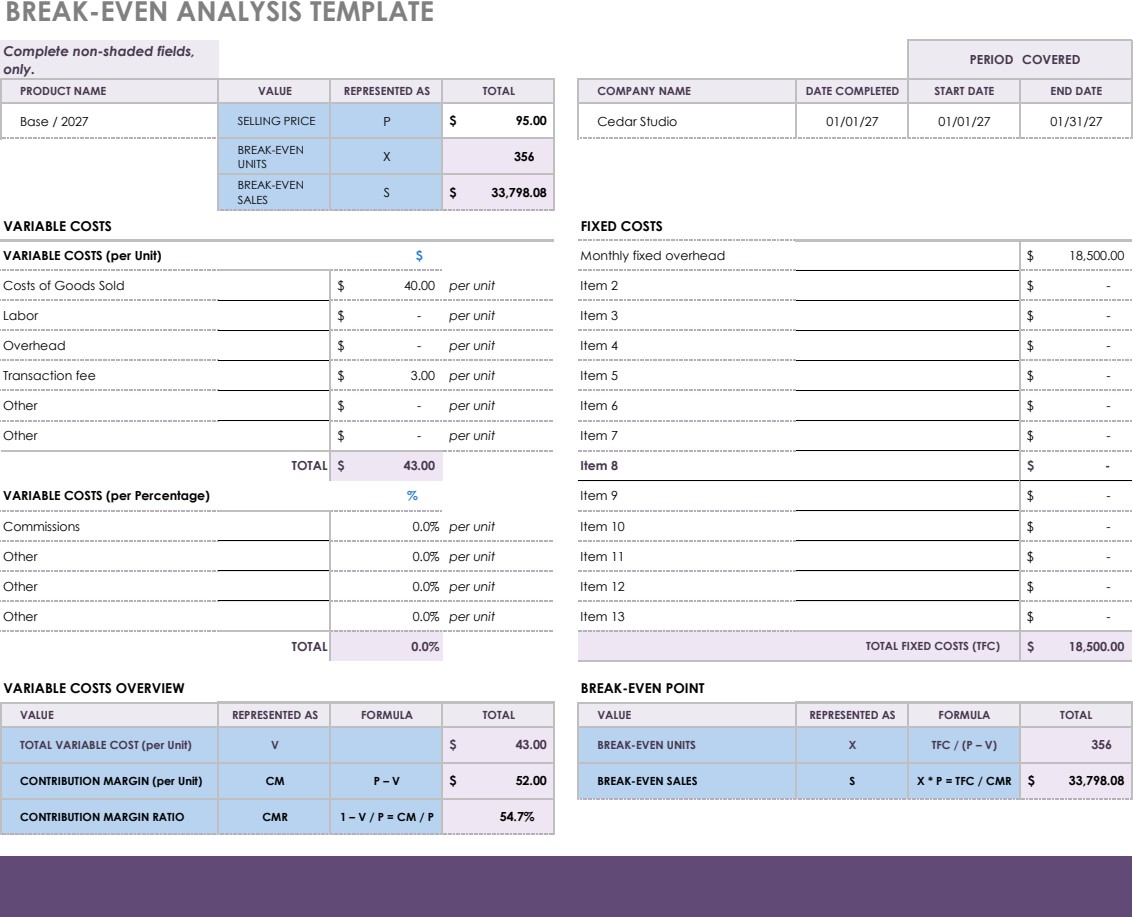
Break-Even and Pricing
Compare price, variable cost and fixed overhead across offers. Read the required sales volume before accepting a discount or adding monthly overhead.
View individual workbook and manual free starter
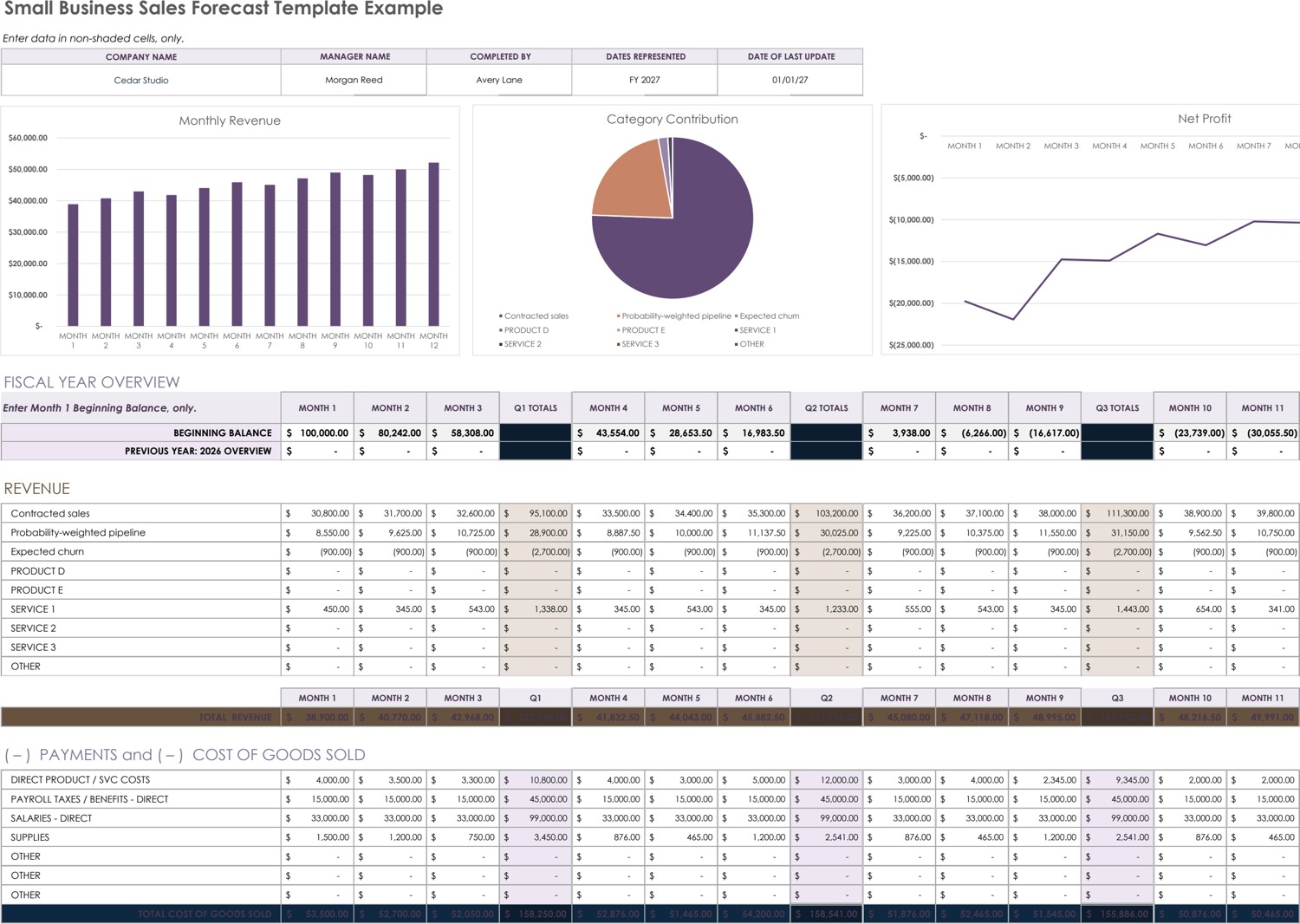
Rolling Revenue Forecast
Translate shifts in customer demand into a rolling sales outlook. Keep period assumptions visible when comparing two versions of the forecast.
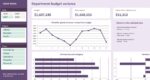
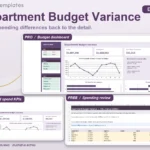
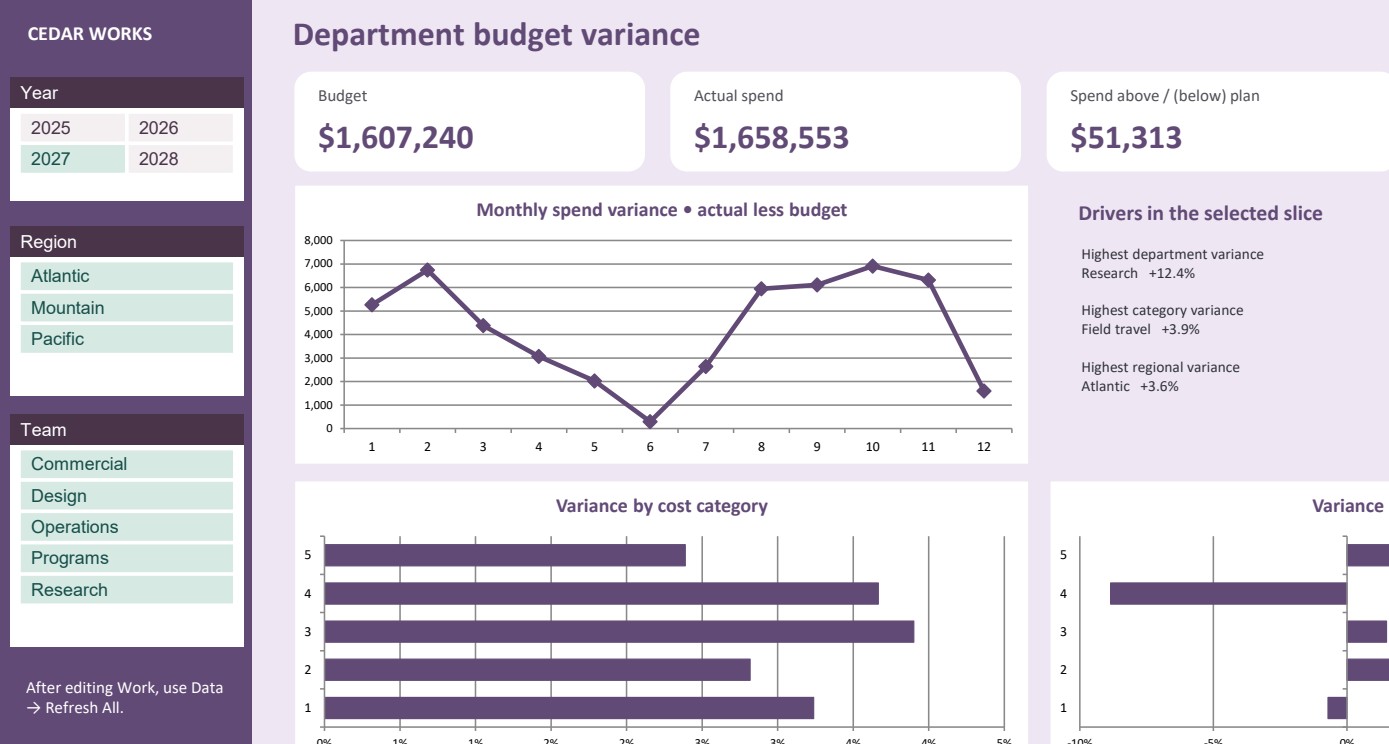
Department Budget Variance
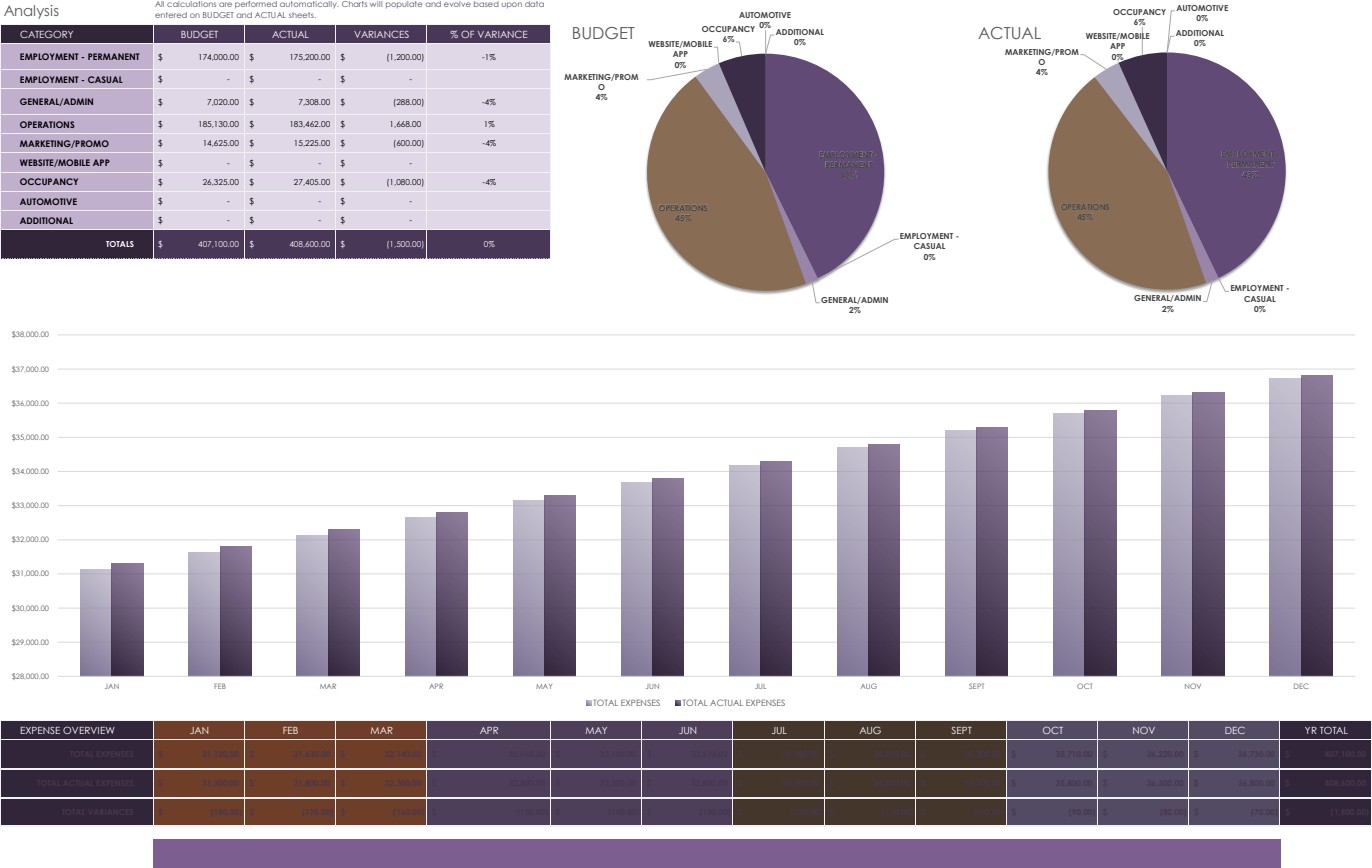
Compare approved spending with actuals by department. Find the transactions behind a variance before assigning it to timing, volume or price.
View individual workbook and manual free starter
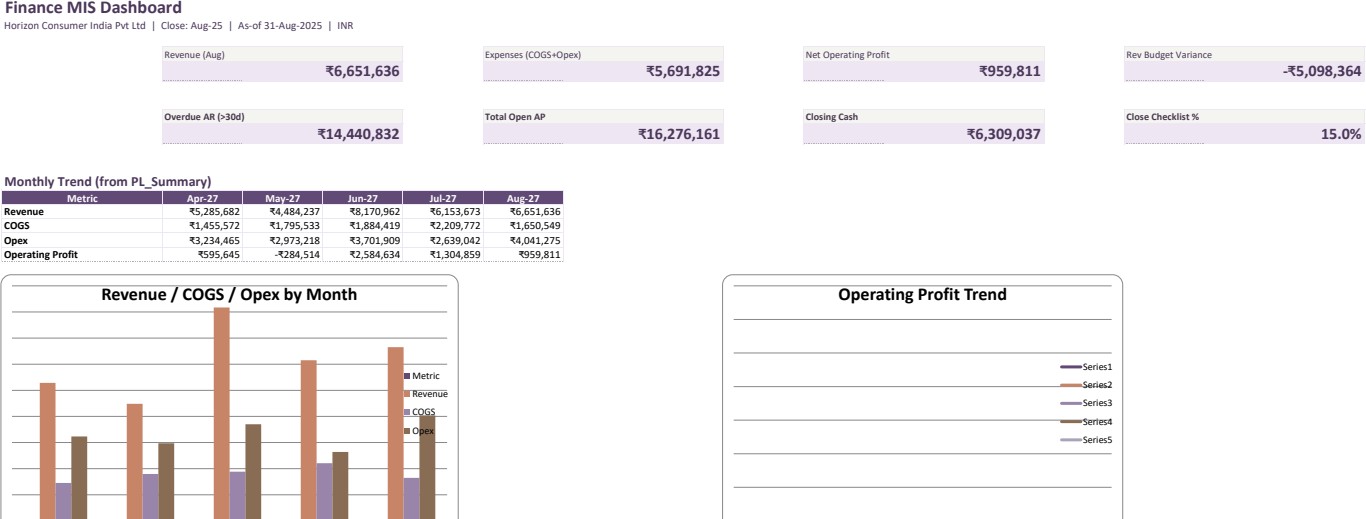
Month-End Close Checklist
Coordinate the close with a checklist, ledger detail and management reporting. Review unresolved reconciling items before signing off the period.
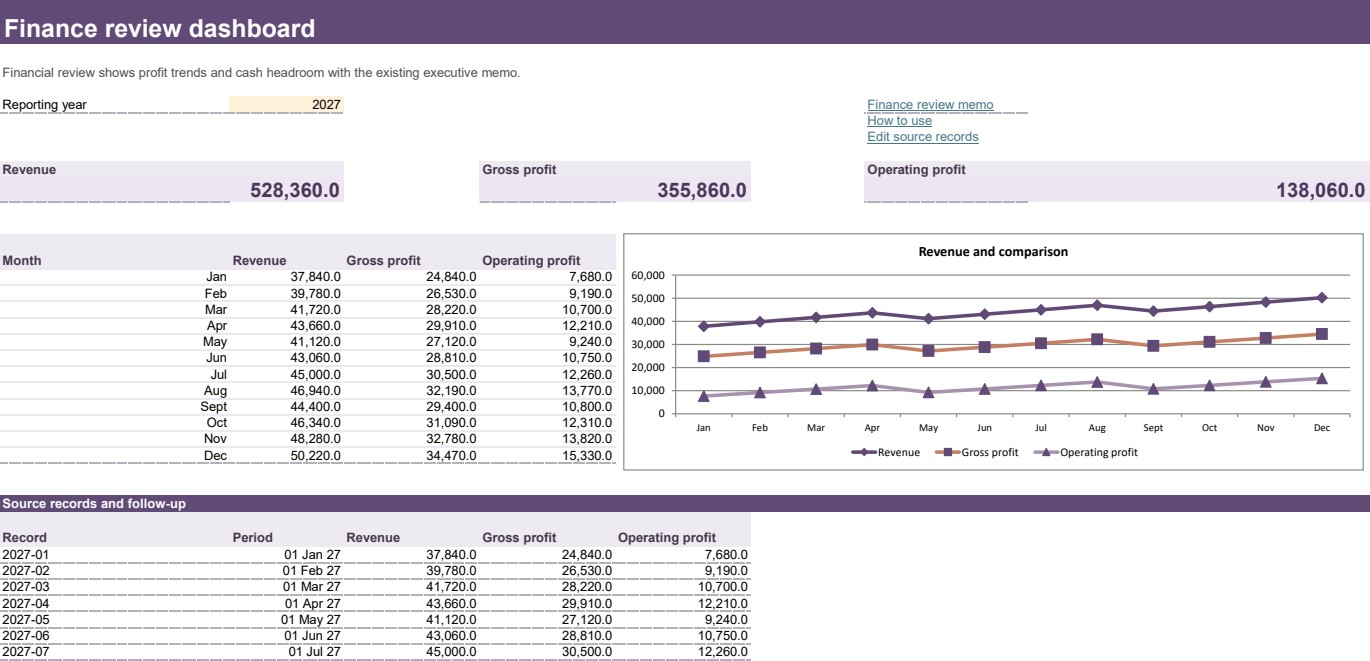
Finance Management Review
Bring financial results into a review memo. Capture a decision, an owner and a follow-up date alongside the figures used in the meeting.
Standalone availability and prices
| Workbook | Individual price | Availability |
|---|---|---|
| Management P&L and Budget | $5 | Planned |
| 13-Week Cash Forecast | $5 | Launch selection |
| Customer Invoice | $3 | Launch selection |
| Accounts Receivable Aging | $4 | Launch selection |
| Accounts Payable Calendar | $4 | Launch selection |
| Bank Reconciliation | $4 | Launch selection |
| Headcount and Payroll Plan | $5 | Launch selection |
| Expense and Reimbursement Register | $3 | Planned |
| Capital Expenditure Plan | $5 | Planned |
| Debt and Interest Schedule | $4 | Planned |
| Break-Even and Pricing | $3 | Launch selection |
| Rolling Revenue Forecast | $5 | Planned |
| Department Budget Variance | $5 | Launch selection |
| Month-End Close Checklist | $4 | Planned |
| Finance Management Review | $5 | Planned |
How to start
Unzip your download, save a working copy and choose the workbook that answers this week’s decision. For a payment run, review receivables and payables before updating the cash forecast. For a monthly review, reconcile bank activity and compare results against budget before writing the review memo. Each workbook maintains its own data.
Related products
Business Plan PRO · Small Business Bookkeeping PRO
All you need to know about a finance review
- Fix the cut-off date.
- Use one reporting currency per review.
- Reconcile the opening cash position.
- Separate invoices from receipts.
- Identify overdue amounts before moving expected collection dates.
- Check payment commitments against available cash.
- Explain the largest department variances.
- Separate payroll timing from hiring changes.
- Flag unusual one-off costs.
- Assign a named owner and next step to each decision.
Read the worked finance review guide
Frequently asked questions
Which file should I open first?
Choose the decision in front of you. Use the cash forecast for short-term liquidity or the management P&L for operating performance.
Can I start with invoicing?
Use Customer Invoice for preparation and printing, then use Receivables Aging to follow up on amounts still owed.
How do I plan a payment run?
Review the payable calendar and compare the proposed dates against the lowest projected weekly cash balance.
Are the files connected to each other?
Each workbook is independent. Carry reviewed balances between files using the same dates, currency and cut-off.
How do I distinguish a profit from a cash movement?
Record a sale in the reporting period under your policy and place its receipt on the date you expect cash to arrive.
Where can I investigate an overspend?
Start with Department Budget Variance, then investigate the transactions and discuss timing or price changes with the budget owner.
What should I keep after a review?
Save the approved assumptions, the decision and a dated copy so you can compare the next forecast with what was known today.
What is in the 50-source library?
A clickable HTML guide covering models, company filings, borrowing costs, operating assumptions and international data.
Do I need every workbook for a small team?
Start with the current constraint. Weekly cash and collections are a natural pair; add hiring, capital or price analysis when those decisions arise.
How does the kit price compare with individual workbooks?
The eight workbooks currently sold separately cost $33 in total. The remaining seven are available in the kit. The $29 kit also includes three Pro bonuses and the resource library.
2 reviews for Ultimate Finance
Clear filters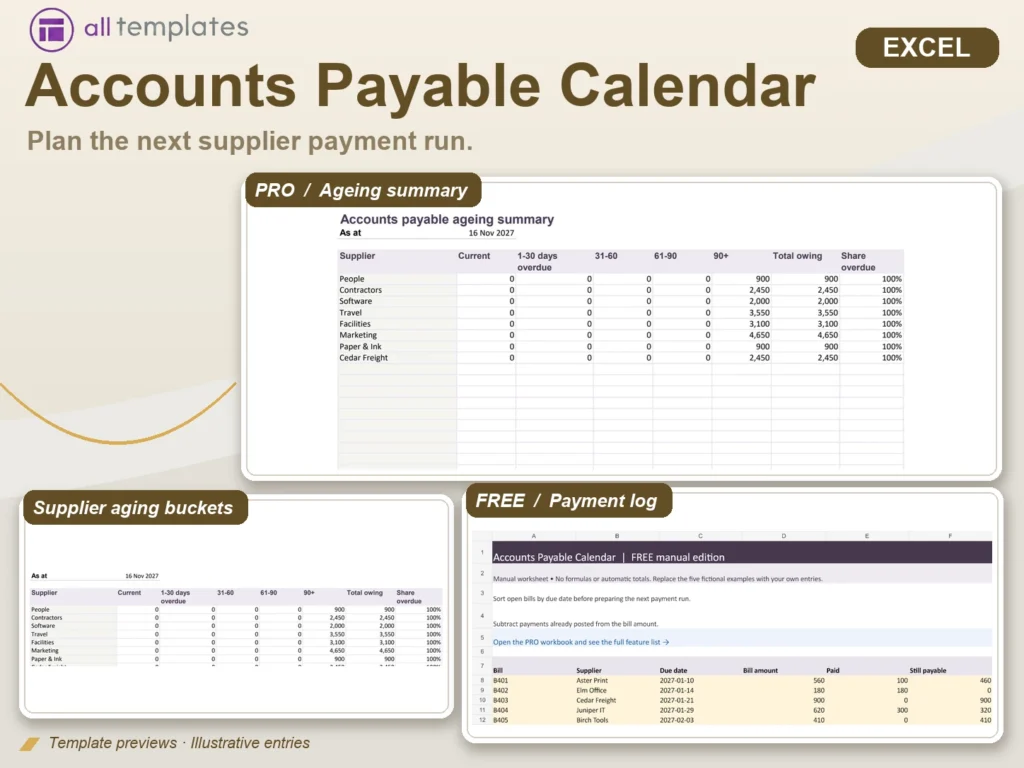
Youssef Bennani –
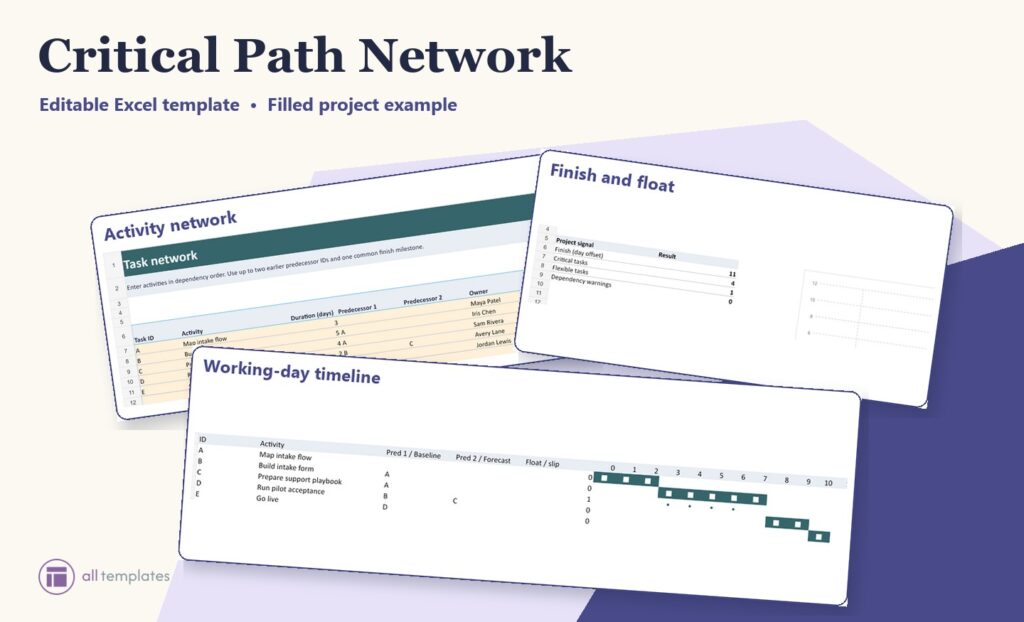
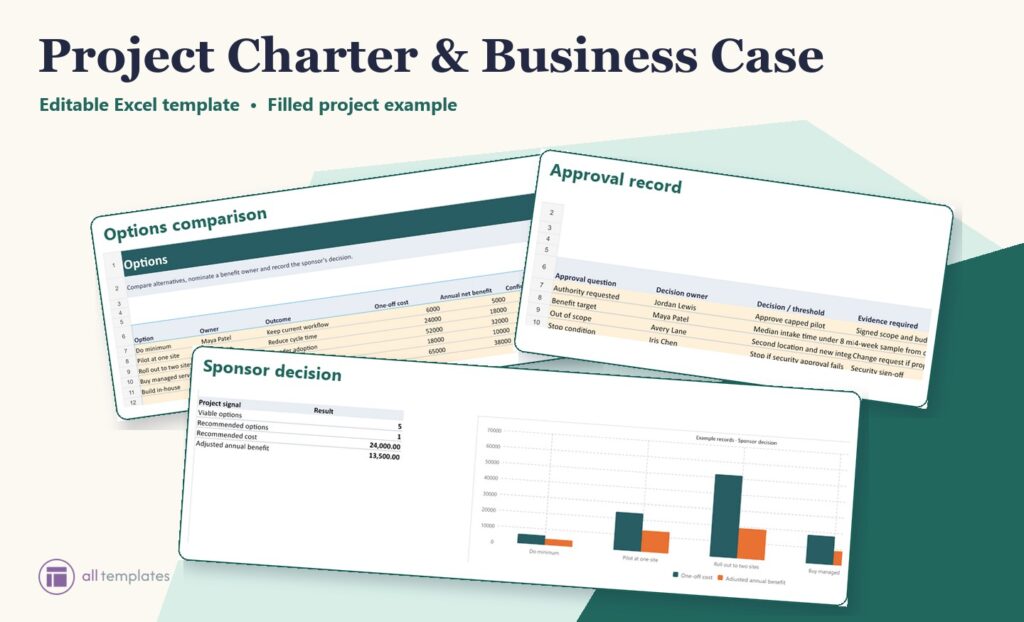
The filled examples make the bundle easier to assess. I would have liked a suggested order for opening the files for the first time.
Eline Voss –
The examples are what caught my eye. I can see using the cash and aged-invoice views for the weekly review and pulling a different workbook out at month-end.